Build a working drawer with permanent hanging folders and removable project packets. Follow a print job from quote to closeout without losing the approved copy.
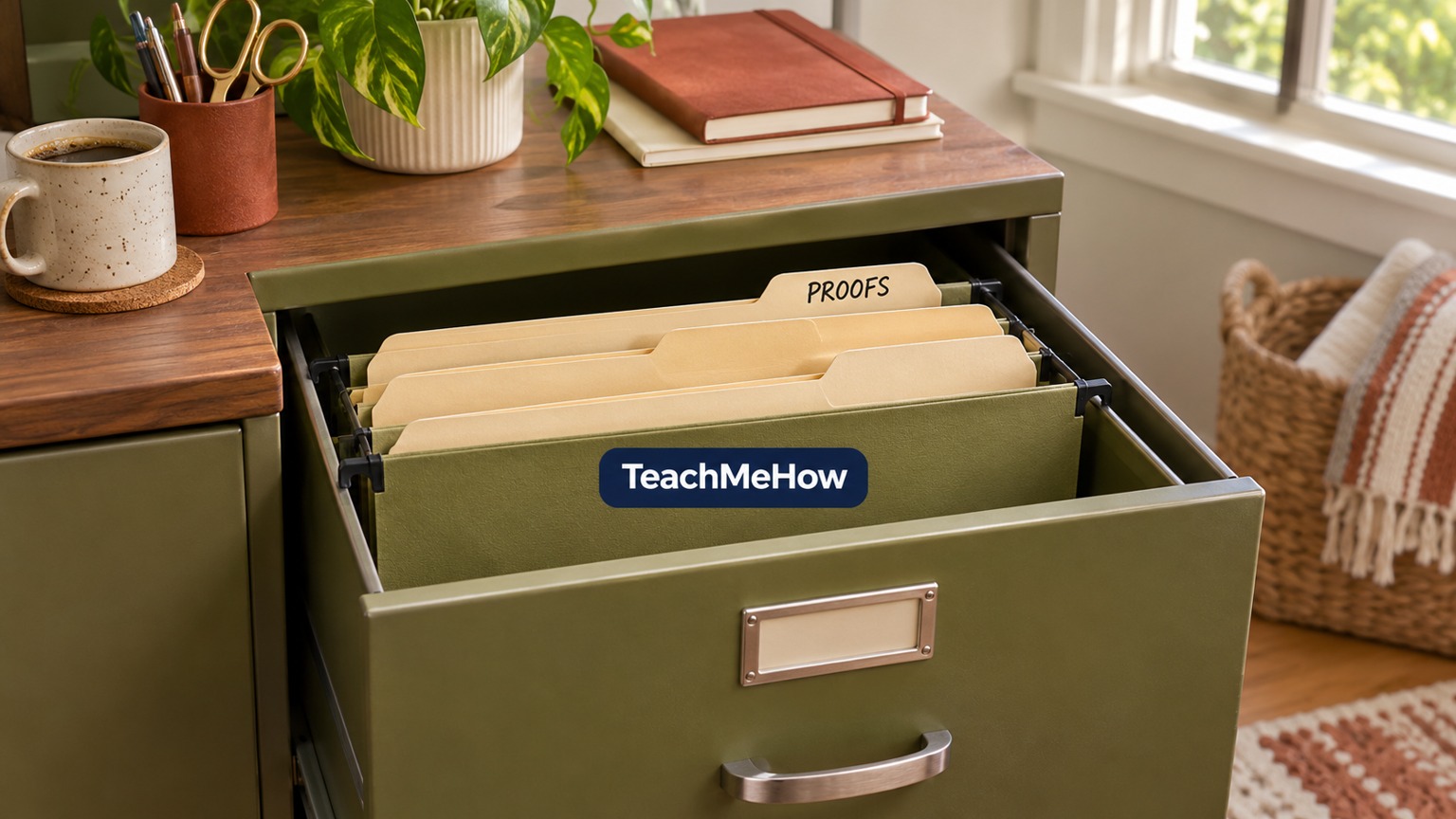
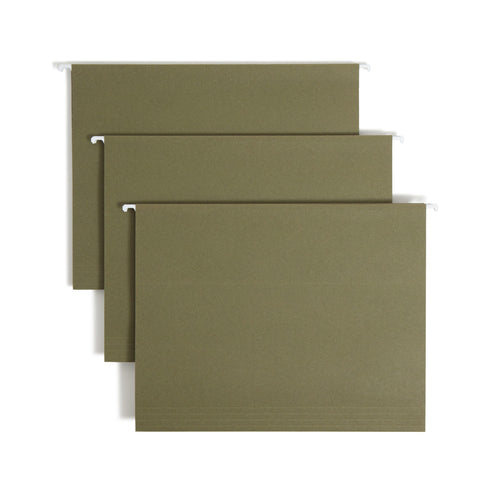
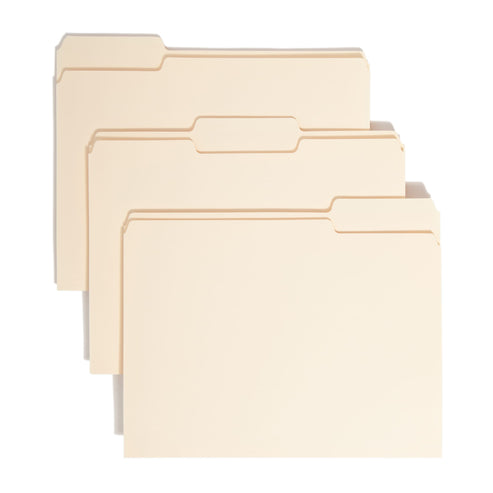
Quick answerGive each active project a hanging folder that stays in the drawer and an inner folder that can travel to the desk. Put the project name and a short ID on both. Add a second inner folder only when someone regularly needs to remove one part of the project while leaving another part behind.
Start with three actual jobs
Put three current jobs on the desk. Choose one nearly finished job, one with frequent changes, and one that has just started. Ask how you look for each one on a busy day. A printer might hear “the Oak Street menus” much more often than the formal purchase-order number. Write Oak Street Menus at the start of the tab and the short job number after it. Keep the long purchase-order number on a cover sheet.
Check that your hanging folders fit, including their tabs, and that there is room to spread them apart with one hand. If you have a secondhand cabinet with loose rails, measure and test the file drawer before loading it. Reserve a neutral spot for new paperwork until you know which job owns it. An incoming paper tray with a regular review works for that purpose.
1. Make a permanent home for each job
Label a hanging folder and a matching inner folder for each of the three jobs. Write the same ID on the first sheet inside. If there are two projects for one client, give each project its own ID. “Oak Street / Lunch menu / 241” and “Oak Street / Catering / 252” are easier to return correctly than two folders both called “Oak Street.”
2. Put a working sheet at the front
Record the job contact, the next action, the date you last updated the packet, and where any oversized item lives. On a print job the first action might be “Jamie to approve blue proof by Thursday.” A dated commitment also belongs on the calendar or task list you check. Someone should be able to open the folder and understand what happens next without reading every email printout.
3. Keep versions distinguishable
In the example, keep the signed quote, the marked proof and the final approval together. Write the version and date on a cover slip with any draft that must be kept. Put the latest approved proof directly behind the working sheet and older versions behind it. For a fragile or signed original, make the identification on the slip or sleeve, leaving the original intact.
4. Introduce a split when the work calls for it
If the installer takes drawings off-site while billing needs the signed quote, create two inner folders named “241 / Site drawings” and “241 / Office approvals.” Keep both in the Oak Street hanging folder. If only one person ever uses a six-page packet, a split adds places to search with little return.
What belongs where during a real workday
| Incoming item | Working destination |
|---|
| Quote for a new, identifiable job | Create the project ID and place it behind the working sheet. |
| Unidentified delivery slip | Hold it at intake with a question and an owner to resolve it. |
| Approved proof replaces a draft | Mark which copy was approved and separate any retained earlier versions. |
| Project leaves the building | Record who has the inner folder and when you expect it back. |
Before a meeting, lift the inner folder by its body. Leave the hanging folder on its rails. If colleagues use the drawer, leave a checkout marker for the borrowed packet. When it returns, read both IDs. A familiar customer name on its own can send paperwork into the wrong job.
Close a project without losing its history
Once the job is complete, check the working sheet for open actions and record the close date. Collect any loaned sections. Decide which documents belong with the completed record under your own filing rules. Give those papers a permanent home, such as an indexed project archive box. Clear reusable hanging labels only after confirming that the archived packet can be located by project name or ID.
Run a final test with a coworker. Ask for the approved Oak Street lunch proof, then ask them to put it back and find the catering quote. If they hesitate, look at the exact decision that slowed them down. Changing a single ambiguous label is cheaper than rearranging a drawer that mostly works.
Comments
Comments are reviewed before they become public.
Sign in with Google to leave a comment.
Sign in with GoogleNo approved comments yet. Be the first to start the discussion.