Learn how to
do it yourself.
Easy, step-by-step guides for home projects, technology, products, and everyday life.
Find your topic.
Popular right now.
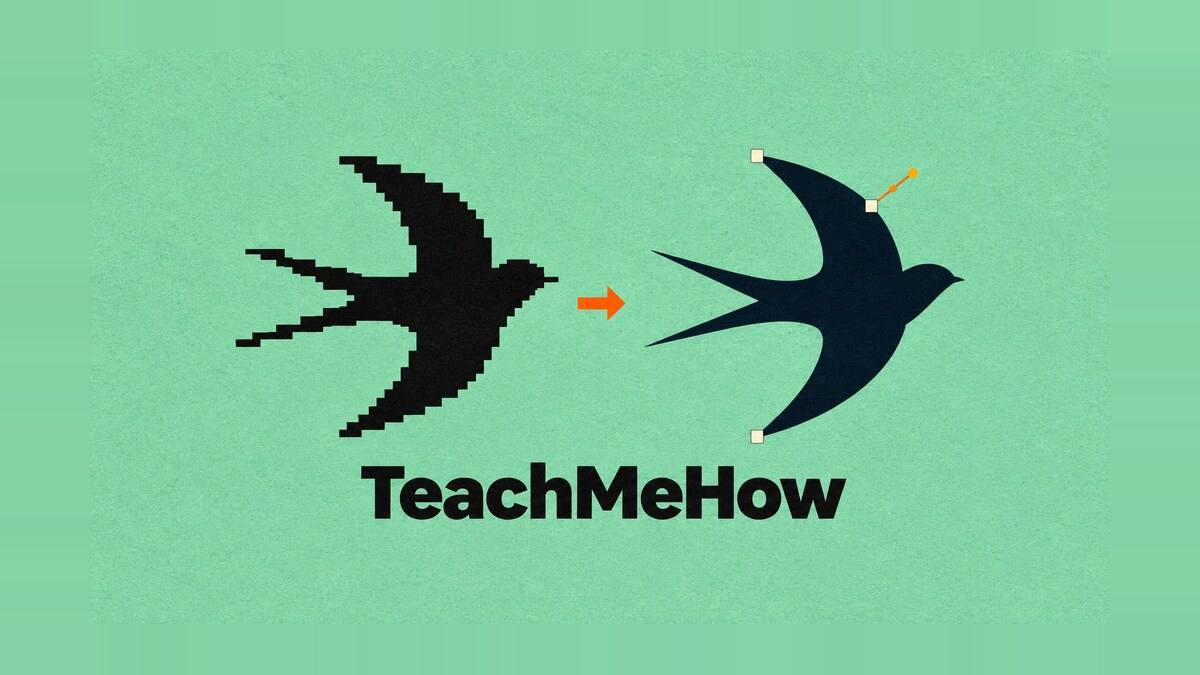
How to Trace a Black-and-White Logo From PNG to SVG in Inkscape
Turn a one-color PNG logo into an editable SVG path, tune the trace to preserve small openings, and verify that the saved file contains vector artwork.
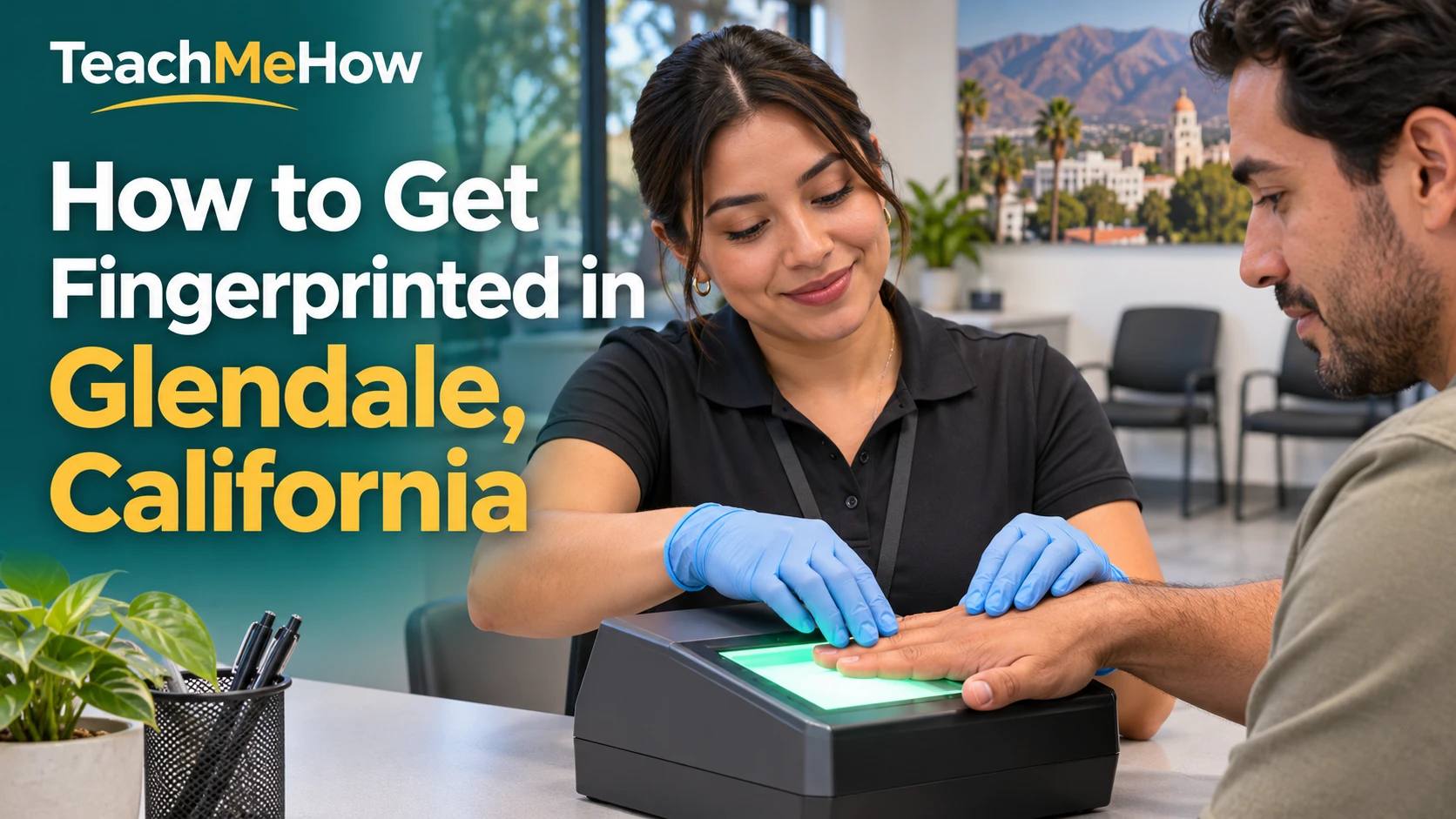
How to Get Fingerprinted in Glendale, California
Compare electronic Live Scan with ink fingerprint cards, check what your requesting agency needs, and prepare for a visit to Glendale Live Scan in Glendale, California.

How to Choose the Right Christmas Ornament Hooks
Compare wire hooks, closed clips, and ribbon loops, and learn how to match each ornament hanger to the weight of the decoration and the shape of your Christmas tree branches.
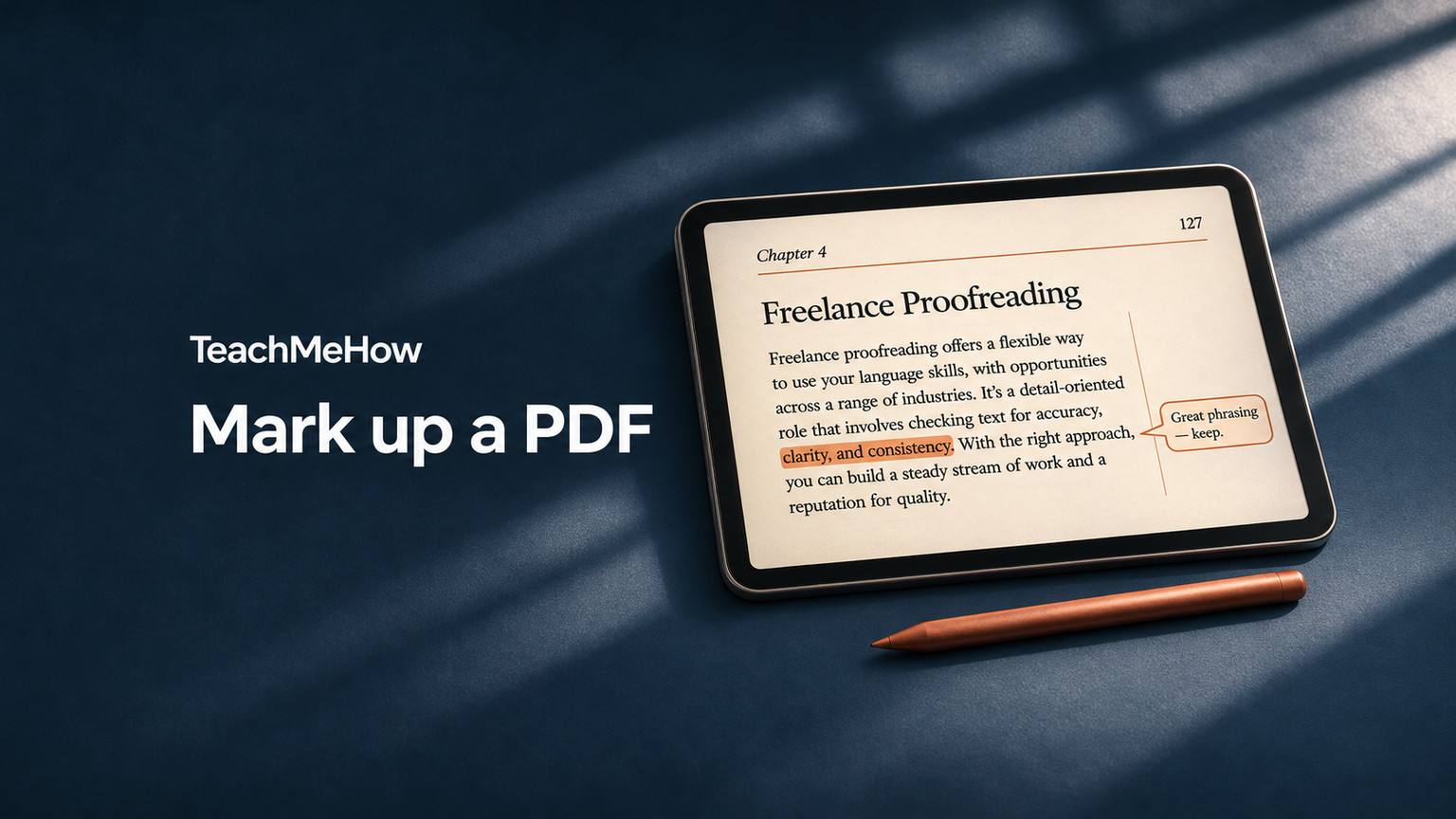
How to Mark Up a PDF for Proofreading in Adobe Acrobat Reader
Mark replacements, missing words, and layout problems on a PDF proof. Save an annotated copy and check that the next reviewer can see every correction.
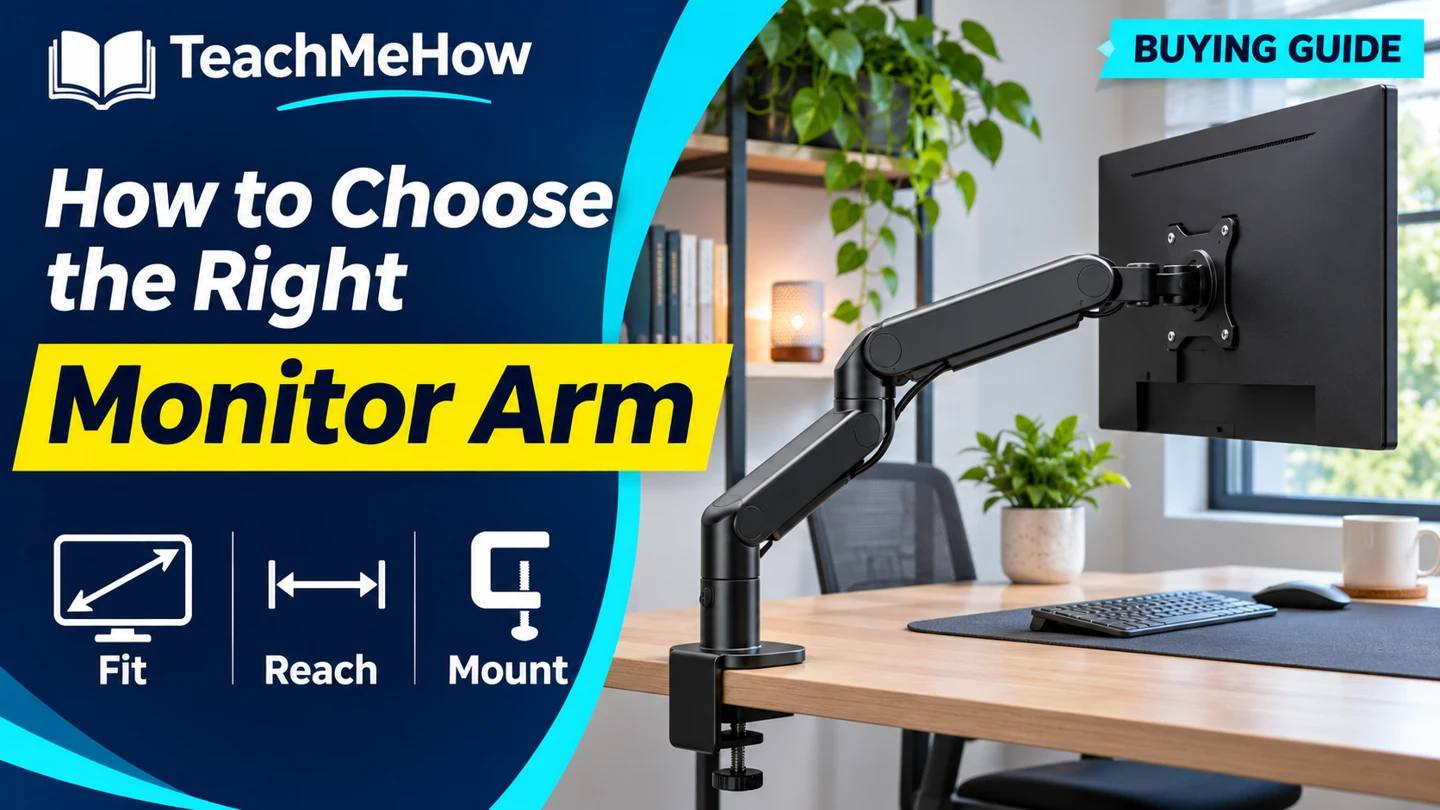
How to Choose the Right Monitor Arm
Compare monitor arms by VESA fit, supported weight, movement, and mounting space before choosing one for your desk.
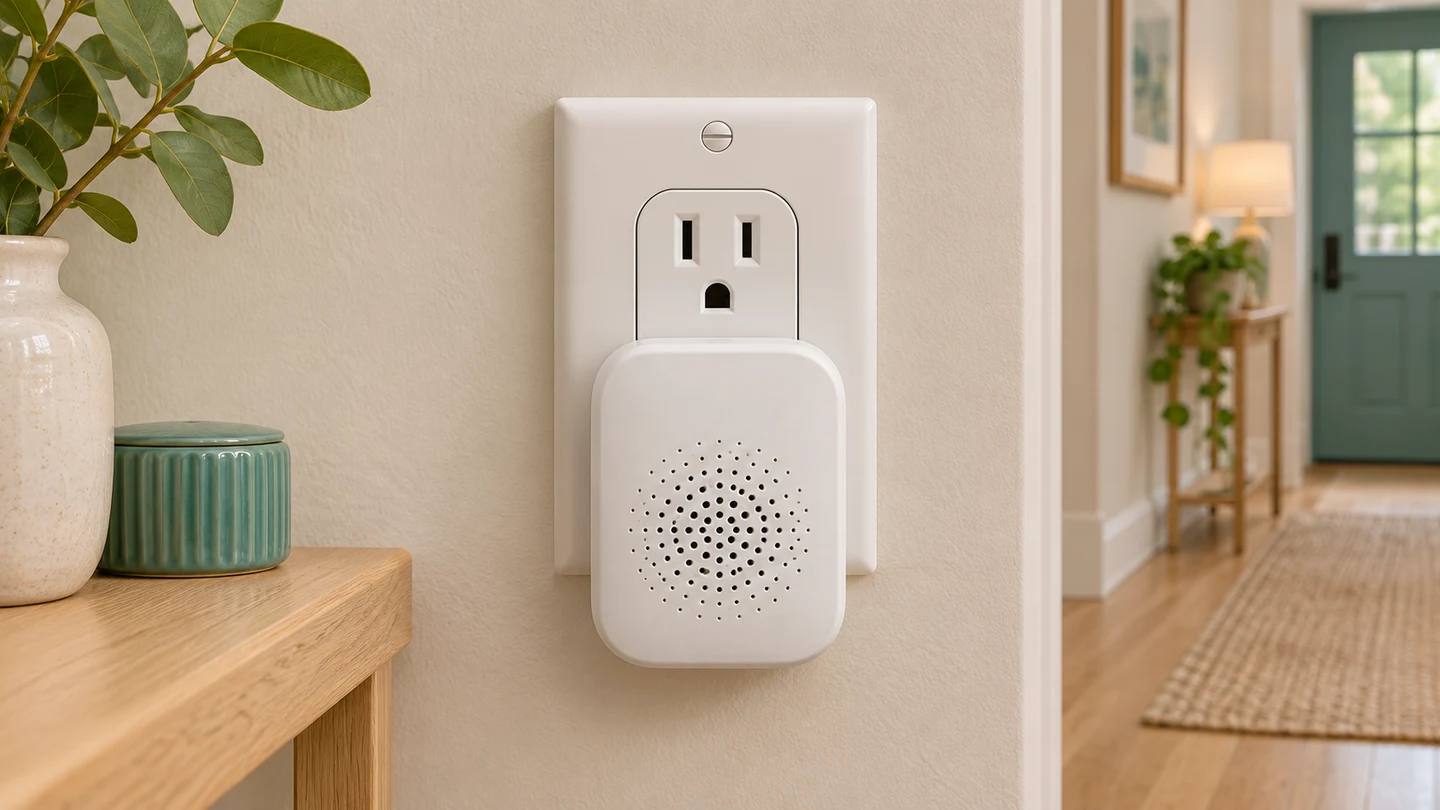
How to Set Up a Ring Chime for Your Video Doorbell
Hear your Ring doorbell indoors by pairing a plug-in Chime, linking the doorbell, and testing the alert.
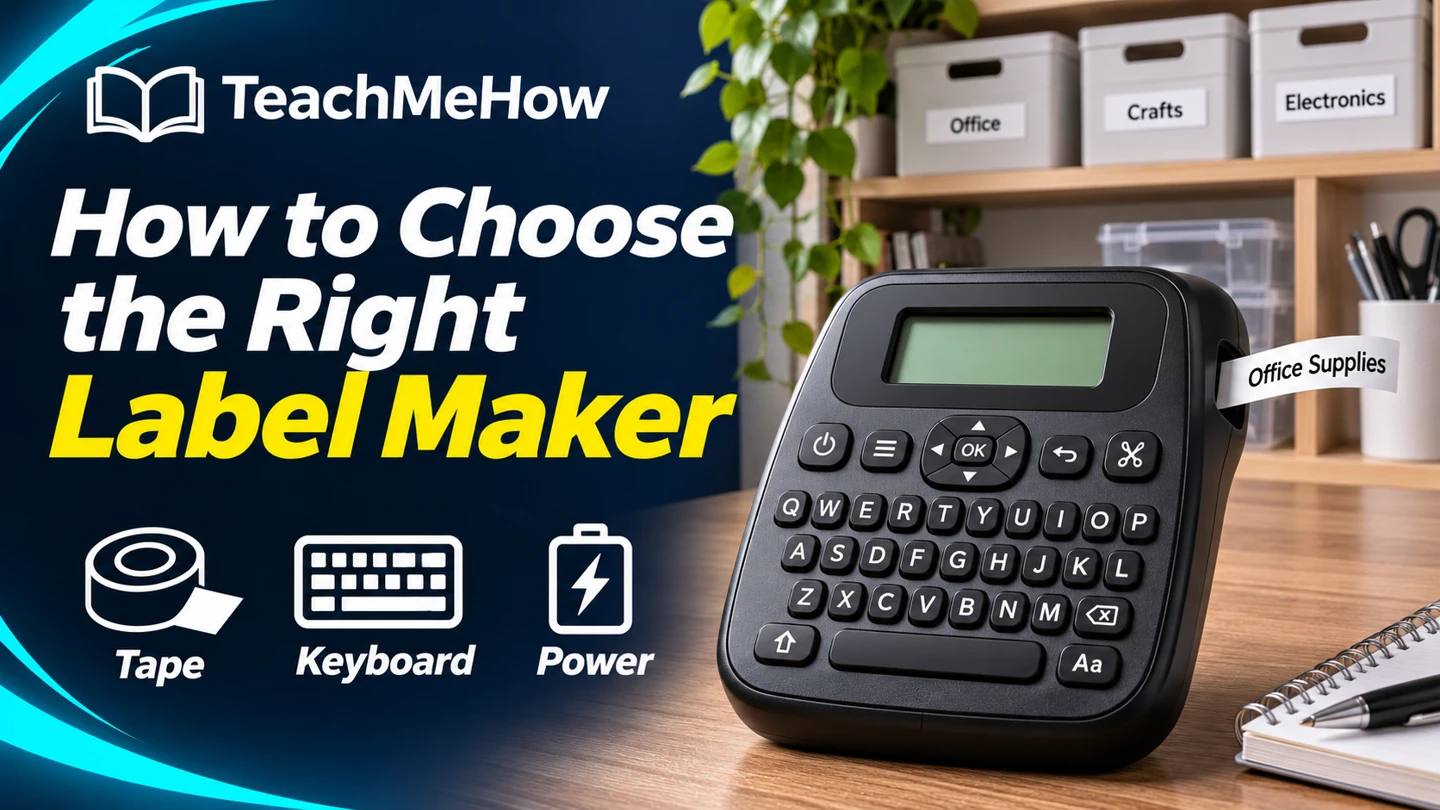
How to Choose the Right Label Maker
Compare keyboard, Bluetooth, and desktop label makers. Find the right tape width, power options, and refill costs for your home or office.
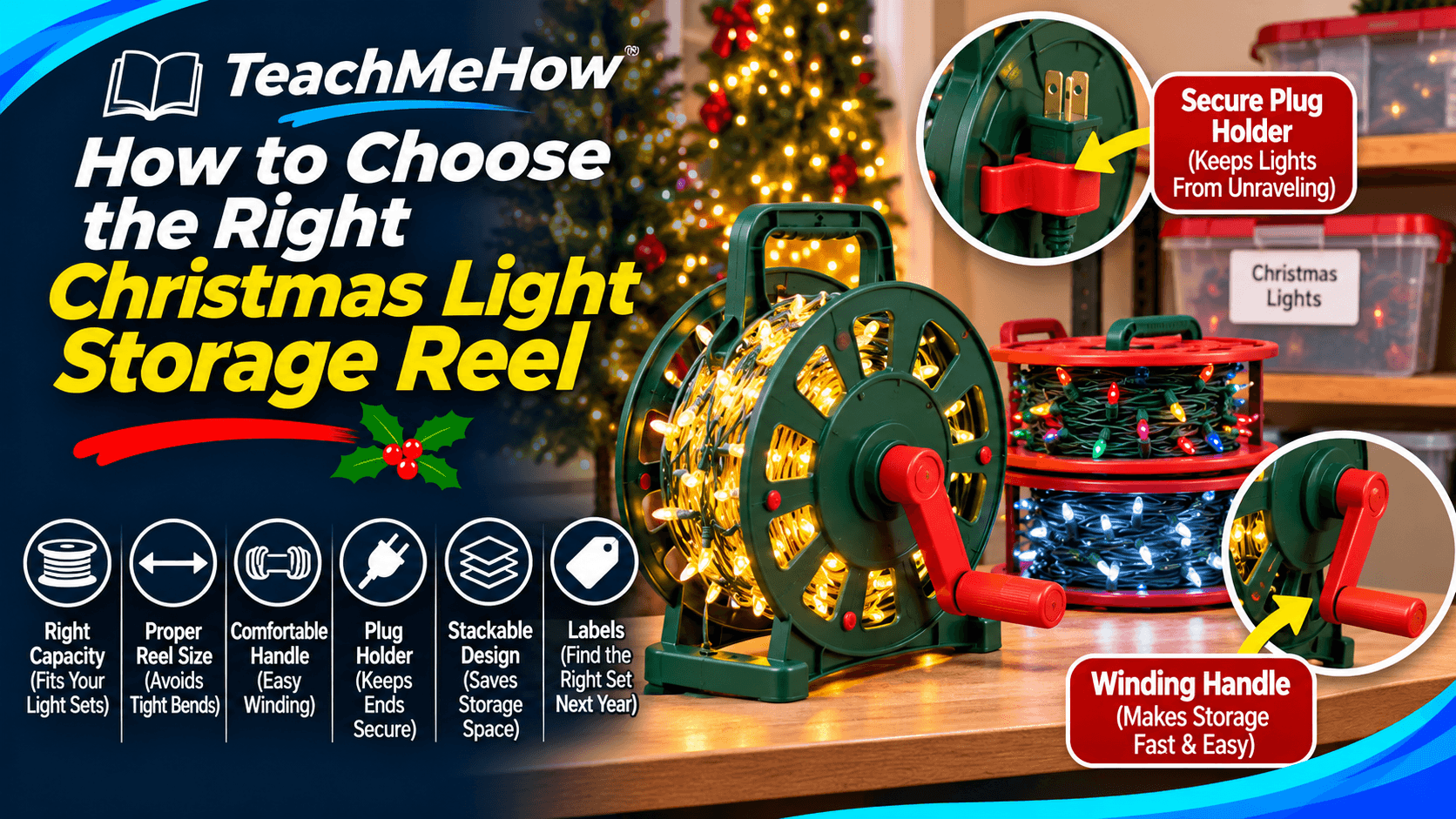
How to Choose the Right Christmas Light Storage Reel
Start with your longest light strand and the shelf where it will spend the year. Compare reel capacity, handles, and plug holders that keep the ends easy to find.
Newest guides.
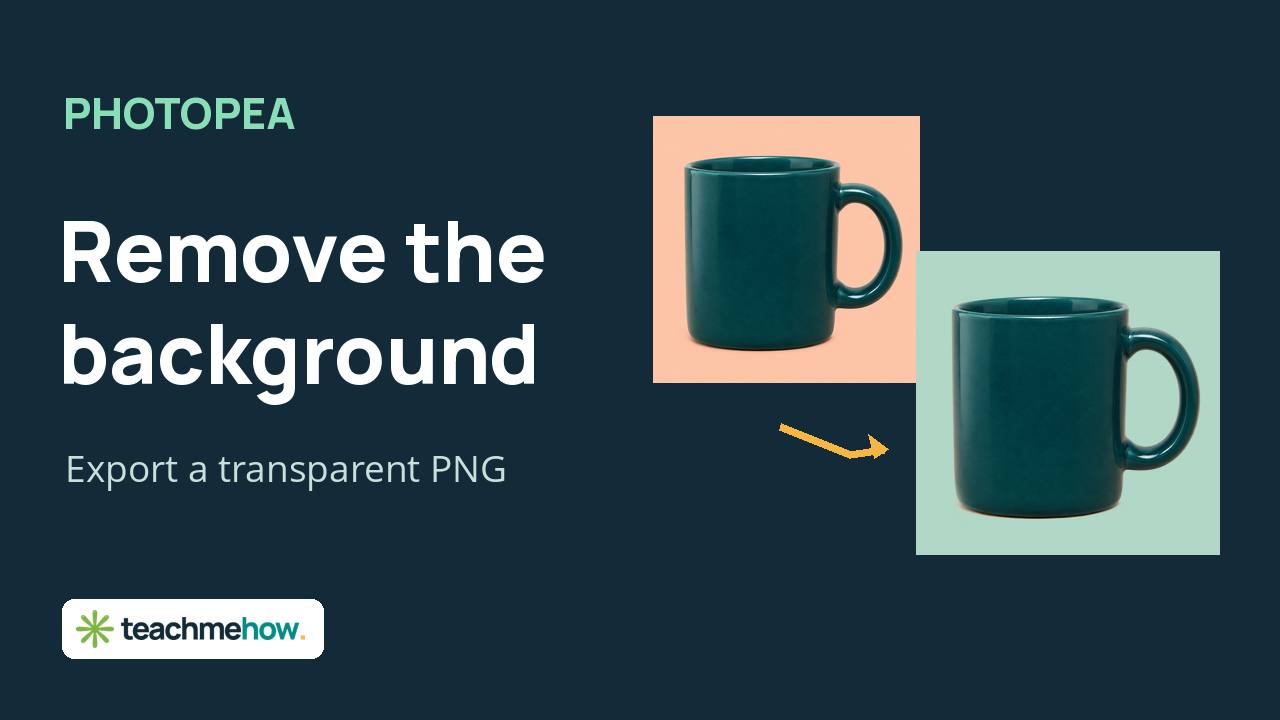
How to Remove an Image Background for Free Using Photopea
Turn a product photo into a reusable transparent PNG in Photopea. Select the backdrop, include enclosed openings, refine your mask, and check the exported image on two colors.
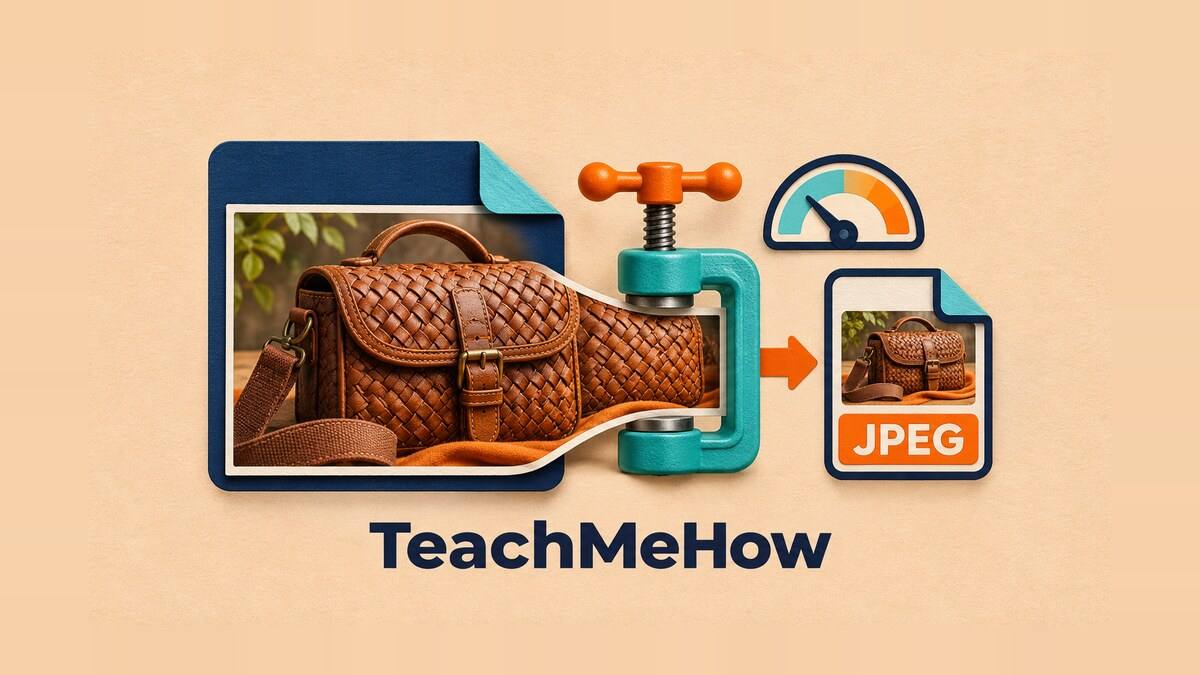
How to Export a Product Photo JPEG Under a File Size Limit in GIMP
Meet a listing’s pixel minimum and file size limit in GIMP. Scale a copy, compare JPEG quality settings, and verify the finished file in bytes.

How to Remove Dust Spots From a Product Photo in GIMP
Use GIMP’s Heal tool to remove isolated dust from a product photo while preserving texture, lettering and the item’s actual condition.
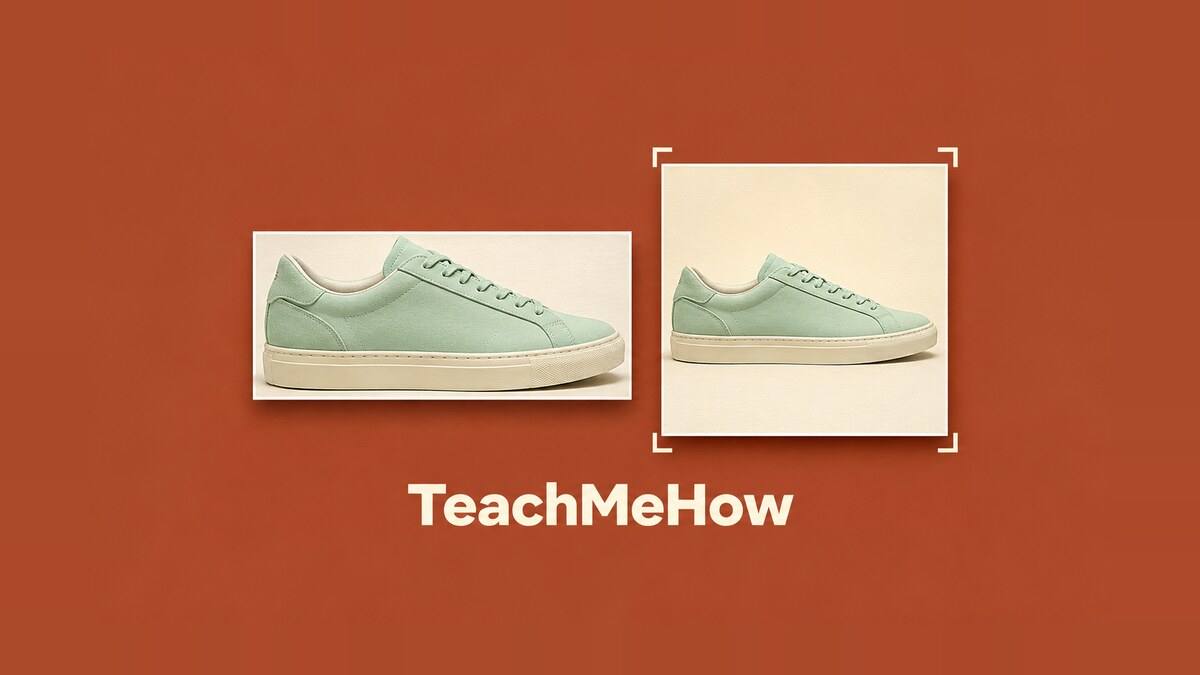
How to Make a Product Photo Square Without Cropping in GIMP
Center a rectangular product photo on a square canvas in GIMP, fill the extra space, and export the required dimensions while keeping the whole item in view.
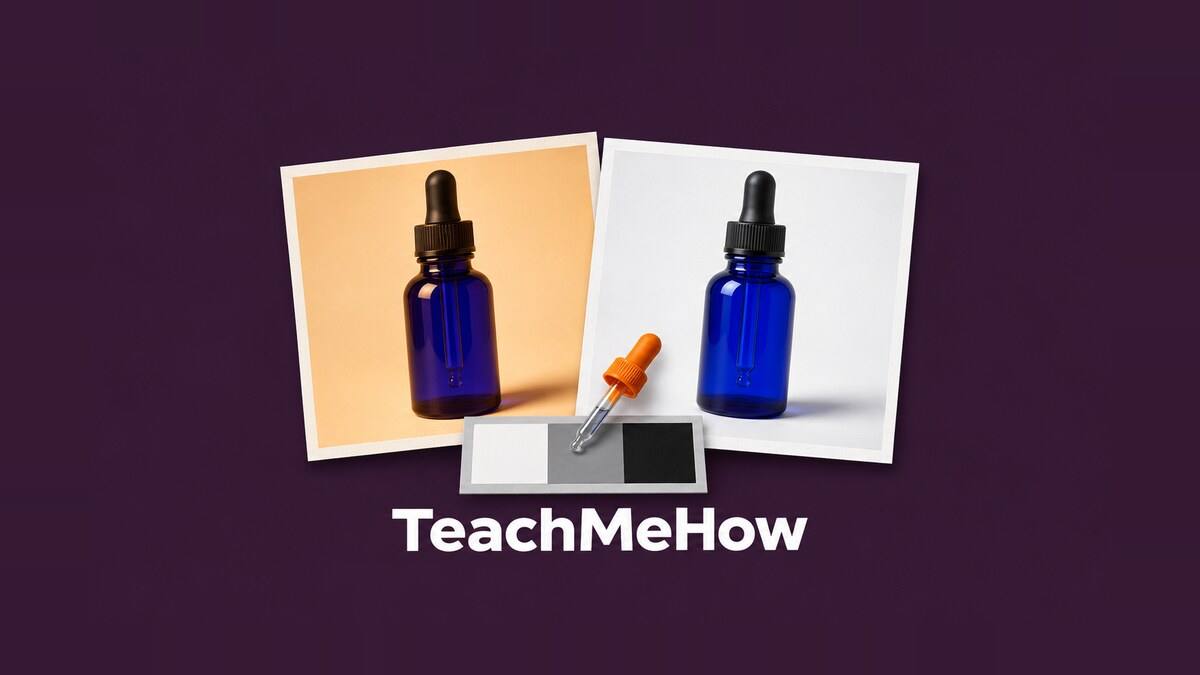
How to Fix a Color Cast in a Product Photo With GIMP Levels
Use GIMP’s gray-point eyedropper to correct a warm or cool cast, verify the result against a neutral card, and preserve the product’s real color.
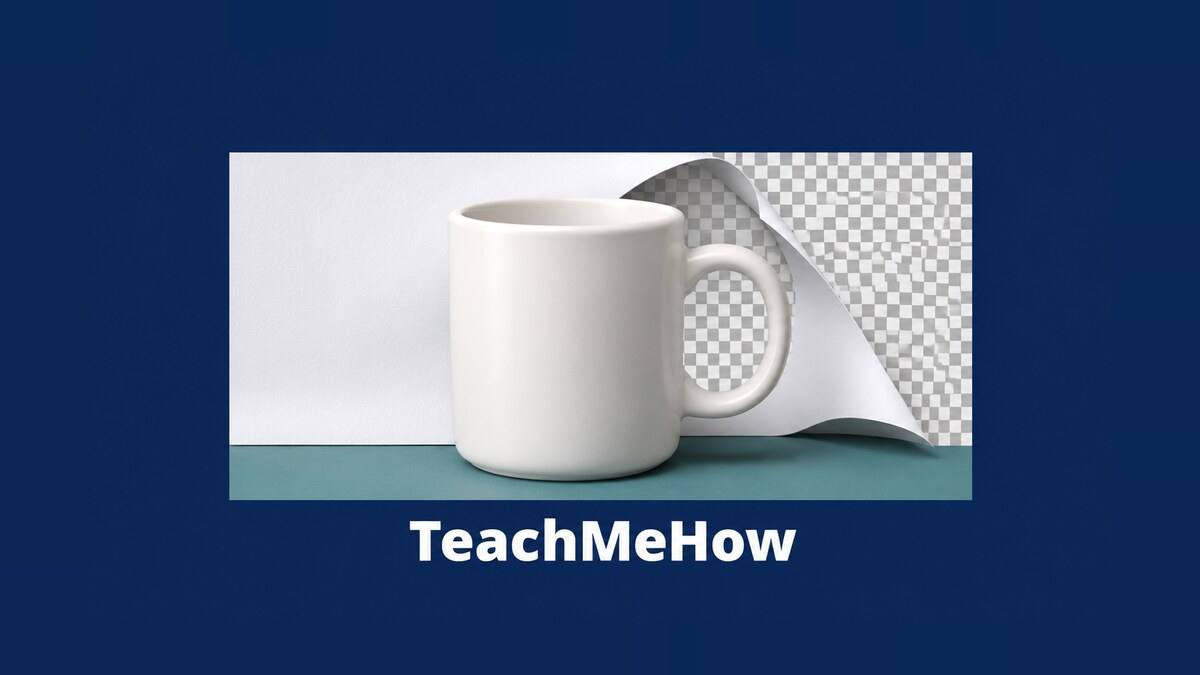
How to Remove a White Background From a Product Photo in GIMP
Use a layer mask to remove a white backdrop while keeping white lettering, glossy highlights and pale product edges. Check the cutout before exporting a PNG.
How to Embed Linked Images in an Inkscape SVG Before Sharing It
Restore missing PNGs or JPEGs, embed them in an Inkscape SVG, and verify that the shared file opens without access to the original image folder.

How to Convert Logo Text to Paths in Inkscape Before Sending It to Print
Outline logo lettering in a separate print copy. Check the typeface first, then verify that curved wording, counters, and small symbols survive the handoff.
More topics. Less hunting.
Search, filter by category, browse tags, or sort by popularity and newest additions.

Less searching. More doing.
Clear explanations, useful steps, practical comparisons, and real solutions — organized so you can find what you need quickly.
Learn about TeachMeHow →