How to Test a Water Leak Sensor Without Flooding the Floor
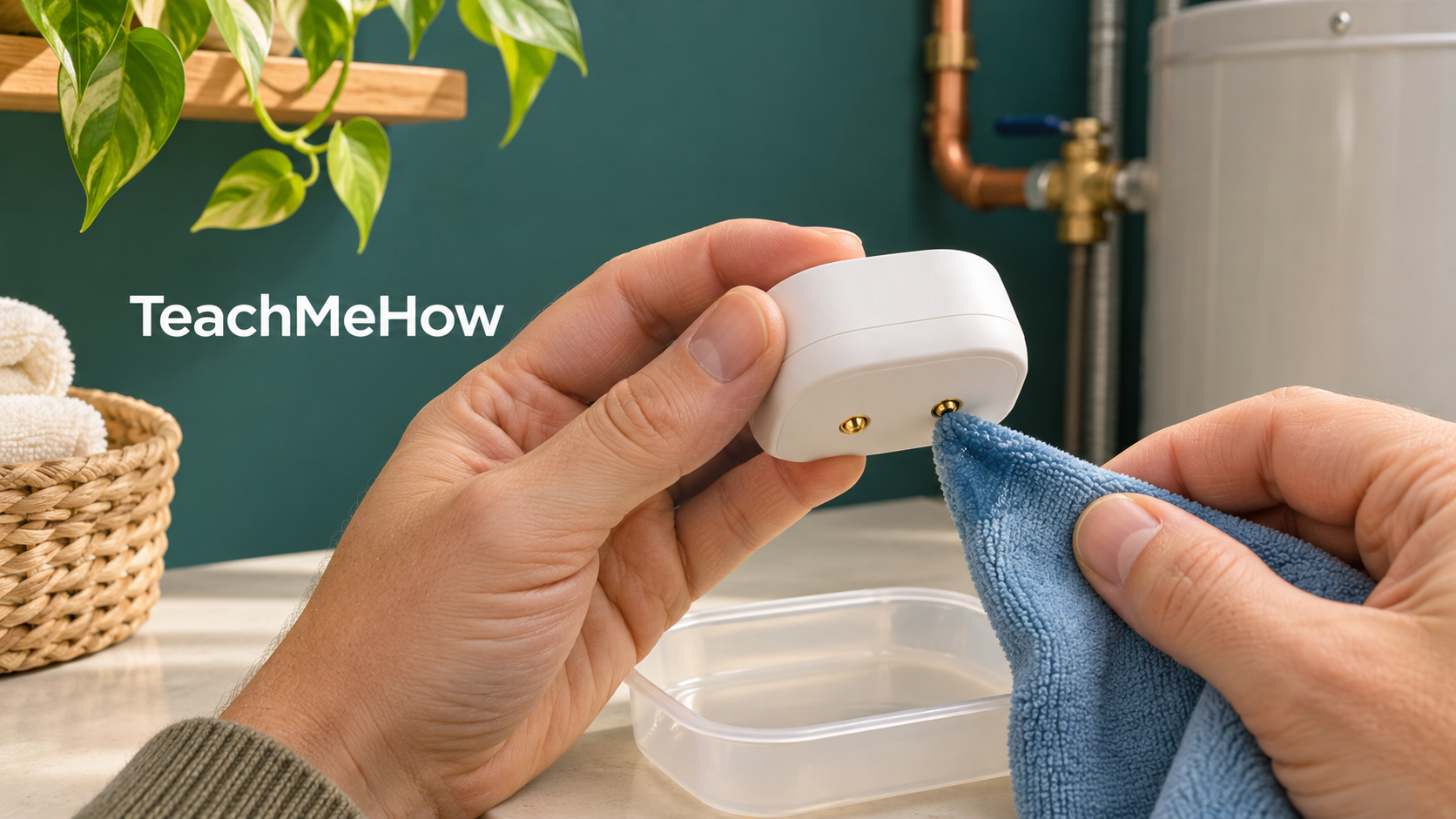
Use a contained wet test to check the sensing contacts, confirm who gets the alert, and return the detector to dry, ready status.
Follow these steps at your own pace. Check product terms and prices directly with providers before purchasing.
If your water leak sensor supports a wet-contact test, you can trigger it over a shallow plastic tray using the method in its manual. A LeakSmart floor sensor, for example, can be tested by touching a damp cloth to both gold pins. A successful test has two parts: the detector recognizes water, and the person who needs to act receives the expected warning.
Identify what you’re testing
Find the model number on the label. Use its manual to locate the metal contacts, remote probe, or sensing cable. A cable may sense along its length or only at a probe on its end. For example, the First Alert L1 detects water along its optional sensing cable. If that cable is what protects the space behind your washer, include it in the test according to its instructions. A test of the base alone leaves the cable unchecked.
Check what the device is supposed to do when wet. Some units sound locally, others report through a hub, and some can close a water valve. Tell other recipients the time and room you will test. If a valve may close, choose a time when nobody needs the water, read the restoration steps first, and arrange the test with whoever manages the system.
Run a small test near the installed position
- Start dry. Put an empty, nonmetallic tray on a stable surface near the installed position. Leave the hub in its normal location. Confirm that the detector is dry and, if connected, appears ready in the app. If the app already reports a leak, inspect the area before treating it as a test.
- Trigger the actual sensing element. For the LeakSmart damp-cloth method, wring out a clean cloth and hold one damp section across both gold contacts until the unit responds. For other models, follow the specified contact or cable procedure. Keep the case, battery compartment, phone, and hub dry. A button may test a siren or start pairing depending on the model.
- Check the receiving end. Note the test time. Look for the expected local response, then check the event time and room name in the app. If you depend on phone notifications while away, check that a notification actually reaches the locked phone. Ask any second designated recipient to confirm their own alert.
- Return it to service. Remove the test moisture, blot the sensing element dry, and follow the manual’s instructions to clear the event. A muted siren alone does not confirm the sensor has returned to dry status. Restore any test settings. If the test closed a valve, confirm there is no actual leak before following the valve’s reopening procedure.
Read the result
| What happened | Next check |
|---|---|
| No wet indication at all | Verify the contact pair or cable section against the manual. Check the battery and cable connection as applicable. Repeat once using the approved method. If detection still fails, contact the manufacturer before relying on it. |
| The unit responds, but its app status is stale | Check the hub or connection before repeating the wet test. See how to reconnect an offline water leak sensor. |
| The app logged water but the phone stayed silent | The event reached the app. Check how to restore missing leak notifications on the affected phone. |
| The alert remains after drying | Inspect the underside and the whole sensing cable for remaining moisture. Allow the model’s documented recovery time before assuming a fault. |
Remove the tray when you finish and return the detector to the position it normally monitors. Leaving it in the test tray can keep the next real floor leak from reaching its contacts. Record the date, sensor location, and recipients who confirmed the test.
Manufacturer instructions: LeakSmart user manual, “Place and Test Sensors” and First Alert L1 installation guide.
When the test is complete, return the water leak sensor to the path a drip would take.
Comments
Comments are reviewed before they become public.
Sign in with Google to leave a comment.
Sign in with GoogleNo approved comments yet. Be the first to start the discussion.