How to Clear a Water Leak Sensor Alarm After a Spill
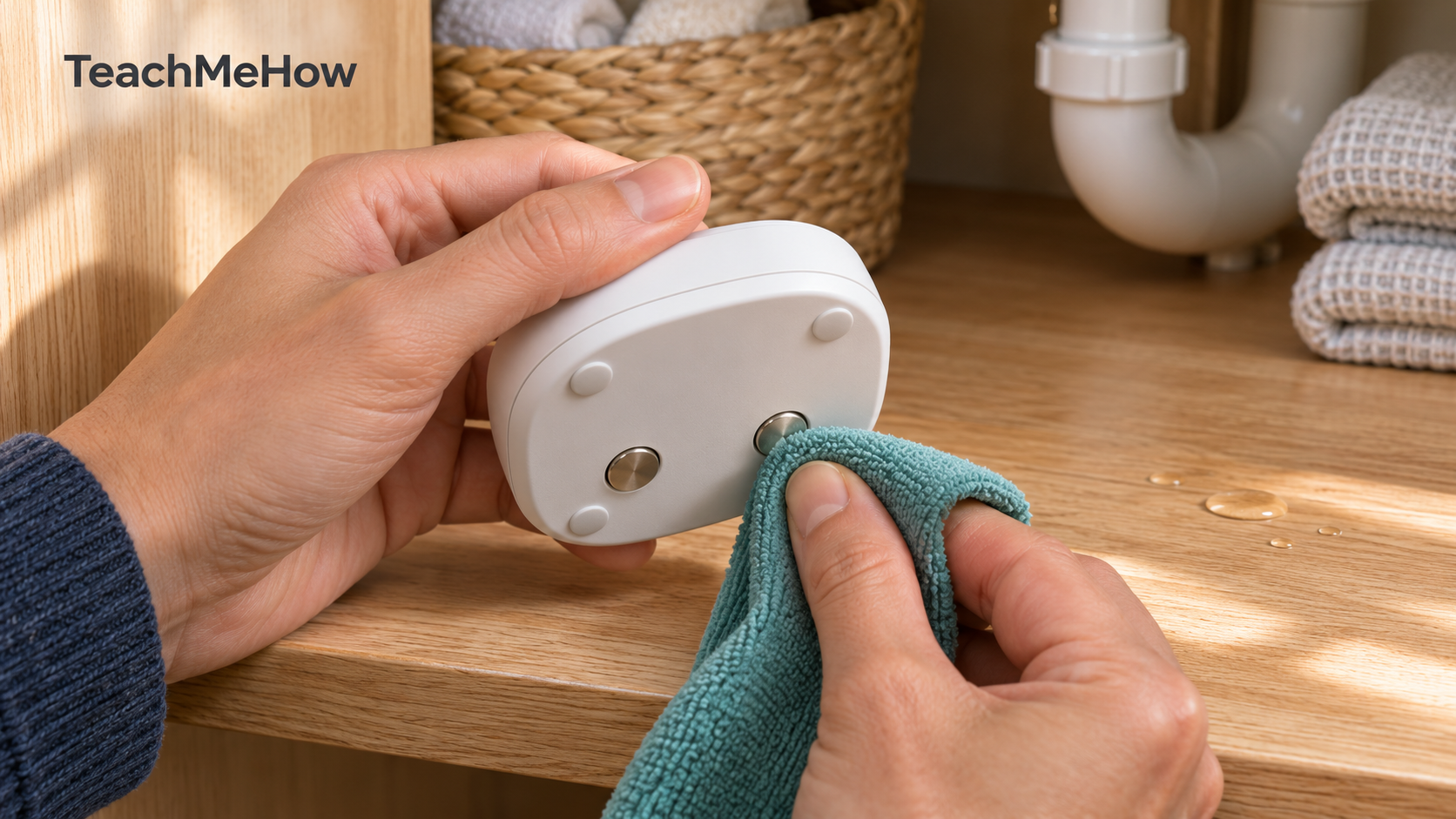
Silence a leak alarm, dry its contacts or sensing cable, and confirm monitoring has resumed. Learn what to check if the alert returns in the same spot.
Follow these steps at your own pace. Check product terms and prices directly with providers before purchasing.
To clear a spill alarm, stop the water, mute the reporting device if needed, and dry both the sensing surface and the spot where it sits. Then check that the sensor is back in its normal monitoring state. A quiet siren alone cannot tell you whether the contacts are still wet.
Find the sensor that actually reported water
Read the device name and event time on the notification. An alarm sounding in the hall may be a hub relaying a leak from under the kitchen sink. Check the named location for the cause. For example, if a cleaning bucket tipped over, pick it up and check whether water has run under the cabinet liner. If water keeps appearing or you cannot identify its source, treat it as an active leak. Stay out of standing water near electrical equipment and get qualified help.
Silence the incident using the controls for your model
| Sensor | What to do |
|---|---|
| Tapo T300 | Press its control button for one second or tap Clear Alert in the Tapo app. If a smart action also started the hub siren, silence the hub separately. The sensor needs to dry before it can monitor for the next leak. |
| Resideo L1 WiFi Water Leak and Freeze Detector | Use the detector button or the app’s mute control. After stopping the leak, dry the detector and any attached sensing cable. Reinstall any batteries removed during cleanup. |
On another model, look up the alarm or mute section of its manual before pressing and holding a button. A long press can start device setup on some models. Leave the device paired and its regular alert volume enabled.
Dry the parts that detect water
- Lift the sensor onto a dry surface. Blot around the exposed metal contacts with a clean, dry cloth. Check the top and underside if the unit senses both drips and puddles.
- Trace any sensing cable. On the L1, water anywhere along the sensing cable can trigger the alarm. Check sections under an appliance lip or along a pan edge. Use the manufacturer’s drying instructions and keep the plug and detector housing dry.
- Dry the original spot separately. Lift a removable liner if water has collected underneath. Blot the shelf or floor with a fresh paper towel. If moisture returns before the detector is replaced, investigate the source.
Read the current state and watch for a repeat
Open the device’s own page. A notification from 9:12 can remain in the event history after the device has returned to dry at 9:18. Check the latest reported state and its time. If the app only shows events, use the manual’s ready indication. Return the device to the same detection point once everything is dry. Remove the drying cloth so water can reach the contacts during a future leak.
- Clears away from the cabinet, then alarms again in place. Recheck the original location and cable route for a slow drip or trapped water. A sensor moved to a higher shelf may stay quiet while water still collects below.
- Still shows wet on a dry surface. Look for a wet section of cable, droplets between the contacts, or an old timestamp. If the device stays wet beyond the manual’s stated recovery time or water entered its housing, contact the manufacturer before relying on it.
- A shutoff valve also closed. Check the valve’s actual position and follow its separate reopening procedure only after the cause of the leak has been resolved. Clearing the sensor alarm does not confirm the valve position.
Once the sensor reports ready, test the sensor and its notifications with a controlled check. If cleanup displaced a cable in the utility room, use the water heater sensing cable guide to restore its coverage.
Manufacturer instructions · Tapo T300 alarm controls and recovery, questions 13–15 · Resideo L1 installation guide, “When a Leak is Detected”.
After the area dries, return the detector to its monitoring position.
Comments
Comments are reviewed before they become public.
Sign in with Google to leave a comment.
Sign in with GoogleNo approved comments yet. Be the first to start the discussion.