How to Fix a Water Leak Sensor That Shows Offline
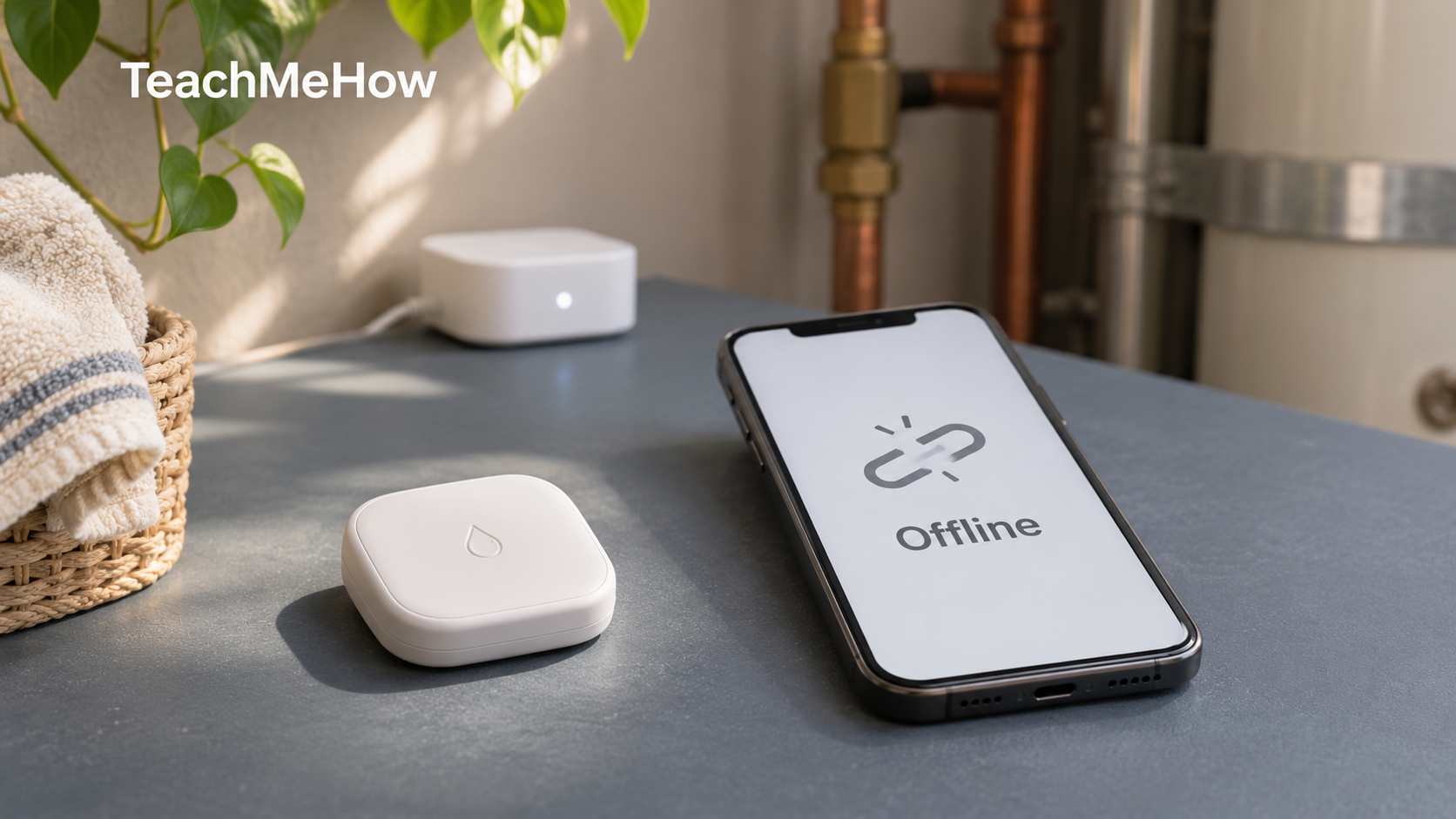
Find out whether an offline leak detector has lost power, its hub, or Wi-Fi. Restore the connection and verify a fresh leak event from its usual location.
Follow these steps at your own pace. Check product terms and prices directly with providers before purchasing.
Start in the manufacturer's app. Check whether the leak sensor alone is offline or whether its hub and other sensors are missing too. One missing sensor points you toward its battery or radio link. Several devices dropping at the same time makes their shared hub or network the better place to start.
If you can safely see the area the sensor monitors, check it for water before troubleshooting. The last “dry” reading only describes conditions when the sensor last reported. If water has reached outlets, cords or appliances, stay clear of the wet area.
Find the first missing connection
| What you see | What to check first |
|---|---|
| One detector is offline. A second sensor on the same hub shows fresh events. | Check power at the detector, then try it beside the hub. |
| The hub and all its sensors went offline together. | Check the hub's power and its connection to the router. Leave the individual sensors paired while you restore the hub. |
| The problem started after a new router or Wi-Fi password. | Identify which device stores the Wi-Fi credentials. For a hub system this is usually the hub. A direct Wi-Fi detector may need its own network setup repeated. |
| The manufacturer's app shows a new leak event, but your phone stayed quiet. | The detector communicated. Follow the phone notification troubleshooting steps. |
Check the sensor at arm's reach
Note the model on the label and the time of the last update. If the unit uses replaceable batteries, take it to a dry surface. Check for a shipping tab on a new unit, match the battery orientation to the markings, and fit a fresh set of the type specified in the manual. Close the battery cover fully, including its seal where fitted. If you see moisture inside or damaged contacts, contact the manufacturer before putting the unit back in service.
A dark light can be normal. The Resideo L1, for example, can have its light off while connected and idle. Use the model's documented wake or status check. Holding a button down can start a reset on some detectors.
Try the same detector in two places
- Bring a hub-connected detector close to its paired hub. For a direct Wi-Fi model, bring it near the router. Keep the home network and battery unchanged for this comparison.
- Use the normal status check described in the manual. Look in the app for an online indication or a fresh report. Allow the model's stated reporting interval if it sleeps between updates.
- Return the detector to its usual spot and repeat the check with the cabinet door closed, if that is how it is normally used. A detector that works on the counter but drops out beside a metal washer points to a location-dependent problem.
If distance is the issue, try moving the hub out from behind the appliance while keeping the detector where escaping water will reach it. Check the hub's other sensors after moving it. A Wi-Fi extender will not directly extend the separate sensor-to-hub radio used by devices such as the Tapo T300.
Reconnect only the part that failed
For direct Wi-Fi models, check the supported band and network name in the manual. An L1 uses 2.4 GHz Wi-Fi. Follow the app's setup prompts if network credentials changed. For a T300, check the paired Tapo hub in the Tapo app first. The sensor can sound locally without app setup, so hearing its buzzer alone does not confirm that it has rejoined the hub.
If the manufacturer's recovery procedure requires a factory reset, record the room name, alert recipients and any shutoff routine first. After pairing, open each routine and confirm it points to the current device. If pairing still fails with fresh batteries beside a working hub or router, give support the model, last report time, indicator behavior and the result of the close-range test.
Prove the repair in its usual location
Arrange a controlled leak sensor test and warn anyone who receives alerts. Check what a linked shutoff valve will do before testing. Confirm the app records a new event with the correct room and time, the intended phone receives it, and the sensor returns to its normal dry state afterward.
Model references: Tapo T300 manufacturer FAQ and Resideo L1 installation and troubleshooting manual.
If the sensor only works near the hub, check how to choose a location where it can detect water before changing its position.
Comments
Comments are reviewed before they become public.
Sign in with Google to leave a comment.
Sign in with GoogleNo approved comments yet. Be the first to start the discussion.