Arrange 31 day folders and 12 month folders, route future paperwork, and handle weekends, missed days, and the turn of the month.
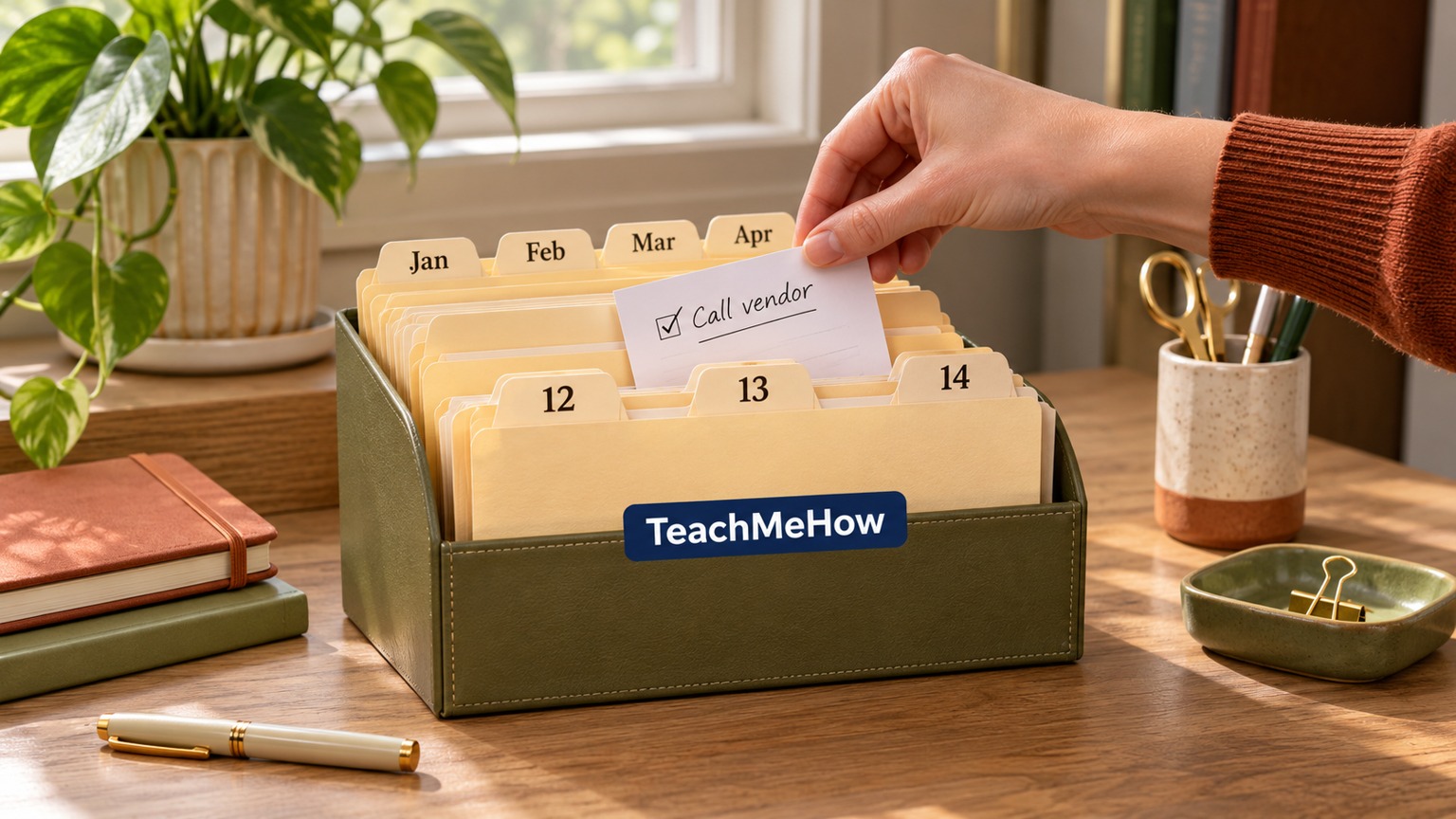
Quick answerMake 31 folders numbered 1 through 31 and 12 folders labeled January through December. Put the next day you need to review at the front. Each morning, take the papers from that day, decide what to do with them, then move the empty folder into next month’s sequence. A tickler file works when opening it is part of the daily routine.
What belongs in a tickler file
File a paper on the date you want to see it again. A reply card due on the 25th might belong on the 18th if you need time to complete and mail it. Record firm deadlines on your regular calendar. The physical folder brings the actual item back to your desk, which is useful for tickets, call notes, reply envelopes, or a one-page prompt to retrieve a bulky file.
Keep general reference material in its usual home. For example, leave the copier service agreement in its project folder and file a note reading “Call service desk about renewal; see Copier / Service.” Choose a location you actually visit each workday. If loose incoming papers already collect in an office paper inbox, keep the tickler close to the spot where you process them.
1. Assemble and label the folders
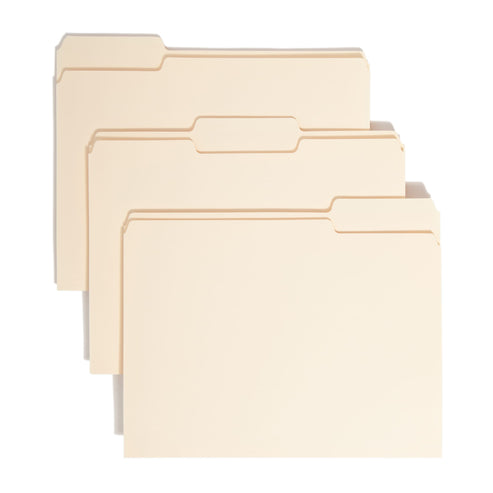
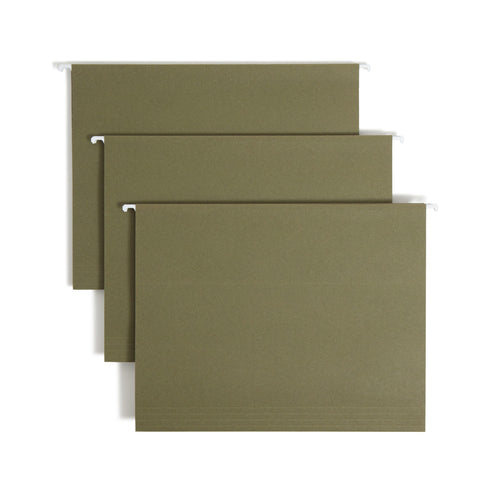
Write a large number on each of 31 tabs and a month name on each of 12 more. A few hanging jackets can support the sequence in a drawer. You do not need 43 individual hanging folders. Check how easily you can lift a single inner folder without dragging its neighbors. Reuse sound folders and cover old markings so yesterday’s label cannot be mistaken for a date.
2. Set the sequence for your starting date
Suppose the morning is May 12 and you have not opened today’s folder. Line up 12 through 31 first. Place June next, followed by 1 through 11. Put July, August, and the remaining month folders behind those, ending with May for the following year. The position of a numbered folder now tells you which month it belongs to. Draw a small copy of this layout for the first week.
3. Route papers to the right month
A note for May 20 goes in day 20 near the front. A note for June 20 goes in June because day 20 is still serving May. Put a September appointment slip in September with its review date written on a removable note. For an item more than a year out, include the year and use a dated calendar reminder so the annual cycle cannot give it the wrong meaning.
4. Empty today and move its folder
On May 12, take out everything in 12. Act, put a next action on your list, or deliberately choose a new review date. Move the empty 12 behind 11 in the June sequence. On May 13, repeat with 13. By the end of May, the June folder fronts the day folders, now ready for another month.
Crossing a month boundary
Open June before processing June 1. Distribute the notes in June to the appropriate numbered days. Handle anything intended for the first day along with the contents of day 1. Move the empty June month folder to the back, after May. At the end of a short month, move unused day folders into the next month’s sequence in order. June has no 31st, but July will need that folder.
| Situation | What to do |
|---|
| Away Saturday and Sunday | On Friday, review what must happen before you leave and schedule coverage for any time-sensitive item. On return, empty every intervening day in order. |
| Forgot the file for three days | Start at the front and inspect each missed folder before moving it. Check deadlines and contact people as needed. |
| Bulky packet will not fit | File a dated retrieval slip with the exact cabinet, folder name, and action. |
| Several people share the system | Assign one person to rotate it and name a backup for absences. |
Give it a one-week test
Place a harmless reminder for tomorrow, another for later this month, and a third in a future month. Tomorrow’s first folder should present the first reminder without any searching. If reminders surface a month early, inspect the next month divider and the day folders just behind it. If they surface on time but no one acts, move the file to the daily review spot or assign ownership.
When a reminder turns into ongoing work, open a removable project packet and move the working papers there. Leave only the next dated prompt in the tickler. The daily folder should empty completely even when the project will continue for weeks.
Comments
Comments are reviewed before they become public.
Sign in with Google to leave a comment.
Sign in with GoogleNo approved comments yet. Be the first to start the discussion.