Best for Hallway Lighting

Indoor motion sensors
Aqara Motion Sensor P1 (MS-S02)
Use its adjustable detection settings to trigger a compatible light when someone walks past.
Check current price
Check current price ↗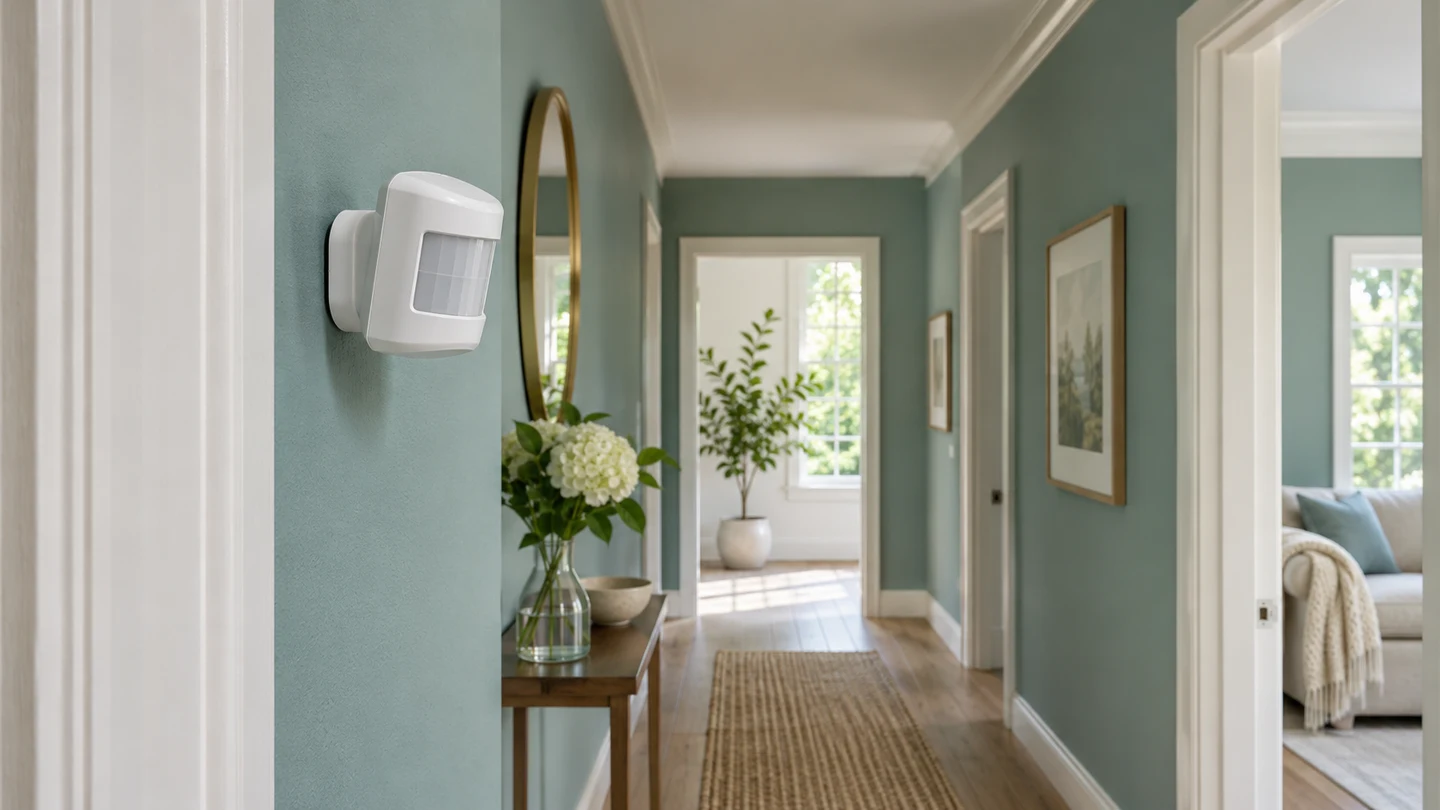
Pair an Aqara Motion Sensor P1, find a reliable mounting spot, and test a motion-triggered lighting routine.
Follow these steps at your own pace. Check product terms and prices directly with providers before purchasing.
Pair the Motion Sensor P1 to a compatible hub, test it from the intended location before mounting, then build a simple lighting rule.
| Option | Best for | Trade-off |
|---|---|---|
| Aqara Motion Sensor P1 | Detecting movement across a hallway or entry | Requires a compatible Aqara Zigbee 3.0 hub |
| Aqara Hub M2 | Pairing Aqara Zigbee devices and running automations | Requires power and a network connection |
Use a compatible Aqara Zigbee 3.0 hub, such as the Hub M2. Set it up in Aqara Home before adding the sensor.
Remove the insulating tab and add Motion Sensor P1 in Aqara Home. Follow the app prompts and test the sensor at its intended location.
Use the included stand to aim across the walking path. Keep the lens away from direct sun and heat sources, and verify the hub can still see it.
Attach the base to a clean, dry surface using the supplied adhesive as instructed. Walk through the intended area at normal speed, then repeat with the room empty to check false triggers.
Start with motion turning on a compatible hallway light during the hours you want. Add an off rule only after testing how the detection timeout behaves when someone stays in the area.
| Use case | What to do |
|---|---|
| Hallway at night | Limit the on rule to nighttime and use a comfortable brightness. |
| Entryway with pets | Change the aim or sensitivity and test for pet triggers. |
| Room where people sit still | Allow a longer off delay and check whether a motion sensor suits the room. |
A good mounting location detects normal movement consistently. Test there first, then adjust the lighting rule around how people actually use the room.
Use the P1 with a compatible Aqara Zigbee 3.0 hub. Add the Hub M2 if you need a hub.
Use its adjustable detection settings to trigger a compatible light when someone walks past.
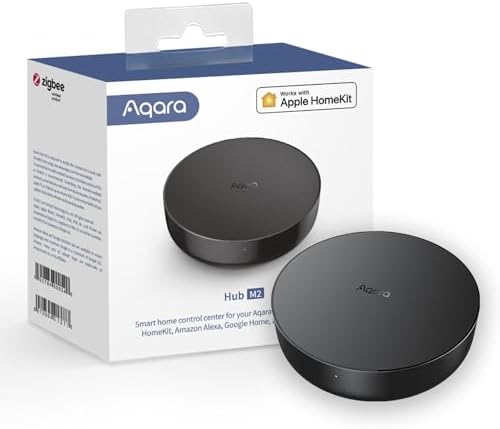
Pairs the Motion Sensor P1 with Aqara Home and supports an Ethernet connection.
Prices may change. Check the retailer for the current price and availability. We may earn a commission from qualifying purchases at no additional cost to you. Learn more.
Comments
Comments are reviewed before they become public.
Sign in with Google to leave a comment.
Sign in with GoogleNo approved comments yet. Be the first to start the discussion.