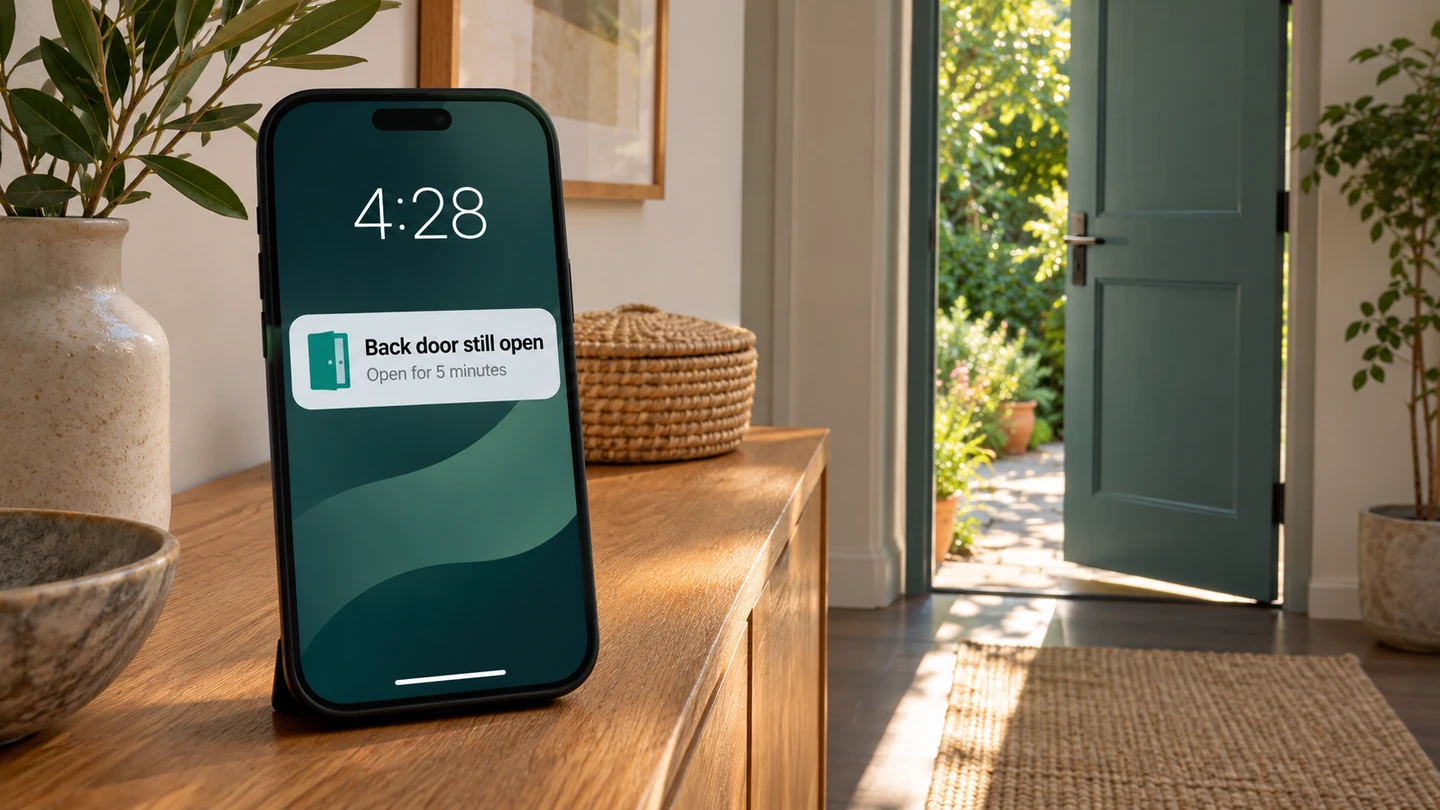
Use an Aqara contact sensor to send a phone reminder when a door stays open past a chosen time, while ordinary openings pass quietly.
Quick Answer
Choose a trigger that requires the door to remain open for the entire delay. Test a quick open-and-close first, then leave the door open long enough to receive the reminder.
Compare your options
| Option | Best for | Trade-off |
|---|
| Sensor plus an existing compatible Aqara hub | Adding a reminder to an existing setup | Test hub range at the door |
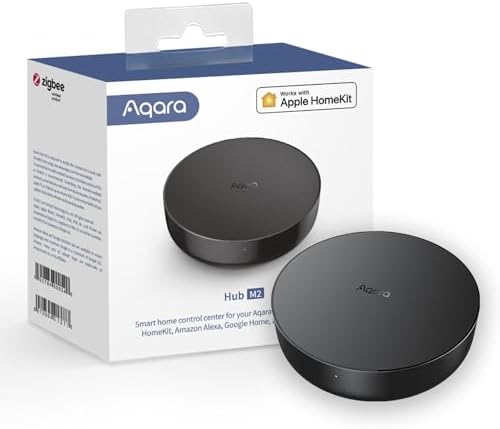
| Sensor plus Aqara Hub M2 | Starting an Aqara Zigbee setup | The hub needs power and network access |
Step-by-step installation
1. Check the hub and pair the sensor
For the original Aqara Door and Window Sensor, confirm your compatible Aqara Zigbee hub is online. In Aqara Home, add the sensor to that hub and follow the pairing prompt. Give it a location name that will make sense on a phone notification, such as Pantry Door.
2. Test the closed position before mounting
Hold the sensor and magnet on opposite sides of the seam with their alignment marks facing each other. Close the door and look for Closed in the app. Slowly open the door and note how far it moves before the status changes. Try the smallest opening you care about. If the app still says Closed, reposition the pieces and test again before attaching them.
3. Set a duration trigger
In Aqara Home, create an automation, select the sensor as the trigger and look for Opened For Over or the equivalent duration condition. Pick a short delay for testing. Under actions, select a push notification and write a message such as Pantry door has been open for five minutes. Match the final message to the delay you actually use. Enable notifications for Aqara Home on your phone.
4. Run both halves of the test
Start with the door closed. Open it briefly, then close it before the delay expires. Wait past the original deadline and confirm the phone stays quiet. Open it again and leave it open past the delay. Check for the notification with the phone locked. A reminder that arrives after a brief opening can mean the rule uses a simple delay after Open rather than a continuous-open condition.
5. Choose the everyday delay
Pick a time longer than a normal trip through that door. For example, try five minutes if carrying in groceries usually takes two. Mount the pieces in the tested position and repeat a complete test. If the sensor history is correct but the phone stays silent, check the automation log, notification permissions and phone Focus settings.
Tools and buying tips
- Check the exact sensor generation when buying. This walkthrough uses the original Zigbee model MCCGQ11LM.
- Check that the hub and sensor expose a duration condition in the app. A timer that runs after every opening can send unnecessary reminders.
Which setup fits your home?
| Use case | What to do |
|---|
| Pantry door | Start with a delay slightly longer than an ordinary kitchen trip. |
| Door used to bring in groceries | Test your normal unloading routine and lengthen the delay if reminders arrive too early. |
| Several monitored doors | Include the room name in each message so you can act without opening the app. |
Common mistakes
- Sticking the sensor down before testing a door that is only slightly ajar.
- Using an immediate Open trigger for a delayed reminder.
- Testing only with the app open and the phone unlocked.
Installation checklist
- App reports both door states
- Brief opening finishes quietly
- Long opening produces the named alert
- Everyday delay restored
- Final mounting position retested
Bottom Line
A good door reminder stays quiet during normal use and tells you exactly which door to close when it has been left open.
Aqara sensor dimensions and detection distance

Comments
Comments are reviewed before they become public.
Sign in with Google to leave a comment.
Sign in with GoogleNo approved comments yet. Be the first to start the discussion.