How to Set Minimum Advance Notice in Square Appointments
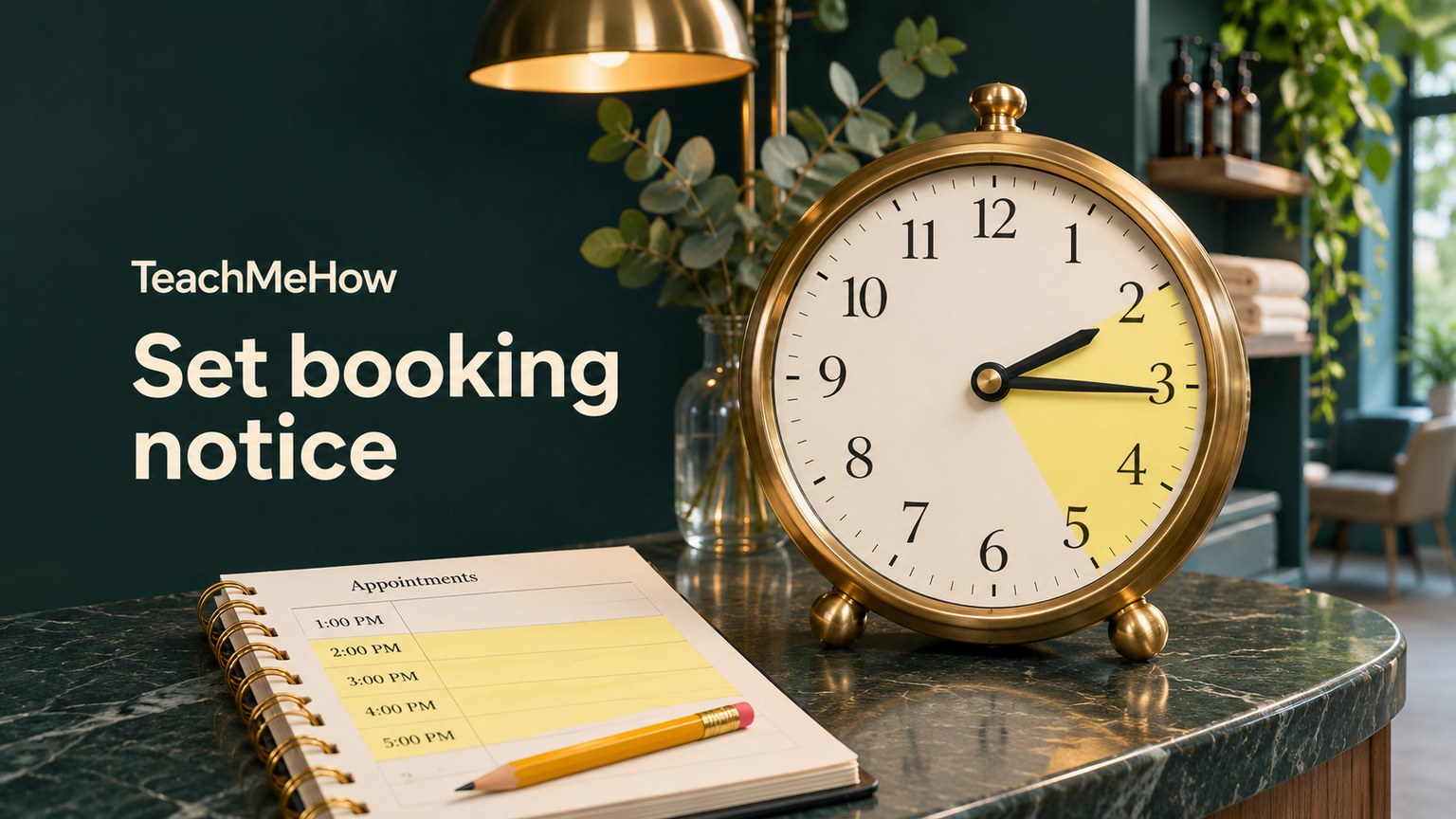
Require one hour or more before clients can book online, distinguish the cutoff from your booking window, and test the first eligible time.
Follow these steps at your own pace. Check product terms and prices directly with providers before purchasing.
Quick answer
Open Appointments → Settings → Calendar & booking in Square Dashboard. Under Online scheduling, find “Appointments must be made in advance,” choose the notice you need, and save. For a one-hour cutoff, choose one hour. Customers can still book later the same day if an eligible slot is open.
Set the cutoff that fits your preparation time
Work backward from what must happen before a customer arrives. A fitting studio that can prepare a room in an hour can keep same-day bookings open. A mobile service that has to plan a route might need more notice. Square’s U.S. settings documentation lists options ranging from one hour to four weeks.
- Sign in with permission to edit the business’s appointment settings. Open Appointments (sometimes under Payments), then Settings → Calendar & booking.
- In Online scheduling, select the required advance notice. Use the setting about when appointments must be made. The nearby setting about how far out clients can schedule affects future dates instead.
- Save. Open the public booking link for the location and select a service and staff member with known availability. Keep the customer and business time zones in mind when comparing the times.
Test the boundary with a clock example
Suppose it is 10:10 a.m., the minimum notice is one hour, and that service starts on half-hour intervals. A 10:30 or 11:00 start is too soon. With the staff member free and enough time for the service, 11:30 is the first eligible start. An expectation of exactly 11:10 would overlook the scheduling interval.
| Problem | Setting or detail to inspect |
|---|---|
| Clients can book next month but cannot book this morning | Check minimum advance notice and staff availability for today. |
| Clients can book today but cannot book six months ahead | Check the maximum future booking window. |
| Noon is missing every day | Inspect the staff calendar for a recurring lunch break or personal time block. A recurring gap has a different cause from a rolling cutoff. |
Also check one known opening tomorrow. That second test helps distinguish a working cutoff from a service that is unavailable online altogether.
Comments
Comments are reviewed before they become public.
Sign in with Google to leave a comment.
Sign in with GoogleNo approved comments yet. Be the first to start the discussion.