How to Manage Client Revisions on a UGC Video
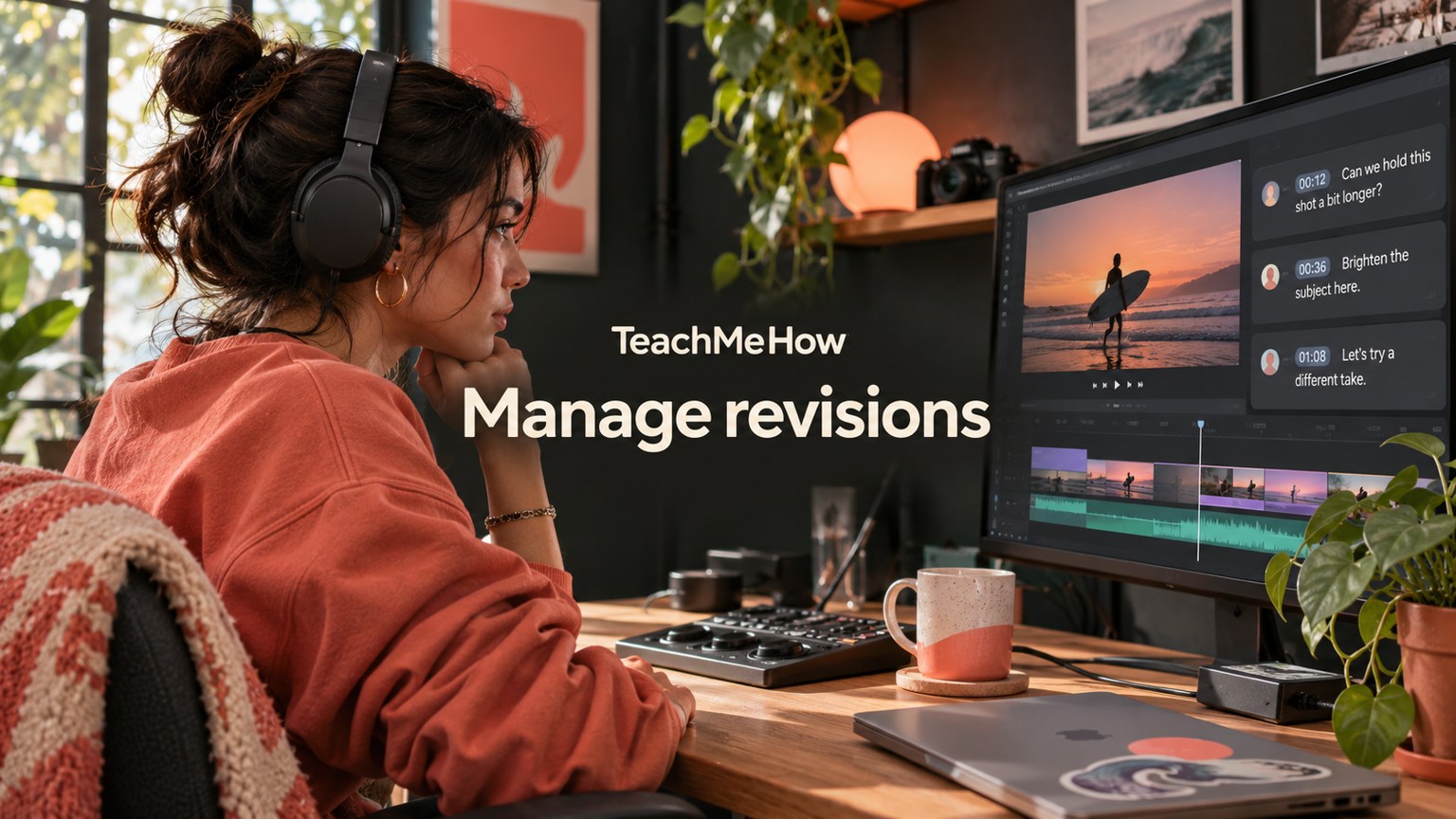
Consolidate feedback, distinguish edits from reshoots, and log approvals so both sides know what is included in the next cut.
Follow these steps at your own pace. Check product terms and prices directly with providers before purchasing.
Quick answer
Collect one consolidated set of time-coded notes against one named video version. Compare each request with the approved brief, separate corrections from new work, and confirm any added cost or time before making the next cut. Return a short change log with the revised file.
Make the first cut easy to review
Send one review link or file with a version label such as Tote_FitDemo_v01_Review. In the message, say what the cut is ready for. If the music is temporary, or the final captions will follow approval of the wording, identify that specifically. Otherwise the client may spend a round correcting details you already intended to replace. Include the date by which you need feedback to meet the agreed delivery date.
Ask one person to gather notes from everyone involved. A useful note has a timestamp, the issue, and the intended result. “At 00:09 my hand covers the front corner of the container. Use the overhead take that shows the fit” gives the editor a clear task. “Make it pop” gives no clue whether the client means brighter footage, a faster opening, or more prominent text.
Sort the notes before opening the timeline
| Example note | What to establish | Response |
|---|---|---|
| Product name is misspelled at 00:03. | The approved spelling is clear. | Correct the error and check every other occurrence. |
| Trim the closing shot by a second. | The existing footage supports the change. | Include it in the agreed edit round. |
| Show the blue tote too. | Only the coral model was approved and filmed. | Estimate the additional shoot and product lead time. |
| Sales wants a discount at the end. | Offer wording, dates, and landing page need approval. | Ask for the exact approved copy before building the end card. |
Use the signed-off brief and accepted quote as the reference. A creator’s mistake and a new client request need different conversations. If you delivered the wrong spelling, own the correction. If the client asks for another product, explain which extra steps it requires. The classification matters more than the number of words in the note.
Resolve conflicting feedback in a single message
Suppose the founder asks to show more packing detail while the marketing lead asks to remove three seconds from the same scene. Send a decision question: “The current packing shot is eight seconds. I can keep the whole insertion and trim three seconds from the introduction, or shorten the insertion and keep the intro. Which would you like in v02?” Name the trade-off in terms of the viewer’s experience.
If the client requests a reshoot, make a small estimate. Include resetting the location, receiving the new product, filming, re-editing, caption updates, and export checks. Give a revised delivery date that depends on product arrival and approval. Wait for acceptance of the change before doing the extra work. The pricing guide shows how to turn those tasks into a quote.
Deliver the revision and close the round
Save v01 and create v02. Beside each note, mark completed, awaiting decision, or outside this round. Watch the surrounding seconds after every change. A shorter opening may leave an old caption on screen too long or make a later voiceover arrive early. Review the whole file once after checking individual fixes.
Send v02 with a concise change log and ask the approver to confirm either final approval or the remaining specific issue. Once approved, move that exact version into the final delivery package. If notes arrive after approval, identify the newly requested change and agree on the next version. A clear version trail lets the buyer see what changed and keeps the wrong cut out of circulation.
Comments
Comments are reviewed before they become public.
Sign in with Google to leave a comment.
Sign in with GoogleNo approved comments yet. Be the first to start the discussion.