How to Write a 30-Second UGC Product Demo Script
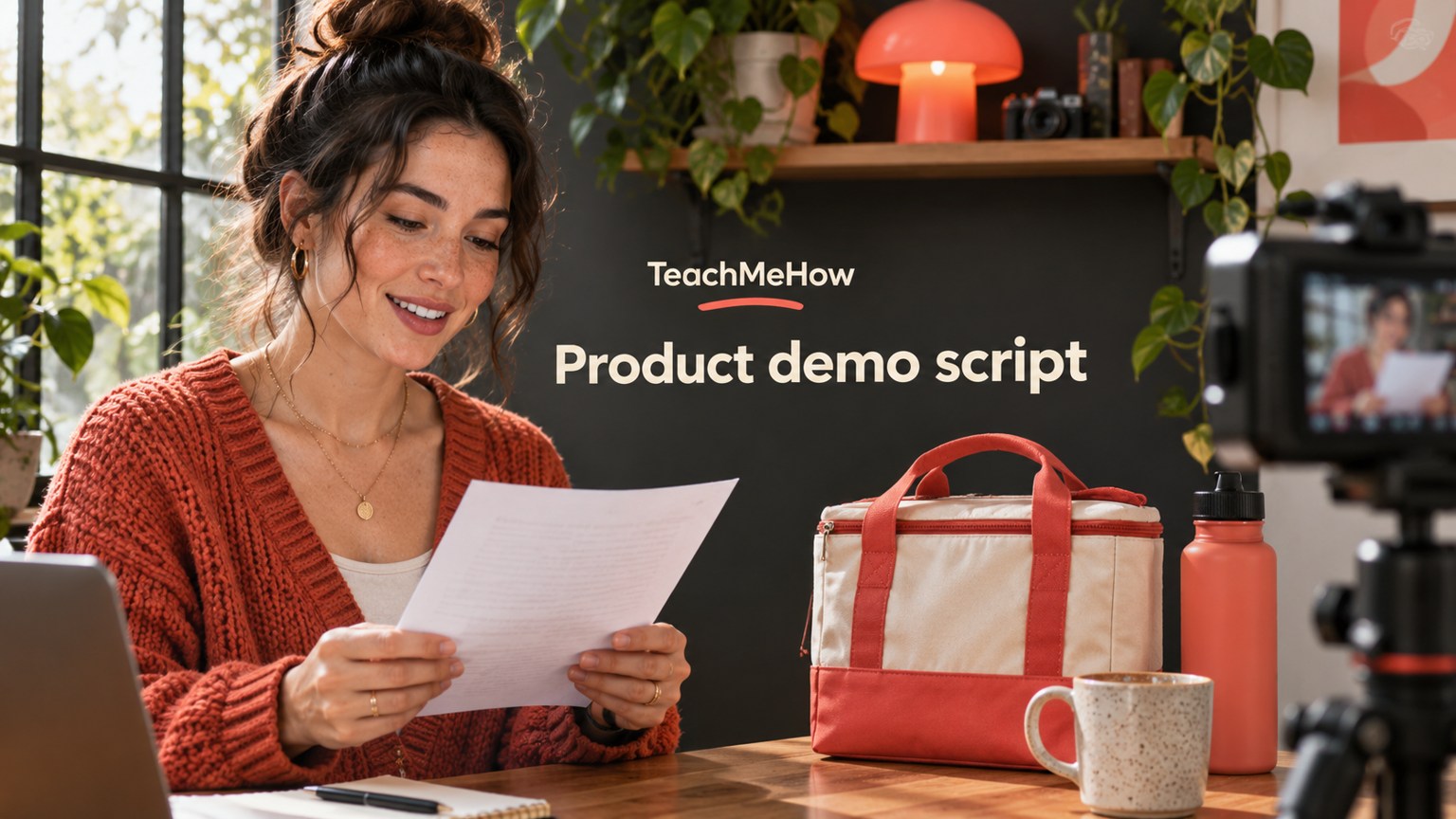
Write and time a product demonstration using a two-column script, believable dialogue, and a visual that supports each claim.
Follow these steps at your own pace. Check product terms and prices directly with providers before purchasing.
Quick answer
Write the video in two columns: what the viewer sees and what they hear. Give one product question a visible answer, read the lines aloud while performing the action, and cut anything that competes with the demonstration. Aim for the agreed runtime after actual playback.
Start with the shot that proves the point
Imagine a shopper asking whether a rectangular lunch container sits flat inside a tote. Before writing an opening line, try the action. Can the viewer see the base of the container, the mouth of the bag, and the zipper closing? If the camera only sees the outside of the tote, even a beautifully worded voiceover leaves the question unanswered. Change the setup until the viewer can judge the fit.
Pull the exact product version and claim language from the approved creative brief. Decide whether a person needs to speak on camera. A hands-only demo with natural sound and clear captions may explain the fit better than a talking head. If the brand hired you for your delivery, include a short introduction or closing while leaving enough screen time for the proof.
A two-column script for a 30-second packing demo
| Time and picture | Audio or on-screen wording |
|---|---|
| 0–4 seconds. Hold the closed container above the open tote. | “Will this lunch box go in flat?” |
| 4–9 seconds. Show the medium tote and the container side by side. | “This is the medium tote and the box I pack for work.” Use that line only if true. |
| 9–18 seconds. Lower the container in one uninterrupted overhead shot. | “I open the top all the way and slide the box in from this side.” Leave a beat for the viewer to see it settle. |
| 18–24 seconds. Switch to a side view and close the zipper. | Let the zip sound through. A caption can identify the closed bag. |
| 24–30 seconds. Show the packed tote beside the container dimensions. | “Compare your container with the measurements on the product page.” |
Treat those times as a first draft. Record a rough take and time it. If you need eleven seconds to place the container without tilting it, give the action those seconds. Shorten the introduction or remove a repeated line. Speeding up the exact moment the buyer wants to inspect can make a real demonstration look evasive.
Make the language sound like someone using the product
Read the voiceover while using both hands. Words that felt natural at a desk may be awkward while opening a zipper. Replace a phrase like “its optimized capacity facilitates everyday convenience” with the observation you can actually show: “I can set this box down without turning it sideways.” If that observation is untrue, revise the claim and tell the client what you discovered.
Mark whether a line is spoken, captioned, or both. Leave room for required disclosures and match any personal statement to genuine experience. If music competes with the zip or spoken instructions, remove it during the rough cut and see whether the explanation gets clearer. Confirm what audio is permitted for the intended use before delivering a version with music.
Run two playback checks
Watch once with the sound off. Could you tell which tote was tested, what went inside, and whether it closed? Listen once without the picture. Does the wording imply a different size or a stronger result? Fix discrepancies in the script before producing multiple edits. Read the last line against the actual landing page so it directs people to information they can find.
Send the brand the two-column version, the time target, and any line still awaiting approval. After sign-off, turn each observable action into a vertical-video shot list. If the brief calls for alternate openings, use the same approved demonstration to build three comparable hooks.
Comments
Comments are reviewed before they become public.
Sign in with Google to leave a comment.
Sign in with GoogleNo approved comments yet. Be the first to start the discussion.