Best Spare Battery

Ring camera batteries and chargers
Ring Quick Release Battery Pack (Micro-USB)
Charge it ahead of time and swap it into a camera that supports this pack.
Check current price
Check current price ↗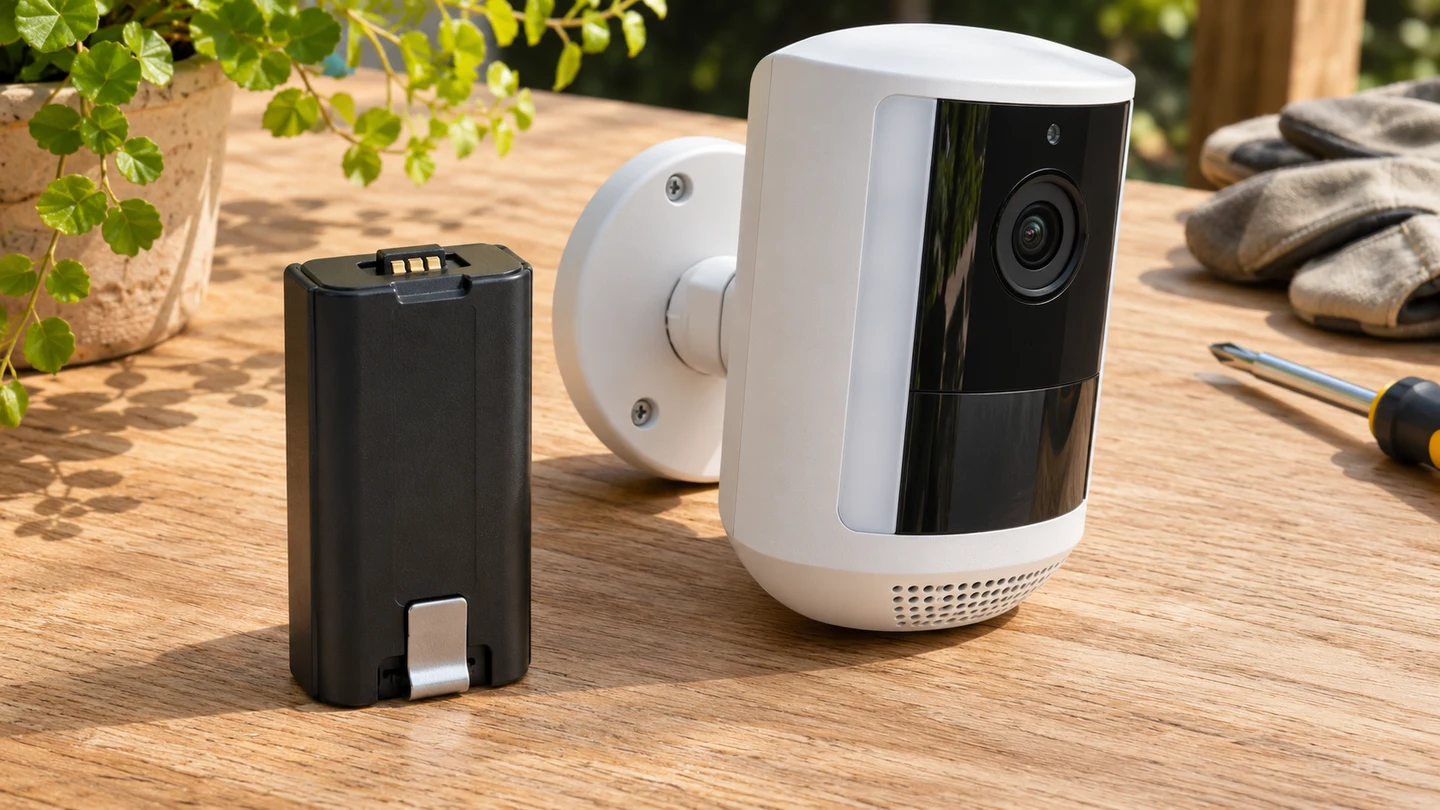
Identify the right removable battery, charge a spare, and swap it without a long gap in camera coverage.
Follow these steps at your own pace. Check product terms and prices directly with providers before purchasing.
Identify your camera’s exact battery type and charge a compatible spare before opening the camera. After the swap, check that it reconnects and that Live View works.
| Option | Best for | Trade-off |
|---|---|---|
| Ring Quick Release Battery Pack (Micro-USB) | Compatible cameras that use the original removable pack | Check the model before buying |
| Ring Charging Station for Quick Release Battery Packs | Rotating one or two supported packs | Requires a pack listed as compatible by Ring |
Look up the full camera name and generation in Device Health or on the label. Match the exact camera to Ring’s pack compatibility list. Some cameras have built-in batteries and newer removable packs may use USB-C.
Use the supplied cable or a charging station only if Ring lists it for your pack. Follow the charge indicator in the pack or dock manual before taking the spare outside.
Use the model’s instructions to open the compartment, release the depleted pack and slide in the charged one. If the camera is high, use a stable ladder or get help.
Close the compartment as directed so the camera stays ready for outdoor use. Check the battery level and Live View in the app after the camera reconnects.
Recharge it indoors and store it according to Ring’s instructions. Mark the charged spare so you can identify it during the next swap.
| Use case | What to do |
|---|---|
| One compatible battery camera | An extra pack can shorten downtime during charging. |
| Several compatible cameras | A dual-slot dock can simplify a battery rotation. |
| Camera has a built-in battery | Follow the model’s charging instructions and plan for downtime. |
A charged, compatible spare lets you bring the camera back online quickly. Check the label and charge indicator each time you rotate packs.
Buy the exact pack your camera supports and add a compatible dock if you rotate multiple batteries.
Charge it ahead of time and swap it into a camera that supports this pack.

Charges two compatible packs at a time for households rotating several batteries.
Prices may change. Check the retailer for the current price and availability. We may earn a commission from qualifying purchases at no additional cost to you. Learn more.
Comments
Comments are reviewed before they become public.
Sign in with Google to leave a comment.
Sign in with GoogleNo approved comments yet. Be the first to start the discussion.