Best for Multiple Devices
Wi-Fi range extenders
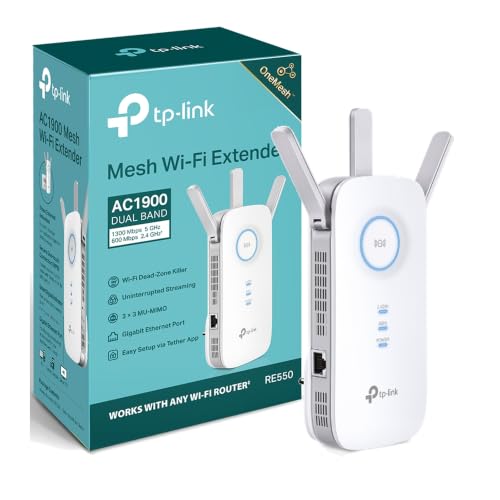
TP-Link AC1900 Wi-Fi Range Extender (RE550)
Extends a home network toward the entry for the doorbell and other devices.
Check current price
Check current price ↗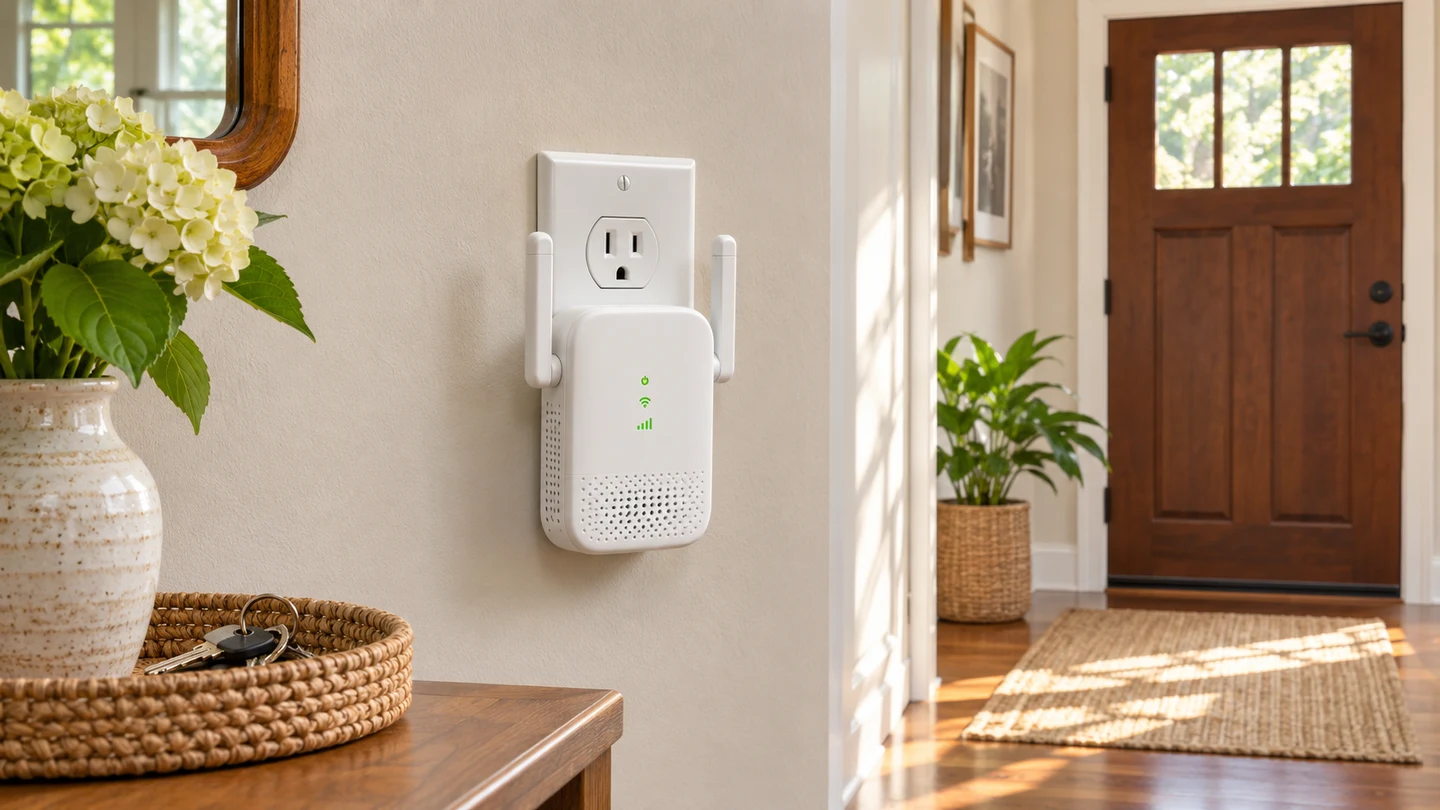
Check your doorbell’s signal, test router placement, and choose where to plug in a Wi-Fi extender.
Follow these steps at your own pace. Check product terms and prices directly with providers before purchasing.
Check Device Health and Live View at the door. Try moving the router before buying an extender, then place any extender in an outlet that still gets a solid connection.
| Option | Best for | Trade-off |
|---|---|---|
| Move the router | A doorbell with a weak signal and a router tucked away | Requires room to reposition the router |
| TP-Link RE550 | Extending home Wi-Fi for the doorbell and other devices | Doorbell must support the chosen network band |
| Ring Chime Pro | Improving connectivity for compatible Ring devices and adding indoor alerts | Designed for compatible Ring devices |
Open the device’s Device Health screen in the Ring app and note the Wi-Fi signal or RSSI. Test Live View with the door closed. RSSI values closer to zero indicate a stronger received signal.
Try another internet-connected device near the router. If the whole home is affected, address that first. Test the doorbell again once service is stable.
If possible, raise it and move it out of metal cabinets and away from large appliances. Compare Live View and RSSI again before buying an extender.
Choose an indoor outlet between the router and the entry. Follow the extender’s setup prompts and select a Wi-Fi band supported by your exact doorbell. Connect the doorbell to the extender network using the Ring app if needed.
Press the button, check app alerts, and open Live View a few times with the door closed. If the extender struggles to reach the router, move it closer to the router and test again.
| Use case | What to do |
|---|---|
| Router works well throughout the house | Check the doorbell’s signal at the actual mount position. |
| Several devices struggle near the entry | Consider a general-purpose extender. |
| Doorbell signal is weak and you need an indoor chime | Check Chime Pro compatibility. |
Measure at the doorbell first. Keep the router or extender in the location that gives you the most consistent alerts and Live View.
Choose a general extender for multiple devices or a Chime Pro for compatible Ring devices and indoor alerts.
Extends a home network toward the entry for the doorbell and other devices.

Adds an indoor chime and a network option for compatible Ring devices.
Prices may change. Check the retailer for the current price and availability. We may earn a commission from qualifying purchases at no additional cost to you. Learn more.
Comments
Comments are reviewed before they become public.
Sign in with Google to leave a comment.
Sign in with GoogleNo approved comments yet. Be the first to start the discussion.