Best for Accent Lighting

Wi-Fi smart light bulbs
Kasa Smart Wi-Fi Light Bulb (KL125)
Use dimming and schedules for an everyday lamp or accent fixture.
Check current price
Check current price ↗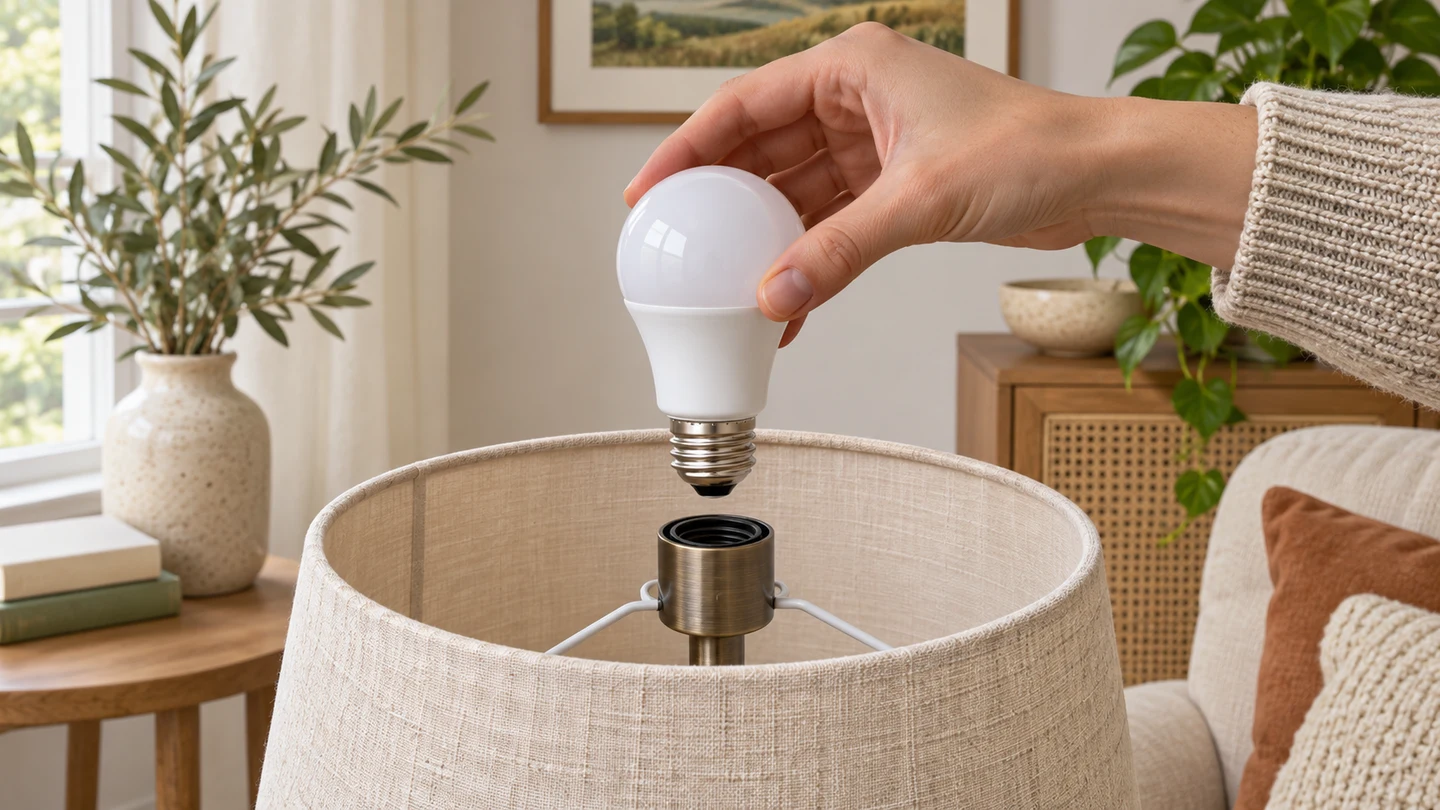
Check fixture compatibility, pair a Wi-Fi smart bulb, and set up a lighting schedule that works every day.
Follow these steps at your own pace. Check product terms and prices directly with providers before purchasing.
Match the socket and fixture to the bulb, install it with the switch off, then pair it in the app and test a schedule.
| Option | Best for | Trade-off |
|---|---|---|
| Kasa KL125 | Accent lighting and dimming | Choose enough brightness for the intended area |
| Kasa KL135 | A brighter lamp or larger space | Check fixture limits and compare light output |
Read the socket and fixture label. Match the bulb base and actual wattage, and check whether your fixture is enclosed or on a wall dimmer. Use a bulb approved for those conditions.
Turn the switch off, let the existing bulb cool, and remove it. Screw the smart bulb into the socket gently, then restore power.
Add the exact model in Kasa Smart and follow the prompts. These Kasa models use 2.4 GHz Wi-Fi. Name the bulb for the room and fixture.
Start with a comfortable white tone and brightness. Set the on and off times, then run a short test schedule to make sure the bulb responds.
Leave the fixture switch on so the bulb can receive commands. If the bulb goes offline, check the wall switch and Wi-Fi before resetting it.
| Use case | What to do |
|---|---|
| Bedside lamp | Try a warm tone and evening schedule. |
| Reading lamp | Compare lumens and test brightness at the chair. |
| Shared room | Choose a clear name and show others how to control the light. |
Choose a bulb that fits the fixture, then leave the switch on for smart controls and test the routine you plan to use.
Choose the bulb based on fixture fit, app support and how much light the room needs.
Use dimming and schedules for an everyday lamp or accent fixture.

Its 1,000-lumen output suits a lamp that needs to light a larger area.
Prices may change. Check the retailer for the current price and availability. We may earn a commission from qualifying purchases at no additional cost to you. Learn more.
Comments
Comments are reviewed before they become public.
Sign in with Google to leave a comment.
Sign in with GoogleNo approved comments yet. Be the first to start the discussion.