Compare compact and full-size wireless keyboards, Bluetooth and USB receivers, and power options for your work setup.
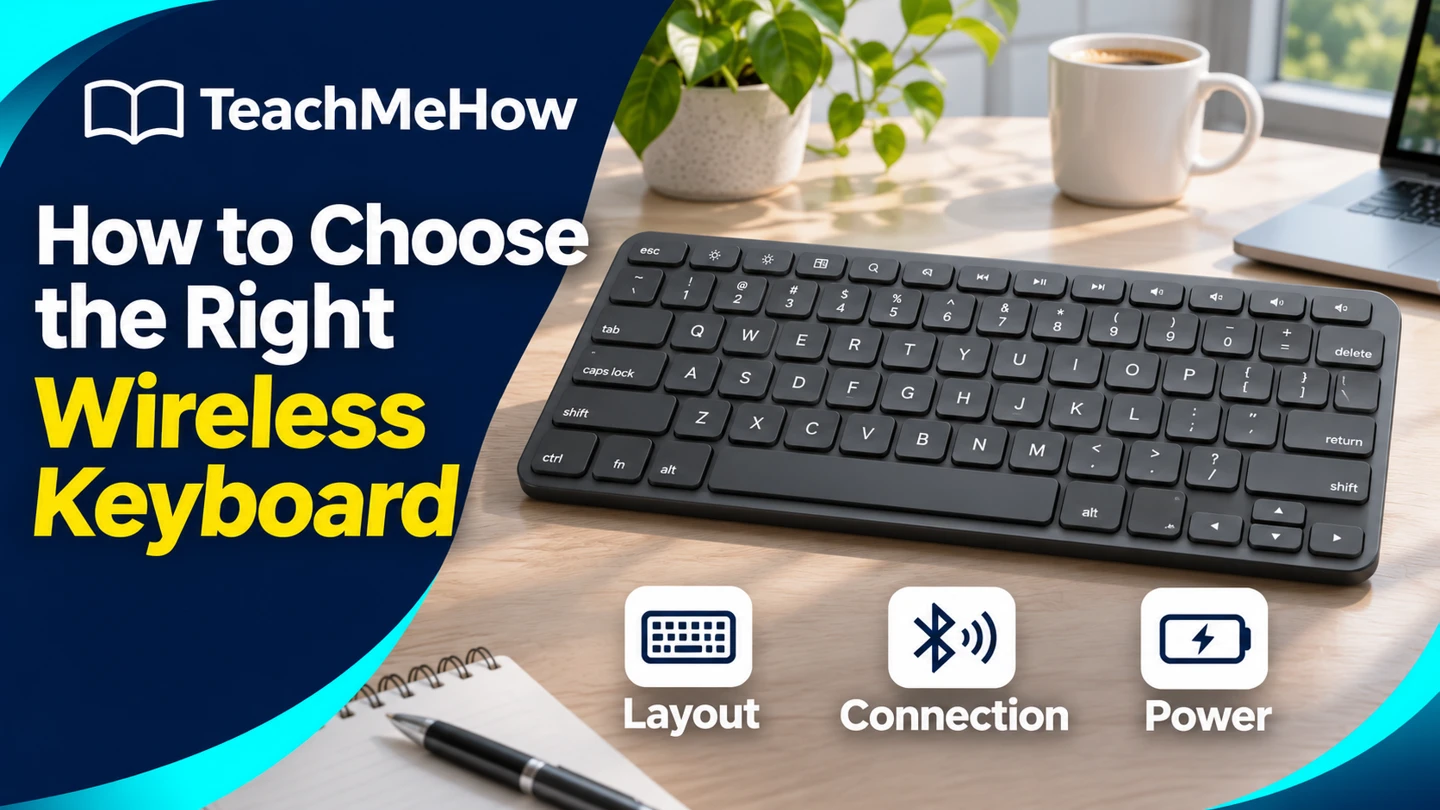
The right wireless keyboard gives you the keys you use every day and connects reliably to the devices on your desk. Start by deciding whether you need a number pad, then check which wireless connections your devices support.
Quick AnswerPick a compact Bluetooth keyboard for a small desk or tablet. Choose full-size if you enter numbers often. If you use a USB receiver, check that the exact listing includes it and that you have the right port.
Compare Wireless Keyboard Layouts
| Layout | Good for | Check first |
|---|
| Compact | Small desks, tablets, and travel | Arrow keys, shortcut layers, and key spacing |
| Tenkeyless | Desktop typing with more mouse space | Whether the navigation keys you need are included |
| Full-size | Spreadsheets and frequent number entry | Desk width and space left for the mouse |
1. Pick the Keys You Actually Use
List the keys you reach for without thinking. If you enter figures all day, a number pad can save time. If you work mostly in a browser or write documents, a shorter board can leave more room for a mouse. Look closely at arrow keys, Delete, and function keys on compact layouts.
2. Choose Bluetooth or a USB Receiver
Bluetooth frees a USB port if your device supports it. A receiver is handy when Bluetooth pairing is inconvenient, but receivers are often specific to a product family. Check the box contents and whether the receiver plugs into USB-A or USB-C.
Buying tipFor a shared desk, check how switching works. A keyboard that remembers three pairings still takes an extra step if its switch is hidden on the underside.
3. Confirm the Operating System and Language Layout
Check the exact model and language listing. A keyboard can connect and type while still assigning shortcuts or media keys differently. Confirm that your device supports the features you use and that any optional configuration app runs on your system.
4. Compare Key Feel and Power
Low-profile keys may feel familiar if you type on a laptop. Taller keys can feel more distinct, and sound varies by design. If you work near other people, try the keyboard or listen to a typing sample. Check whether it uses replaceable batteries or charges by cable, and whether it works while charging.
Which Keyboard Fits Your Setup?
| Setup | Prioritize |
|---|
| Laptop and tablet at one desk | Bluetooth switching and clearly marked shortcuts |
| Shared spreadsheet workstation | Full-size layout and number pad |
| Small desk with a separate mouse | Compact or tenkeyless layout |
| Desktop with limited Bluetooth options | Included compatible USB receiver |
Common Mistakes
- Buying by model name without checking language and layout.
- Assuming a compatible USB receiver is included.
- Forgetting to measure space for the mouse.
- Assuming keyboard shortcuts work the same across devices.
Before You Buy
- Measure your desk and list the keys you use daily.
- Check Bluetooth and open USB ports.
- Verify device switching and operating system support.
- Confirm the power source and included accessories.
Bottom Line
Buy for your daily typing habits and the devices already on your desk. Start with the layout, confirm the connection, then compare key feel and power.


Comments
Comments are reviewed before they become public.
Sign in with Google to leave a comment.
Sign in with GoogleNo approved comments yet. Be the first to start the discussion.