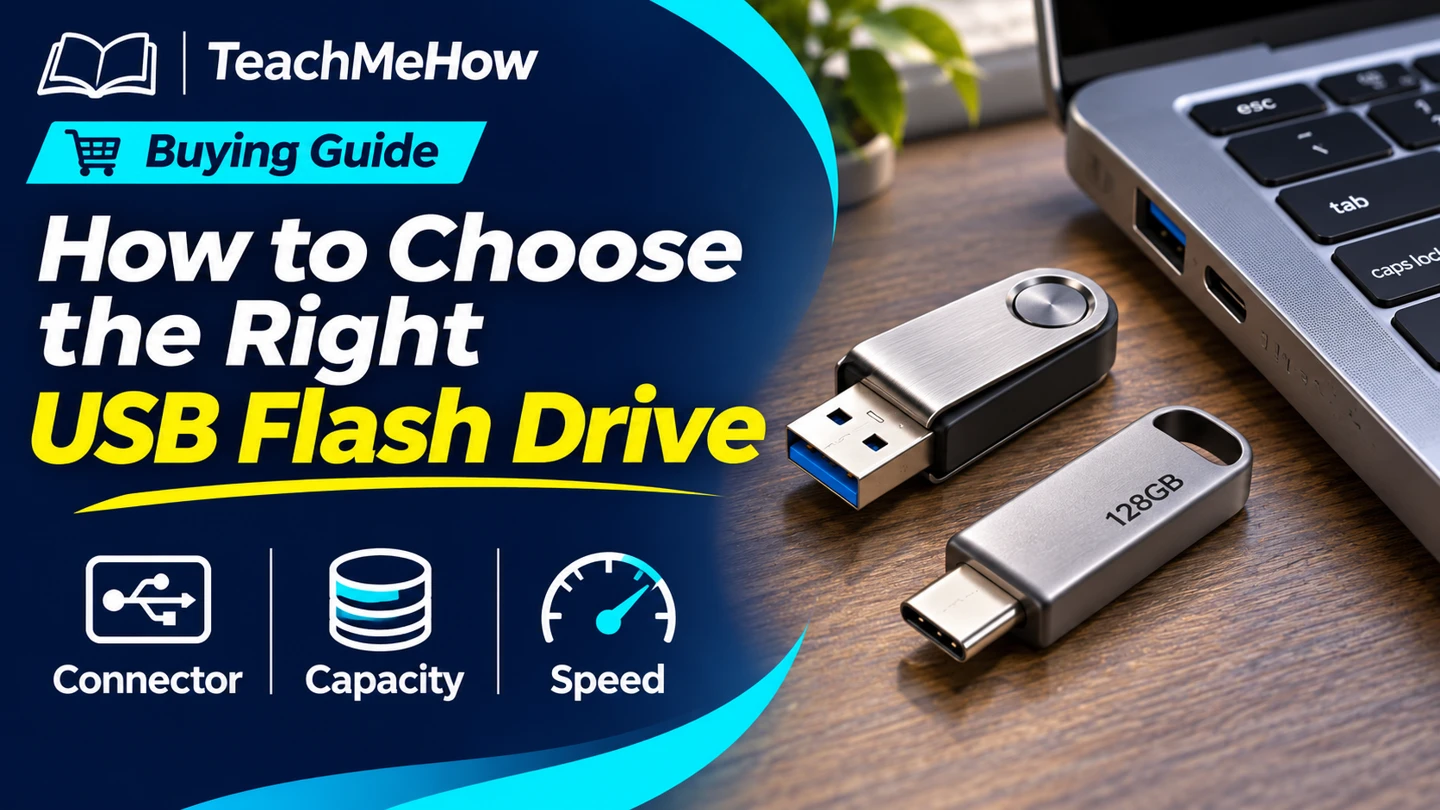
Compare USB-A, USB-C, and dual-connector flash drives. Choose the right capacity and write speed for the files you move.
A flash drive is handy when you need to move a file without relying on the internet. The best fit depends on the devices at both ends, the size of your files, and how often you write large batches.
Quick AnswerChoose a drive with the connector your devices share. If one uses USB-A and another uses USB-C, a dual-connector drive saves carrying an adapter. Size it for the largest batch you move, and check write speed if you copy large files regularly.
Compare USB Flash Drive Types
| Type | Useful for | Check first |
|---|
| USB-A | Older computers and shared workstations | Port availability and plug clearance |
| USB-C | Newer laptops and compatible phones or tablets | Device support for external storage |
| Dual connector | Moving files between USB-A and USB-C devices | Clearance at both ends and how the connectors are protected |
1. Match Both Devices
Check the actual port on each device you plan to use. A USB-C plug can fit a phone that still has restrictions on external storage. Look up the exact device’s file support, and check that a case leaves enough room for the plug.
2. Size the Drive for Your Biggest Batch
Check the size of the folder you typically copy and leave room for other files you carry. Use the size of a whole transfer session when you move several folders at once. The free space you see after formatting can be below the number on the package.
Buying tipLook for a write-speed figure or a test of a long copy on the exact capacity you’re considering. A large advertised read speed tells you how quickly files come off the drive.
3. Check File-System Support
Confirm the receiving device can read the drive’s format. FAT32 limits individual files to just under 4 GB. exFAT supports larger files, but check compatibility with your exact devices. Formatting erases the drive, so copy anything important elsewhere first.
4. Choose a Body You Can Live With
A short drive is easy to leave plugged in and can be harder to remove. A wider case may block neighboring ports. If you carry it on keys or in a bag, check how the plug is protected and whether you can attach it securely.
Which Drive Fits Your Use?
| Use | Prioritize |
|---|
| Printing or sharing documents | A connector the receiving machine supports |
| Moving files between a new laptop and an older desktop | Dual USB-A and USB-C connectors |
| Copying large video files | Verified write performance and large-file support |
| Keeping files you cannot replace | A separate backup copy on another device or service |
Common Mistakes
- Buying by read speed alone.
- Forgetting the receiving device’s connector or file system.
- Choosing a body that blocks a nearby port.
- Keeping the only copy of an important file on the drive.
Before You Buy
- Check every connector and expected device.
- Estimate batch size and check the largest single file.
- Compare write performance and body dimensions.
- Decide where the backup copy will live.
Bottom Line
Choose the connector first, then buy capacity and write performance for the files you actually move. Keep important originals in a second place.


Comments
Comments are reviewed before they become public.
Sign in with Google to leave a comment.
Sign in with GoogleNo approved comments yet. Be the first to start the discussion.