Compare flat and structured tech pouches by charger fit, pocket layout, and packed size so you can find cables without emptying your bag.
A tech pouch works when you can pull out the cable or adapter you need without digging past everything else. Start with your usual equipment and the part of your bag where the pouch will ride.
Quick AnswerChoose a flat zip pouch for a few cables, adapters, and a slim charger. Choose a structured pouch with a wider opening if you carry bulkier gear or want to see everything at once. Measure the thickest item before buying.
Compare Organizer Styles
| Style | Best for | Check first |
|---|
| Flat zip pouch | A few slim accessories | Packed thickness and loop size |
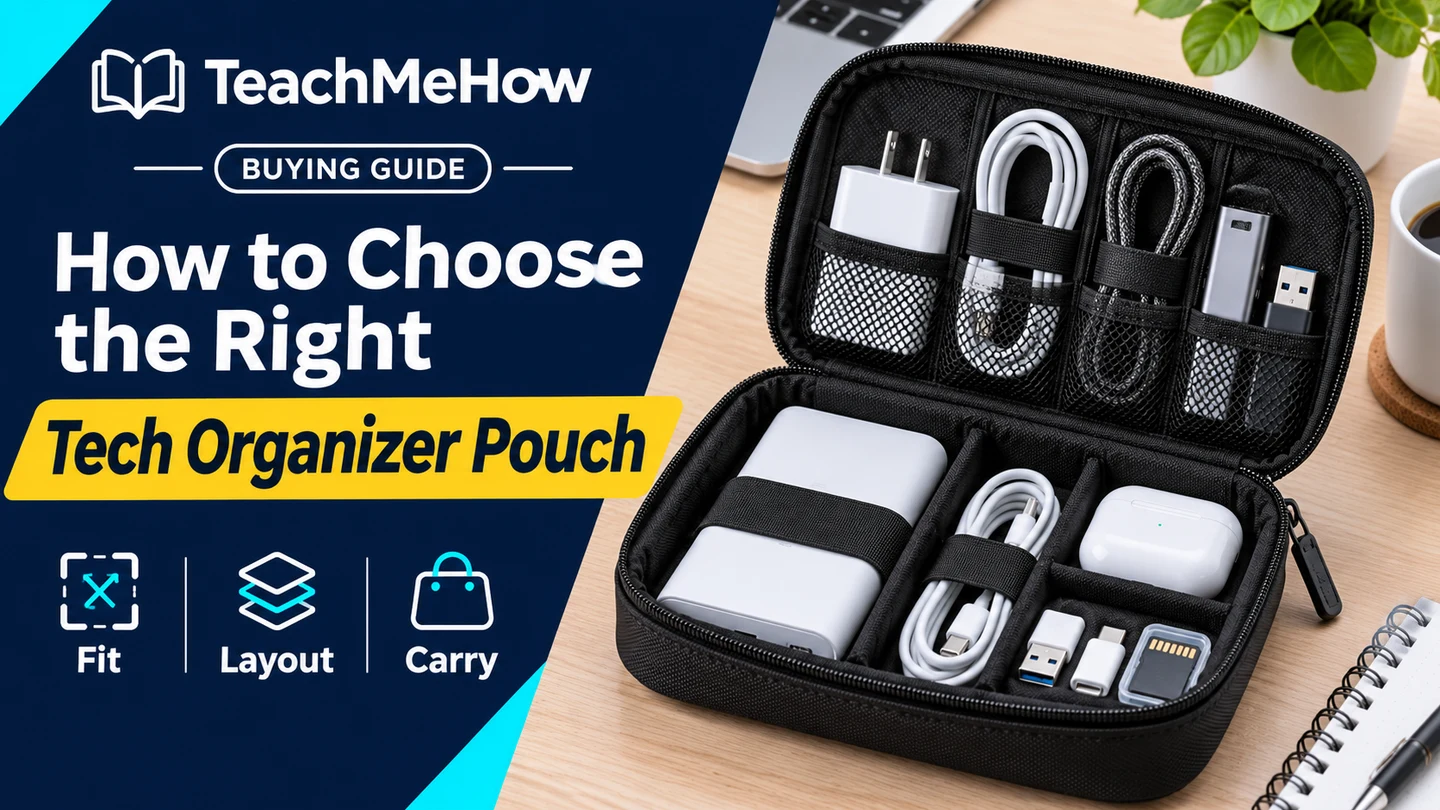
| Clamshell organizer | Gear you want to lay out on a desk | Space needed to open it fully |
| Structured standing pouch | Chargers, adapters, and frequent access | Base width and how the pockets divide the space |
1. Lay Out Your Actual Gear
Separate what you carry every day from what you add for trips. Measure the largest charger with folding prongs closed, if it has them. Include any cable bend or connector that sticks out when you coil the cable loosely.
2. Check How the Compartments Share Space
Inspect the photos of the interior. A charger in the middle can press against a pocket on the opposite side. Elastic loops work best when they grip the cable coil without forcing tight bends. Small adapters are easier to find in a closed mesh or zip pocket.
Buying tipPack your gear in a spare zip bag first. Measure the packed bundle to see how much depth you really need and which pieces compete for room.
3. Choose an Opening That Matches How You Use It
A clamshell can lay contents flat at your desk. A wide-mouth pouch is useful when you want access from above. Check whether loose pieces could fall out if you open the pouch upright.
4. Measure It Inside Your Bag
Check the pouch’s exterior measurements against the opening in your backpack or briefcase. Assess the depth when the pouch is full. If it sits next to the laptop sleeve, look for a way to keep hard accessories from pressing against the computer.
Which Pouch Fits Your Routine?
| Routine | Prioritize |
|---|
| Daily commute with one charger | A slim pouch with a pocket for small adapters |
| Travel with chargers and a power bank | Room for bulky pieces and a wide opening |
| Working from different desks | A layout that stays open where you use it |
| Frequently switching bags | A pouch you can grab and move as one unit |
Common Mistakes
- Counting compartments without checking their actual size.
- Measuring only the empty pouch.
- Using loops that bend thick cables sharply.
- Forgetting how much space a clamshell needs when open.
Before You Buy
- List your usual accessories and measure the largest items.
- Check pocket depth and the opening.
- Measure where the filled pouch will sit in your bag.
- Decide what you want to reach without unpacking.
Bottom Line
Buy a pouch that fits your bulkiest item and gives frequently used accessories an obvious place. A flat organizer works for a small cable kit. A structured one earns the extra space when you regularly carry larger gear.


Comments
Comments are reviewed before they become public.
Sign in with Google to leave a comment.
Sign in with GoogleNo approved comments yet. Be the first to start the discussion.