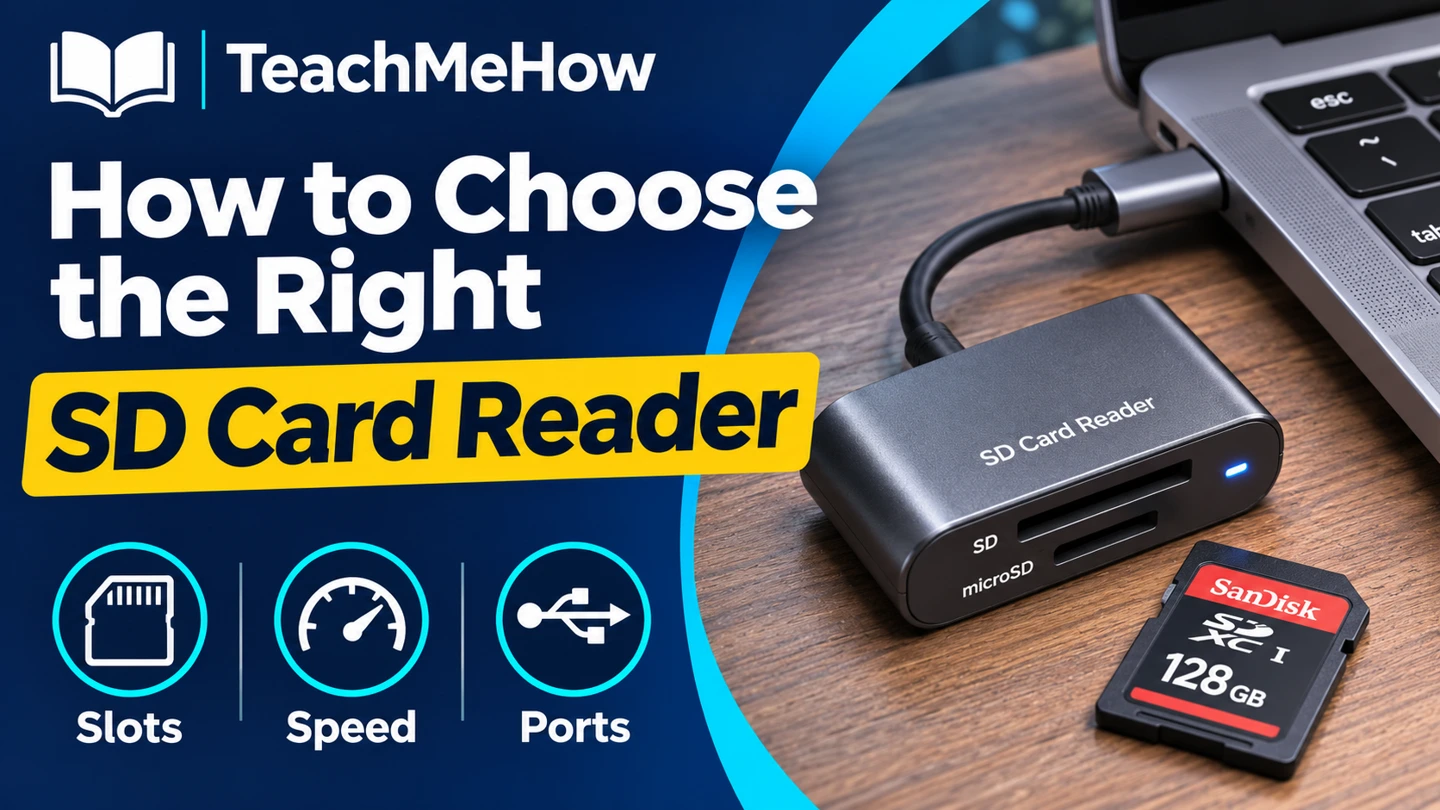
Compare SD card readers by slot type, UHS speed, and USB connector, and choose a reader that fits your camera cards and computer.
An SD card reader is easiest to choose when you start with the cards you already own. Check their size and speed markings, then look at the ports on the devices that will receive the files.
Quick AnswerChoose a UHS-I reader for everyday transfers from UHS-I cards. If you regularly offload large batches from UHS-II cards, choose a reader that explicitly supports UHS-II. Buy a reader with a native microSD slot if you use those cards often.
Compare SD Card Reader Types
| Type | Best for | Check first |
|---|
| Single-slot SD | Full-size camera cards | SDXC and UHS support |
| SD and microSD reader | A mix of camera and compact cards | Whether both slots can read at once |
| UHS-II reader | Large batches from compatible cards | Which slot supports UHS-II and what port the reader uses |
1. Match the Physical Card
Full-size SD and microSD use different slots. A microSD-to-SD adapter can help when you only have a full-size slot. If you rely on an adapter, check that it supports the transfer mode you want.
2. Check the Card and Reader Speed Together
USB speed describes the connection to the computer. UHS describes the card interface. A fast USB connection still leaves a UHS-I reader limited to what it can pull from the card. Look for UHS-II support if your card has the second row of contacts and import time matters.
Buying tipIf you use several types of cards, calculate how often you import each one. Spend for a faster slot where it saves time regularly.
3. Fit the Reader to Your Port
Choose a USB plug that fits the computer you actually use. A short cable can leave more room for devices beside the reader. For phones and tablets, verify support for external storage with the exact operating system and port.
4. Check the Slot Behavior
Two slots on the housing may share a controller. If you need both cards available at once, look for explicit simultaneous-read support. Eject the card through your operating system before removing it.
Which Reader Fits Your Workflow?
| Workflow | Prioritize |
|---|
| Occasional photo imports | Simple SD reader and a matching USB plug |
| Action cameras and drones | Native microSD slot |
| Large shoots on UHS-II cards | UHS-II support for the correct card size |
| Tight laptop ports | A short cable or narrow housing |
Common Mistakes
- Confusing USB transfer speed with card speed.
- Assuming both slots can operate together.
- Buying a USB-A model for a USB-C-only laptop.
Before You Buy
- Check card size, capacity class, and UHS marking.
- Check the reader’s slot and host connector.
- Verify compatibility with phones or tablets if needed.
- Measure clearance around the laptop port.
Bottom Line
Match the slot and connector first. Pay for UHS-II when your cards support it and you regularly move enough files to benefit.


Comments
Comments are reviewed before they become public.
Sign in with Google to leave a comment.
Sign in with GoogleNo approved comments yet. Be the first to start the discussion.