How to Choose the Right Portable Projector
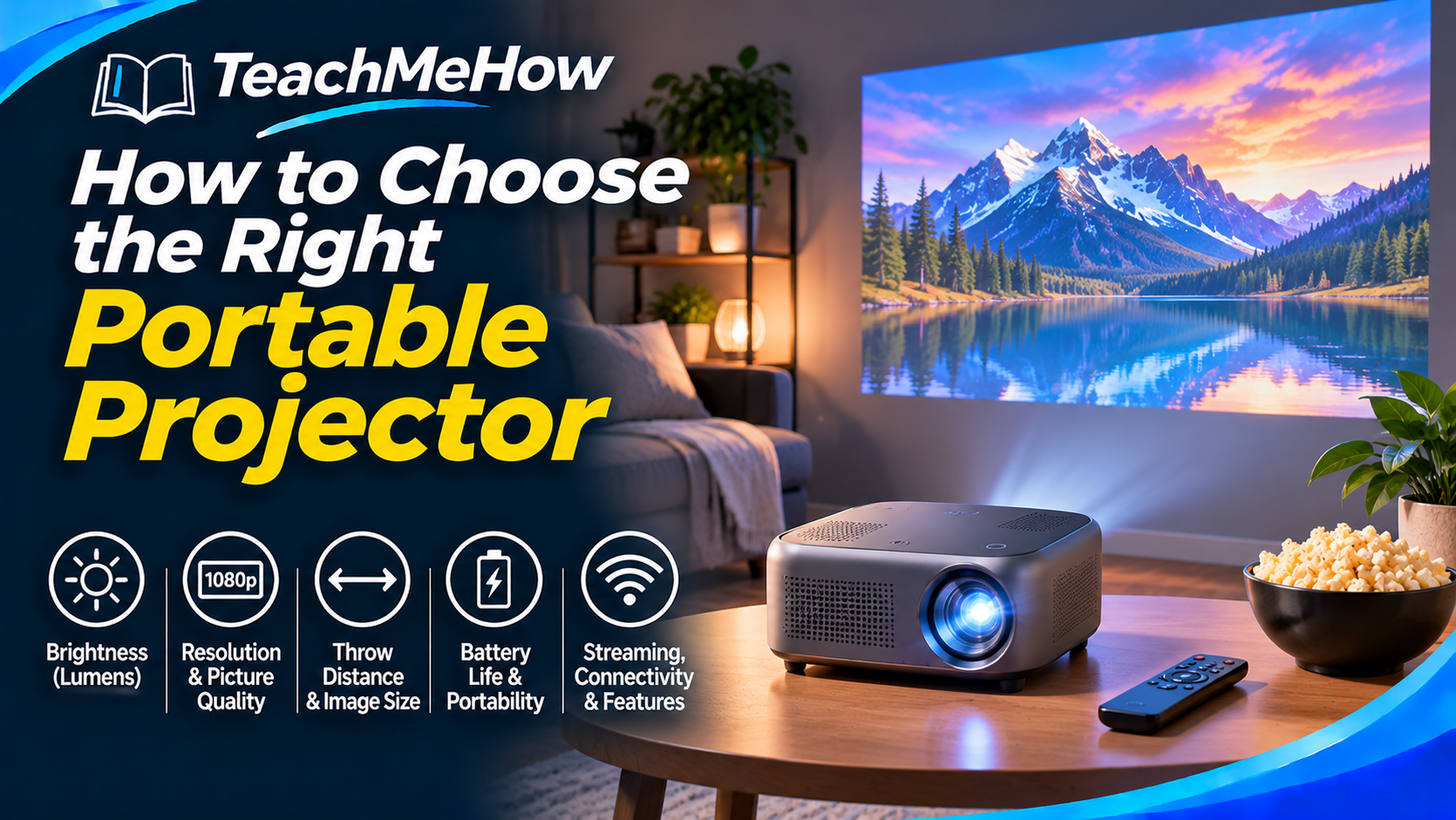
Learn how to choose the right portable projector based on brightness, resolution, throw distance, battery life, streaming support, speakers, portability, and room conditions.
Follow these steps at your own pace. Check product terms and prices directly with providers before purchasing.
How to Choose the Right Portable Projector
A portable projector can turn a blank wall into a movie screen almost anywhere. It can be useful for bedrooms, apartments, backyard movie nights, travel, presentations, gaming, or simply creating a much larger picture than a television can provide.
But portable projectors vary dramatically in brightness, resolution, battery life, image size, software quality, speakers, and ease of setup. Some are genuinely portable entertainment systems, while others are simply small projectors that still work best near an outlet in a dark room.
Quick answer: For most buyers, the four most important things are real brightness, native resolution, throw distance, and ease of setup. Built-in streaming and battery power are convenient, but they should come after good picture quality and compatibility with your room.
What Matters Most?
| Feature | Why it matters |
|---|---|
| Brightness | Determines how visible the image remains when the room is not completely dark. |
| Native resolution | Controls how much real detail the projector can display. |
| Throw distance | Determines how far the projector must sit from the wall or screen. |
| Autofocus & keystone | Makes setup much faster when the projector is moved frequently. |
| Battery life | Important if you want true cordless use. |
| Streaming support | Determines whether you can watch content without connecting another device. |
1. Start With Where You Will Use It
The best projector for a bedroom is not necessarily the best one for a backyard, office, or travel setup.
Bedroom or apartment
Compact size, quiet operation, autofocus, and built-in streaming may matter most. You may also be able to use a lower-brightness projector because the room can be darkened easily.
Backyard movie nights
Brightness becomes much more important. Even outdoors, a projector works best after sunset because ambient light can wash out the image.
Travel
Weight, battery life, durability, and simple setup become more important than maximum image size.
Presentations
Brightness, readable text, HDMI or USB-C connectivity, and reliable compatibility may matter more than cinematic picture quality.
Buying tip: Choose the projector around your most common use case, not the one special occasion you might use it for once or twice a year.
2. Brightness Is One of the Most Important Specifications
Projectors do not create their own black levels the way televisions do. The image depends heavily on the light conditions in the room.
A projector that looks bright and colorful in a dark bedroom can appear weak in a room with sunlight or bright lamps.
This is why brightness should be one of the first specifications you compare.
Be careful with marketing brightness numbers
Some manufacturers use proprietary brightness claims that are difficult to compare between brands.
When possible, look for standardized brightness measurements and real-world reviews rather than relying only on a large number printed in advertising.
3. Native Resolution Matters More Than “Supports 4K”
A projector may advertise that it supports 4K input without actually having a 4K imaging panel.
For example, the projector may accept a 4K video signal and then display it at a lower native resolution.
Always check the native resolution, because that tells you the true number of pixels the projector can display.
| Native resolution | Best suited for |
|---|---|
| 720p | Basic portable use, smaller images, casual viewing |
| 1080p | Movies, streaming, gaming, and general home use |
| 4K | Premium large-screen viewing and finer detail |
For most portable-projector buyers, native 1080p provides a good balance between image quality, price, and portability.
4. Throw Distance Determines Where You Can Put It
Throw distance is the space required between the projector and the screen or wall.
A projector may create a 100-inch image from several feet away, but another model may need considerably more room.
Before buying, measure the room and decide where the projector can realistically sit.
Why this matters in small rooms
If you want a very large image in a bedroom but only have a few feet between the projector and wall, a standard portable projector may not produce the size you expect.
Always check the manufacturer's throw-ratio or distance chart.
5. Do Not Chase the Largest Possible Screen
Projector listings often advertise extremely large maximum image sizes. That does not mean the image will still look bright, sharp, and enjoyable at that size.
As the projected image becomes larger, the same amount of light is spread over a larger area.
A projector may technically create a huge image while looking substantially better at a smaller size.
Better approach: Choose your desired image size first, then confirm that the projector provides adequate brightness and resolution at that size.
6. Autofocus Can Make Portable Projectors Much Easier to Live With
If you move the projector frequently, manual focusing can become annoying.
Autofocus systems automatically adjust the lens after the projector is repositioned.
Some models also detect movement and refocus automatically.
This is especially useful for portable models because they are more likely to be moved between rooms or taken outside.
7. Understand Keystone Correction
A projector produces its best image when it faces the screen directly.
If it sits off to one side or at an angle, the image can become trapezoid-shaped. Keystone correction digitally adjusts the image back into a rectangle.
Automatic keystone correction can make setup much faster, but extreme correction can slightly reduce usable resolution and image quality.
Whenever possible, place the projector reasonably close to the center of the screen and use keystone correction for smaller adjustments.
8. Screen Alignment and Obstacle Avoidance
Some newer projectors can automatically detect a screen, resize the image to fit inside it, or move the picture away from objects on the wall.
These features are convenient for casual use, especially if the projector does not have a permanent location.
However, they should be considered setup conveniences rather than replacements for good picture quality.
9. Do You Really Need a Built-In Battery?
Not every portable projector has an internal battery.
Some are portable only because they are small and lightweight but still require wall power.
If you want to use the projector outdoors, while camping, or in locations without an outlet, battery operation can be extremely useful.
If you mostly use it in your bedroom or living room, you may get better brightness or value from a model that runs from wall power.
10. Real Battery Runtime
Battery-powered projectors often reduce brightness to extend runtime.
A projector might advertise several hours of battery life, but maximum-brightness mode may drain the battery much faster.
Think about the length of the movies you typically watch and whether you are willing to lower brightness to make the battery last longer.
11. USB-C Power Can Be Very Useful
Some compact projectors can run or charge through USB-C Power Delivery.
This may allow you to use a compatible laptop charger or high-capacity power bank instead of carrying a proprietary adapter.
Check the required wattage carefully because many ordinary phone chargers do not provide enough power.
12. Built-In Streaming Apps
Some portable projectors include a smart-TV-style operating system with streaming applications.
This can eliminate the need for a separate streaming stick, laptop, or phone.
However, not all projector software platforms offer the same app support.
Before buying, check:
- Whether your preferred streaming services are supported
- Whether the apps are official versions
- How frequently the software receives updates
- Whether the interface feels responsive
13. External Streaming Devices Can Solve Software Problems
If you like the projector but dislike its built-in software, an HDMI streaming stick can often solve the problem.
This can be a good strategy because it allows you to choose the projector primarily for image quality while using a separate platform for streaming.
Just make sure the projector has an accessible HDMI port and a way to power the streaming device.
14. HDMI Connectivity
HDMI is one of the most useful connections because it works with laptops, game consoles, streaming devices, Blu-ray players, and many other sources.
If you plan to use multiple devices, check whether the projector has more than one HDMI input or whether switching cables will be necessary.
15. Wireless Screen Mirroring
Many portable projectors support wireless mirroring from phones, tablets, or computers.
This can be convenient for photos, presentations, and casual content.
Streaming-service restrictions can sometimes prevent protected video from working through basic screen mirroring, so do not assume wireless mirroring replaces proper streaming-app support.
16. Bluetooth
Bluetooth can allow the projector to connect to wireless speakers or headphones.
Some models can also operate as Bluetooth speakers when the projector itself is not being used for video.
If you plan to connect external audio, check for potential audio delay, especially for movies or gaming.
17. Built-In Speakers
Portable projectors usually include speakers, but the small cabinet limits bass and maximum volume.
Built-in speakers may be perfectly adequate for a bedroom or casual viewing.
For outdoor use, larger rooms, or more immersive movie watching, a separate Bluetooth speaker, soundbar, or audio system can provide a significant improvement.
18. Gaming on a Portable Projector
A large projected gaming image can be fun, but gamers should pay attention to input lag.
Input lag is the delay between pressing a controller button and seeing the result on the screen.
Competitive gamers need lower input lag than casual players.
If gaming is a major reason for buying the projector, look for a dedicated game mode and verified latency measurements.
19. Refresh Rate
Most portable projectors are designed primarily for movies and everyday entertainment rather than very high-refresh gaming.
A standard refresh rate is enough for streaming and normal console use.
If you want higher frame-rate gaming, confirm exactly which resolution and refresh-rate combinations the projector supports.
20. Fan Noise
Projectors generate heat and use internal fans to stay cool.
In a quiet bedroom, fan noise may be noticeable during quiet movie scenes.
Larger speakers can mask some of the sound, but if you sit close to the projector, look for reviews that specifically discuss fan noise.
21. Portability Is More Than Weight
A lightweight projector is easier to carry, but true portability also depends on the accessories you need to bring with it.
A small projector that requires a large power brick, tripod, streaming stick, speaker, and several cables may be less portable than expected.
Consider the complete setup:
- Projector
- Power adapter
- Remote control
- Tripod or stand
- Streaming device
- Speaker
- HDMI cable
- Carrying case
22. Tripod Mounting
A standard tripod mount can make placement much easier.
You can adjust projector height and angle without stacking books or moving furniture.
If you plan to use the projector outdoors or in different rooms, tripod compatibility can be a genuinely useful feature.
Which Portable Projector Is Best for You?
| Your use | Prioritize |
|---|---|
| Bedroom movies | 1080p, quiet fan, autofocus, streaming apps |
| Backyard movies | Higher brightness, good speakers, simple setup |
| Travel | Small size, low weight, battery, USB-C charging |
| Presentations | Brightness, HDMI/USB-C, text clarity |
| Gaming | Low input lag and game mode |
| Small room | Shorter throw distance and flexible placement |
5 Common Portable Projector Buying Mistakes
- Believing every brightness claim. Compare standardized measurements and real-world testing whenever possible.
- Confusing supported resolution with native resolution. “Supports 4K” does not necessarily mean the projector is truly 4K.
- Ignoring throw distance. The projector may not create the image size you want from the space available.
- Buying by maximum screen size. A huge image may look dimmer and softer than a more reasonable size.
- Assuming portable means battery-powered. Many compact models still require wall power.
Before You Buy: Quick Checklist
- Where will you use the projector most often?
- Can you darken the room?
- Is the brightness sufficient?
- What is the native resolution?
- Will the throw distance work in your room?
- What image size do you realistically want?
- Does it have autofocus?
- Does it have automatic keystone correction?
- Do you need a built-in battery?
- Will the battery last through a full movie?
- Are your streaming apps supported?
- Does it include HDMI?
- Can you connect external speakers?
- Is the fan quiet enough?
- Will the complete setup be easy to carry?
Bottom line: The best portable projector is not necessarily the smallest model or the one advertising the largest screen. For most people, a bright native-1080p projector with easy autofocus, sensible throw distance, reliable streaming options, and a setup that fits the room will provide a much better experience than chasing impressive marketing numbers.
Comments
Comments are reviewed before they become public.
Sign in with Google to leave a comment.
Sign in with GoogleNo approved comments yet. Be the first to start the discussion.