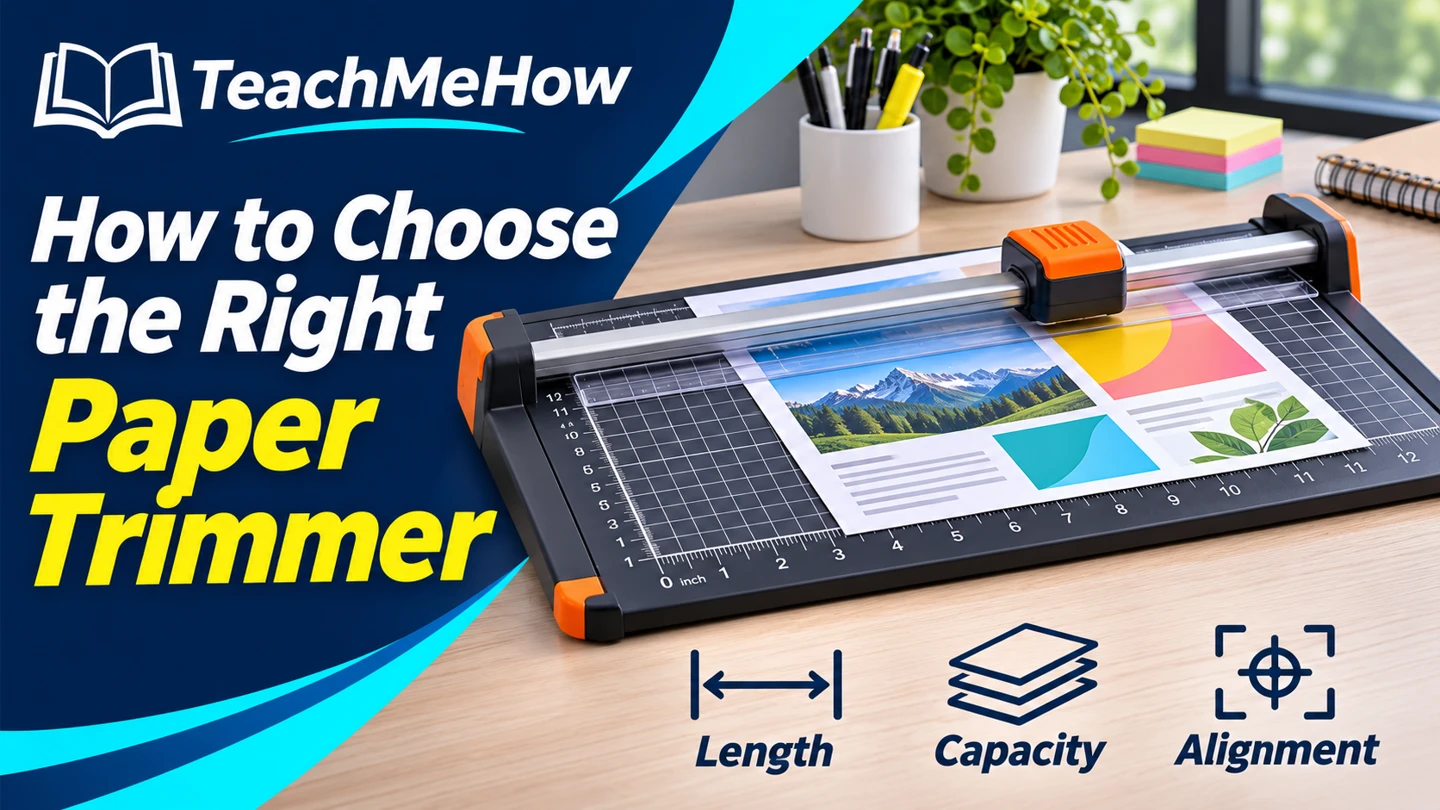
Compare sliding, rotary, and lever-style paper trimmers. Choose the right cut length, capacity, and alignment features for crafts or office projects.
A paper trimmer makes it easier to repeat the same straight cut across a set of labels, handouts, or craft pieces. Start with the longest cut and the thickest material you use, then check whether the base makes those cuts easy to line up.
Quick AnswerChoose a sliding trimmer for single sheets and occasional craft projects. Compare rotary models for frequent single-sheet work and lever models for small stacks. Check the rated capacity for your material and the usable cut length before buying.
Compare Paper Trimmer Types
| Type | Useful for | Check first |
|---|
| Sliding blade | Small projects and occasional trimming | Cut-line guide and spare blade availability |
| Rotary blade | Repeated cuts and photo or craft work | Material ratings and whether the base supports the sheet |
| Lever-style | Small stacks and repeated office cuts | Stack capacity, paper clamp, and blade guard |
1. Measure the Longest Cut
Measure the edge you’ll cut along. A 12-inch trimmer can accommodate an 11-inch cut if the sheet sits flat against its guide. Wider stock or oversize prints may need a longer bed. Check the stated cutting length since the overall base dimensions include space that may sit outside the blade path.
2. Compare Capacity for Your Material
Sheet ratings usually assume a specified weight of ordinary paper. Cardstock, photo paper, and laminated sheets behave differently. Check the exact model’s guidance for each material and try a scrap from the same batch before trimming a finished piece.
Buying tipIf you often cut to the same size, look for a fixed paper stop or a clearly marked grid. Try lining up a sample using the marks you’ll actually need.
3. Inspect the Measuring and Alignment Guides
A clear ruler, a square top edge, and a visible cut line make repeat cuts easier. An extension ruler helps support measurements on wider sheets. For narrow strips, check whether you can see and hold the material in place using the model’s guide system.
4. Check Blade Replacement and Storage
Search for a replacement blade by the trimmer’s exact model before buying. If space is tight, check the dimensions with the ruler extended. For a lever model, look for a guard and a latch that secures the arm for storage, and follow the manufacturer’s directions.
Which Trimmer Fits Your Work?
| Project | Prioritize |
|---|
| Trimming a few labels or photos | Visible cut line and a stable sliding or rotary rail |
| Repeat cuts on office handouts | A paper stop, square guide, and suitable stack rating |
| Cutting large craft sheets | Full-length blade travel and support for the sheet |
| Working with thicker stock | A model explicitly rated for the material |
Common Mistakes
- Shopping by base width and overlooking actual cut length.
- Treating a copy-paper capacity as a cardstock rating.
- Forgetting to check whether replacement blades are available.
- Cutting the whole batch before checking the first piece.
Before You Buy
- Measure the longest cut and your available work surface.
- List the materials you use regularly.
- Check alignment, repeat-cut features, and storage dimensions.
- Find the exact replacement blade or manufacturer maintenance instructions.
Bottom Line
Pick a trimmer that supports your longest cut and thickest stock. For occasional single sheets, a compact slider is a practical choice. For repeat cuts or small stacks, spend more attention on alignment and capacity.


Comments
Comments are reviewed before they become public.
Sign in with Google to leave a comment.
Sign in with GoogleNo approved comments yet. Be the first to start the discussion.