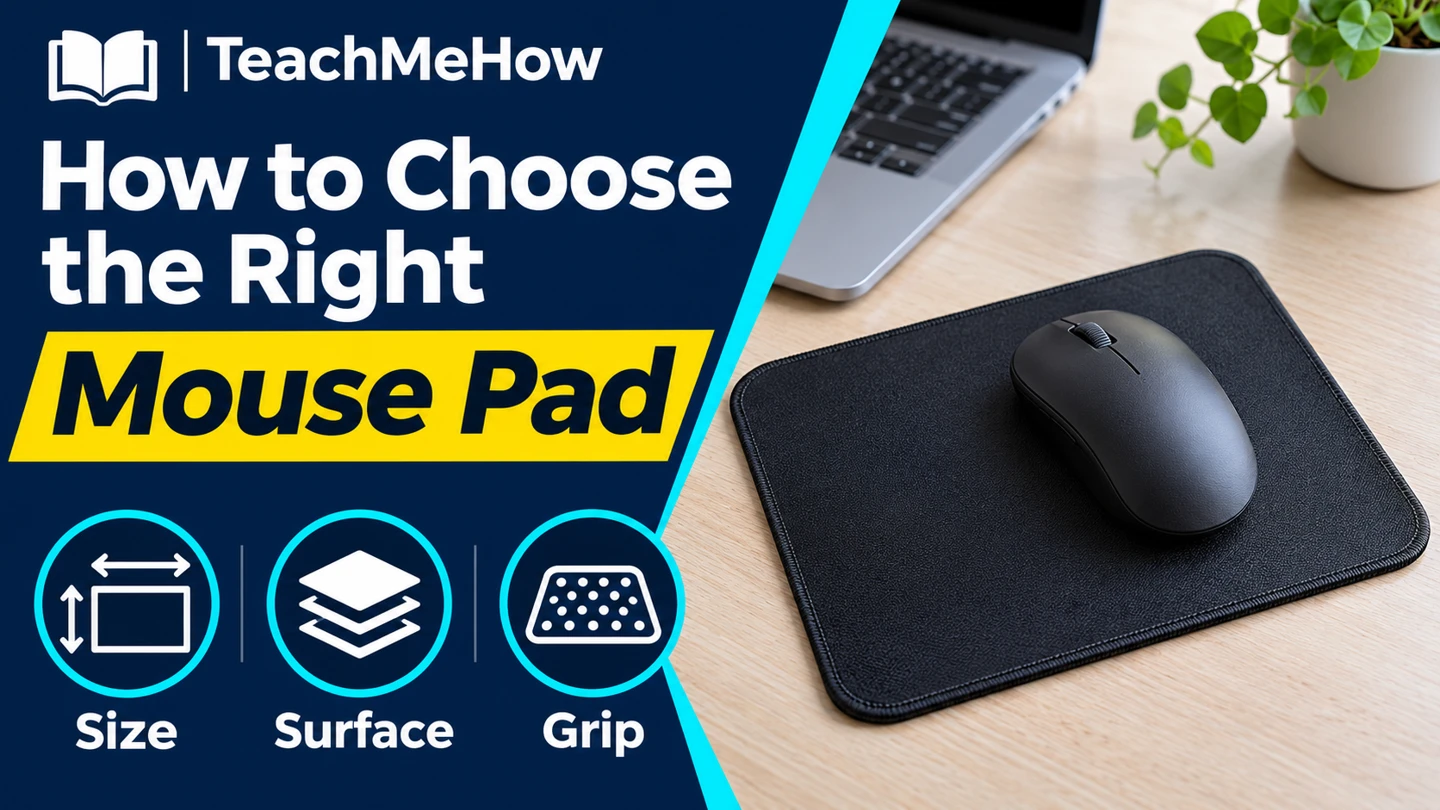
Compare cloth and hard mouse pads, measure your mouse movement, and choose a surface that fits your desk and the way you work.
A mouse pad should give you enough room to move and a surface that feels consistent. Measure how far you actually move the mouse before comparing textures or buying a larger pad.
Quick AnswerStart with a medium cloth pad for everyday office work. Choose a hard surface if you like a rigid feel and want to wipe it clean. If you frequently run off the edge, measure your longest mouse movement and allow space beyond it.
Compare Mouse Pad Surfaces
| Surface | Useful for | Check first |
|---|
| Cloth | A soft surface and flexible storage | Edge feel, texture, and care |
| Hard plastic | A rigid surface and easy wipe-downs | Mouse tracking and edge height |
| Extended cloth | Wide mouse movements or a shared keyboard surface | Clear desk width and depth |
1. Measure Mouse Travel
Use your normal pointer sensitivity and move across the screen several times. Measure the area your hand actually uses. Leave room beside a full-size keyboard and check whether the mouse cable catches on nearby objects.
2. Decide How Much Glide You Prefer
Surface texture affects how readily a mouse starts moving and stops. If you make small adjustments in spreadsheets or design software, check that you can stop the pointer where you intend. If you make broad movements, look for consistent feel across the entire pad.
Buying tipTrace the proposed size on scrap paper and place it beside your keyboard. Check where the front edge sits and where your mouse lands at the end of a long move.
3. Check the Edge and Backing
A pad that shifts can make the usable area feel smaller. Look for a backing suited to your desk finish. A stitched edge can help cloth resist fraying, but check whether it rises into the path of your hand or mouse.
4. Test With Your Own Mouse
Use the mouse you plan to keep, at your normal sensitivity. Try slow moves and quick sweeps. Follow the manufacturer’s cleaning directions so the surface keeps a consistent feel.
Which Pad Fits Your Setup?
| Your setup | Prioritize |
|---|
| Compact desk | A footprint that clears the keyboard and monitor base |
| Low pointer sensitivity | Extra usable width and depth |
| Shared workstation | Easy cleaning and a stable backing |
| Travel bag | A flexible pad that packs easily |
Common Mistakes
- Buying by size labels without checking dimensions.
- Ignoring where a raised edge meets your hand.
- Assuming every mouse behaves the same on each surface.
- Using a cleaning method the maker doesn’t recommend.
Before You Buy
- Measure clear desk space and typical mouse travel.
- Choose soft cloth or a rigid surface.
- Check the edge, backing, and cleaning instructions.
- Test it at your usual pointer settings.
Bottom Line
Choose the size from your real mouse movement, then decide how much surface glide and firmness you like. A well-fitting pad stays in place and keeps its edge out of your way.


Comments
Comments are reviewed before they become public.
Sign in with Google to leave a comment.
Sign in with GoogleNo approved comments yet. Be the first to start the discussion.