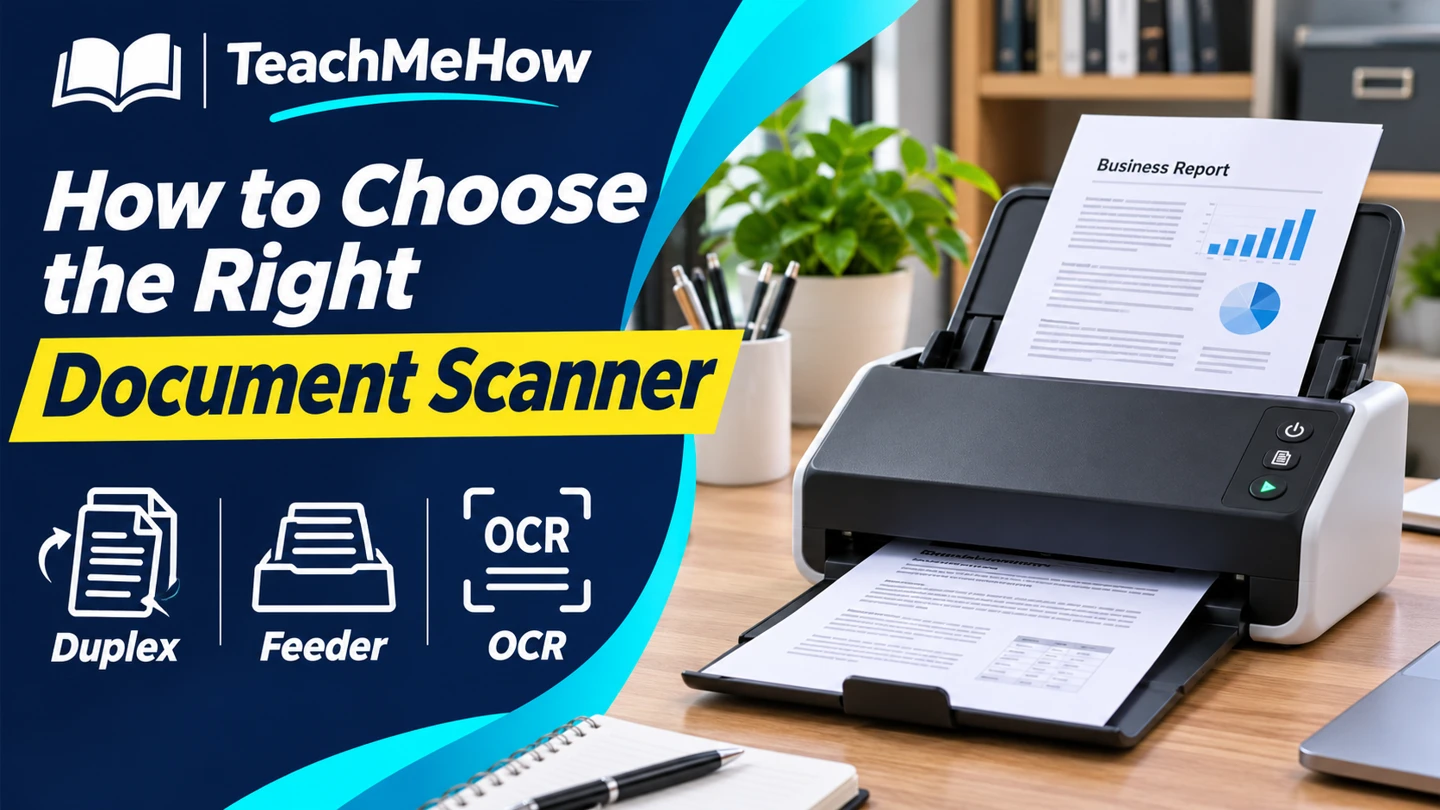
Compare portable, sheet-fed, and flatbed scanners, and decide which feeder, duplex, and searchable PDF features fit your paperwork.
A scanner should fit the paperwork you actually handle. A stack of loose forms moves quickly through a feeder, while a passport or a fragile original is easier to place on a flatbed. Decide what you need to scan and where you want the files to go before comparing speed ratings.
Quick AnswerChoose a duplex sheet-fed scanner for stacks of two-sided paperwork. Pick a flatbed for bound or fragile originals, and look for a compact USB model if you scan small batches beside one computer.
Compare Document Scanner Types
| Type | Best for | Check first |
|---|
| Portable sheet-fed | Small batches and limited desk space | Power requirements and supported paper sizes |
| Desktop sheet-fed | Recurring stacks of loose paper | Duplex support, feeder capacity, and destinations |
| Flatbed | Books, delicate originals, and odd shapes | Bed dimensions and scan software |
1. Start With Your Originals
Make a short list of what you scan each week. Standard letters and invoices usually suit a sheet feeder. Thick cards, tiny receipts, and long documents may need a dedicated slot or a special mode. Check the manufacturer’s minimum and maximum dimensions.
2. Compare Duplex and Feeder Capacity
Automatic duplex scanning captures both sides without flipping the stack by hand. A larger feeder saves reloads, but the rated capacity may be based on standard paper. Check whether the scanner can detect blank backs and separate batches into individual files.
Buying tipCount the pages in one typical batch. A feeder sized for that batch can save more time than a faster scanner you have to reload several times.
3. Check Searchable PDF Support
Optical character recognition helps you search scanned text. Confirm where the software runs and whether searchable PDF export is included. Test a page with your usual print size and layout before you commit a whole filing cabinet to the workflow.
4. Decide Where Files Should Land
USB is a straightforward choice for one workstation. For a shared scanner, check whether the exact model supports the Wi-Fi, folder, or service you use. Confirm your operating system and whether the destination needs a computer running nearby.
Which Setup Fits Your Work?
| Your paperwork | Prioritize |
|---|
| A few receipts at a time | Small-paper support and easy file naming |
| Weekly stacks of invoices | Duplex feeder and searchable PDFs |
| Bound records and fragile photos | Flatbed with a bed that fits the originals |
| Shared home-office scanner | Destination support and saved scan profiles |
Common Mistakes
- Comparing speed without checking the scan settings used in the rating.
- Assuming every PDF is searchable.
- Buying for letter paper and forgetting small receipts or long forms.
- Choosing Wi-Fi without checking the supported destinations.
Before You Buy
- Measure your largest and smallest originals.
- Count the pages in a normal batch.
- Check duplex, feeder capacity, and software compatibility.
- Confirm how you’ll name, search, and store the files.
Bottom Line
For regular loose paperwork, prioritize a duplex feeder and searchable PDFs. For bound or fragile originals, choose a flatbed that fits the material. The right scanner is the one that gets files into the place you’ll look for them later.


Comments
Comments are reviewed before they become public.
Sign in with Google to leave a comment.
Sign in with GoogleNo approved comments yet. Be the first to start the discussion.