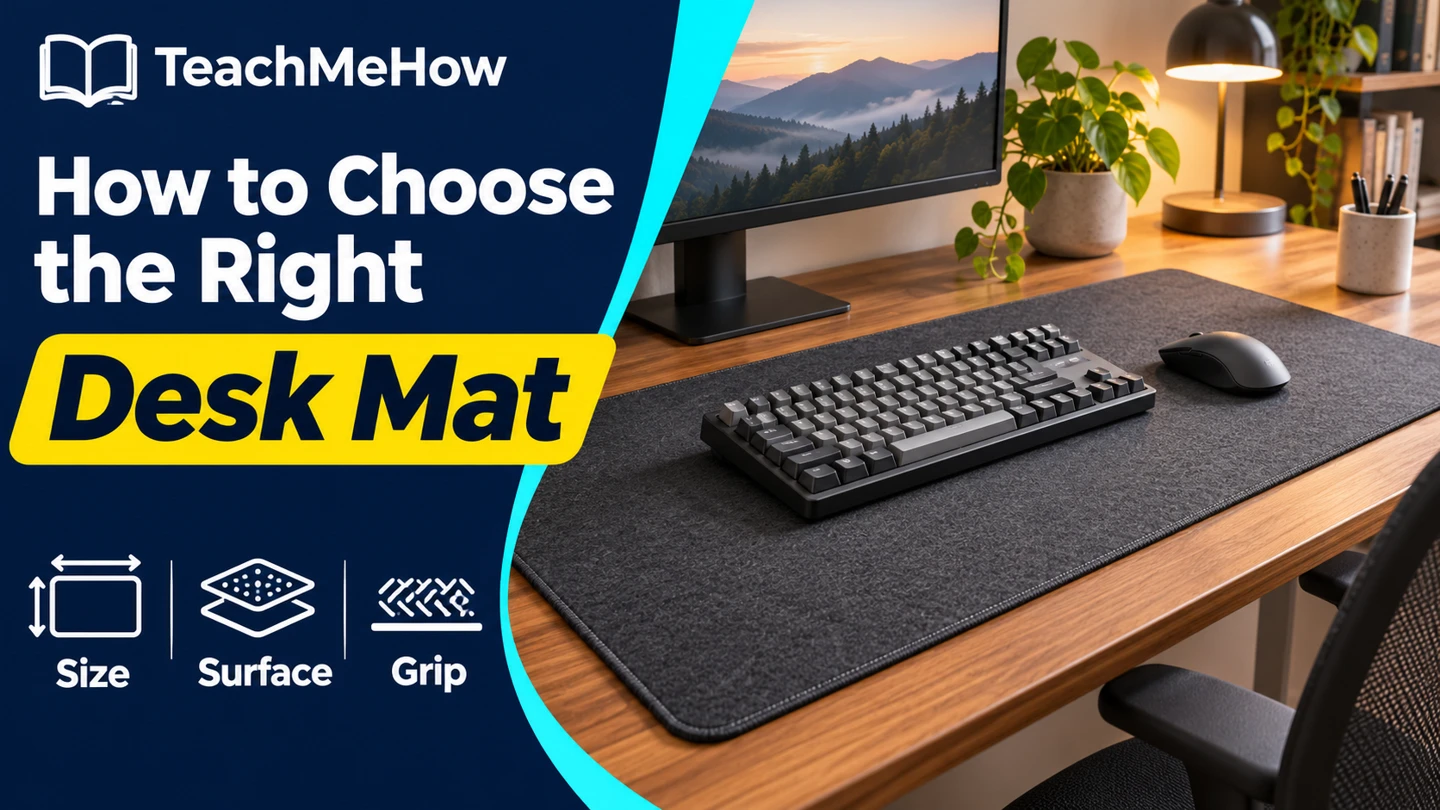
Compare cloth and wipe-clean desk mats, measure room for your keyboard and mouse, and check backing, edges, and cleaning instructions.
A desk mat can give your keyboard and mouse a shared surface or protect the part of the desk where you write. Start with the space your equipment actually uses, then pick a surface that suits the way you work.
Quick AnswerChoose a cloth desk mat if mouse feel matters most. Choose a smooth, wipe-clean surface if you mostly want a writing area or spill protection. Measure the clear width and depth before ordering, and check the backing against your desk finish.
Compare Desk Mat Surfaces
| Surface | Best for | Check first |
|---|
| Woven cloth | Comfortable mouse movement and an extended keyboard area | Surface texture and how it can be cleaned |
| Smooth coated surface | Writing and easy wipe-downs | Whether your mouse tracks well and how the coating handles marks |
| Felt | A softer work surface for accessories | Whether the backing grips and how it handles spills |
1. Measure Around the Equipment You Keep on the Desk
Measure the clear rectangle between the desk edge, monitor stand, and anything that stays put. Move the mouse through its usual range and measure where it lands. Leave enough room that neither the mouse nor your wrists spend the day crossing an edge.
2. Choose a Surface for Your Main Task
If you do a lot of mouse work, prioritize a surface that feels consistent under your mouse. If you write on loose paper, try a firmer surface that supports the pen. A mat that feels right for one task may feel too soft or too slick for the other.
Buying tipMark the proposed size with painter’s tape. Sit down with the keyboard, mouse, and notebook you use most often. You’ll quickly see whether you want a shorter mat or one that reaches farther on the mouse side.
3. Check the Backing and Edges
A grippy backing helps keep the mat from shifting while you type. Check the mat and furniture makers’ guidance for your desk finish. If your wrist sits near an edge, compare a stitched edge with a thin, smooth edge and choose the profile you find more comfortable.
4. Plan for Cleaning and Storage
Read the cleaning directions before assuming a cloth mat can go in the washer. Check how a smooth covering handles everyday marks and whether it should be stored flat. If the mat ships rolled, leave space to flatten it according to the maker’s instructions.
Which Mat Fits Your Desk?
| Your setup | Prioritize |
|---|
| Keyboard and mouse share one surface | Enough width beyond the keyboard for your full mouse movement |
| Small desk with a monitor base | A shorter depth that clears the stand |
| Handwriting and drinks at the desk | A firm surface with clear wipe-down instructions |
| Large mouse movements | An extended pad with a consistent surface and grippy backing |
Common Mistakes
- Measuring the whole desk instead of the clear area.
- Forgetting where the mouse travels.
- Assuming a thick mat will feel good for handwriting.
- Overlooking cleaning instructions and desk finish compatibility.
Before You Buy
- Measure clear width and depth.
- Check keyboard, mouse, and monitor base placement.
- Choose a surface, backing, and edge profile.
- Confirm the care instructions.
Bottom Line
Pick the smallest mat that comfortably covers your real working area. Let your main task decide the surface, then compare backing and edge height so the mat feels right where your hands rest.


Comments
Comments are reviewed before they become public.
Sign in with Google to leave a comment.
Sign in with GoogleNo approved comments yet. Be the first to start the discussion.