Compare twist-fold, accordion, and vehicle-specific sunshades by fit and storage.
Quick Answer
Measure the inside of the windshield and note where the mirror and sensor housing sit. Pick a twist-fold shade if storage is tight, or an accordion shade if you have room for a longer folded panel.
Compare your options
| Style | Storage | Fit check |
|---|
| Twist-fold | Small flat pouch | Corner coverage |
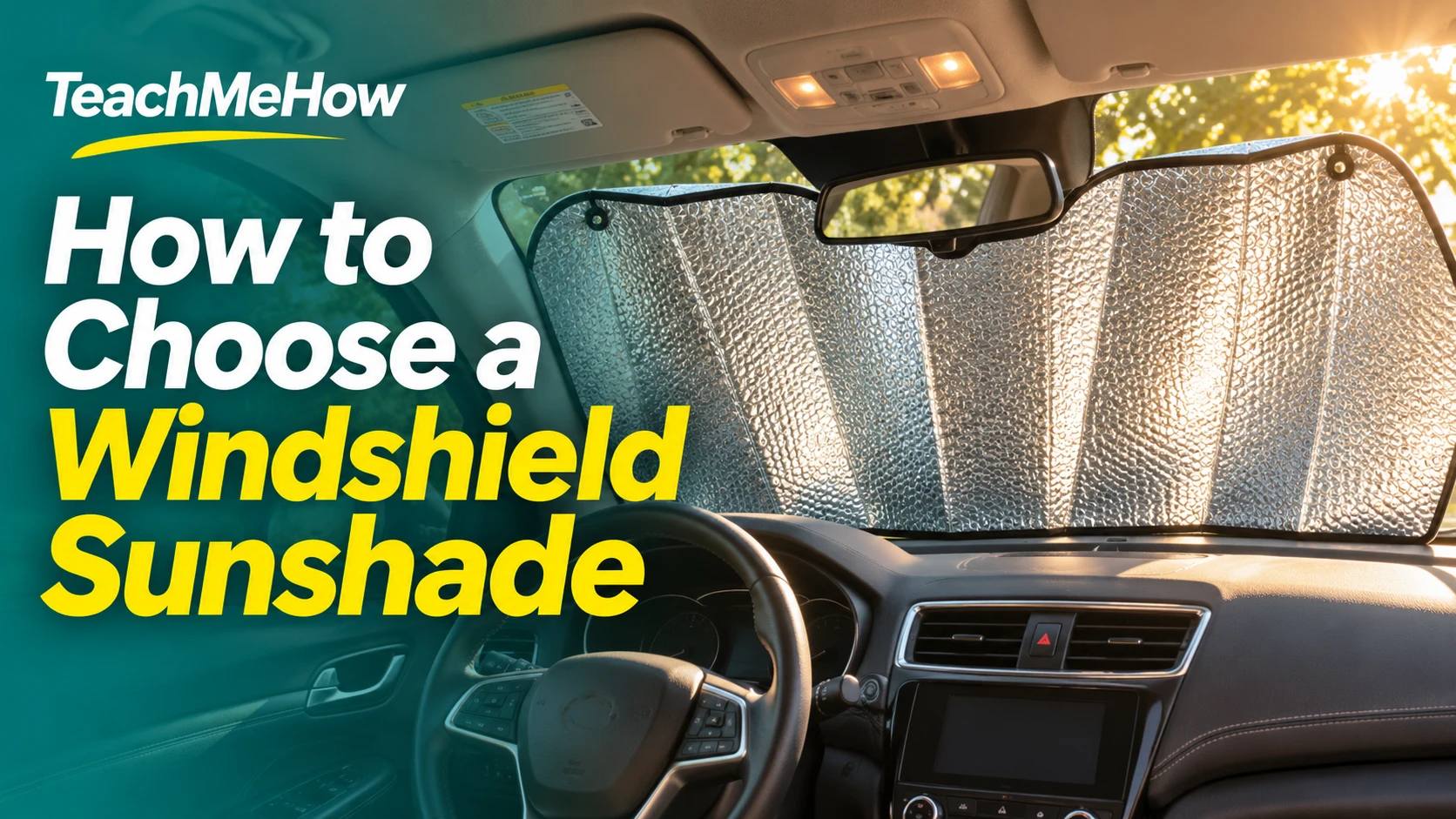
| Accordion | Long folded panel | Mirror cutout |
| Vehicle-specific | Varies | Exact model and year |
1. Measure the usable glass
From inside the parked car, measure the width where the shade will sit and the height from the dashboard to the top of the glass. Compare both measurements with the maker’s fit chart. Two cars with similar overall widths can have differently shaped windshields.
2. Check the upper edge
Look at how far the mirror mount, camera housing, or dashcam projects. Check whether the shade can sit behind the visors without pressing against accessories. A cutout that is too shallow can pull the rest of the shade away from the glass.
3. Pick a folding style you will use
Measure the storage spot with the cover folded. A twist-fold shade can fit in a door pocket, while a rigid accordion panel is easier to fold along fixed creases but takes up more length.
Buying Tips
- Check whether the maker gives dimensions for both the open shade and its storage pouch.
- Test the fit while parked and stow the shade before driving.
Match the shade to your routine
| Routine | Look for |
|---|
| Daily open-lot parking | Fast setup using the visors |
| Limited storage | A twist-fold pouch |
| Large mirror housing | A suitable cutout or vehicle-specific pattern |
Common Mistakes
- Ordering by vehicle type without checking dimensions.
- Measuring the glass and forgetting the mirror housing.
Before you buy
- Measure width and height.
- Check the mirror and visors.
- Choose a spot for the folded shade.
Bottom Line
Fit comes first. Then choose the folding style you can put up and put away easily enough to use every day.

Comments
Comments are reviewed before they become public.
Sign in with Google to leave a comment.
Sign in with GoogleNo approved comments yet. Be the first to start the discussion.