How to Choose the Right Dash Cam
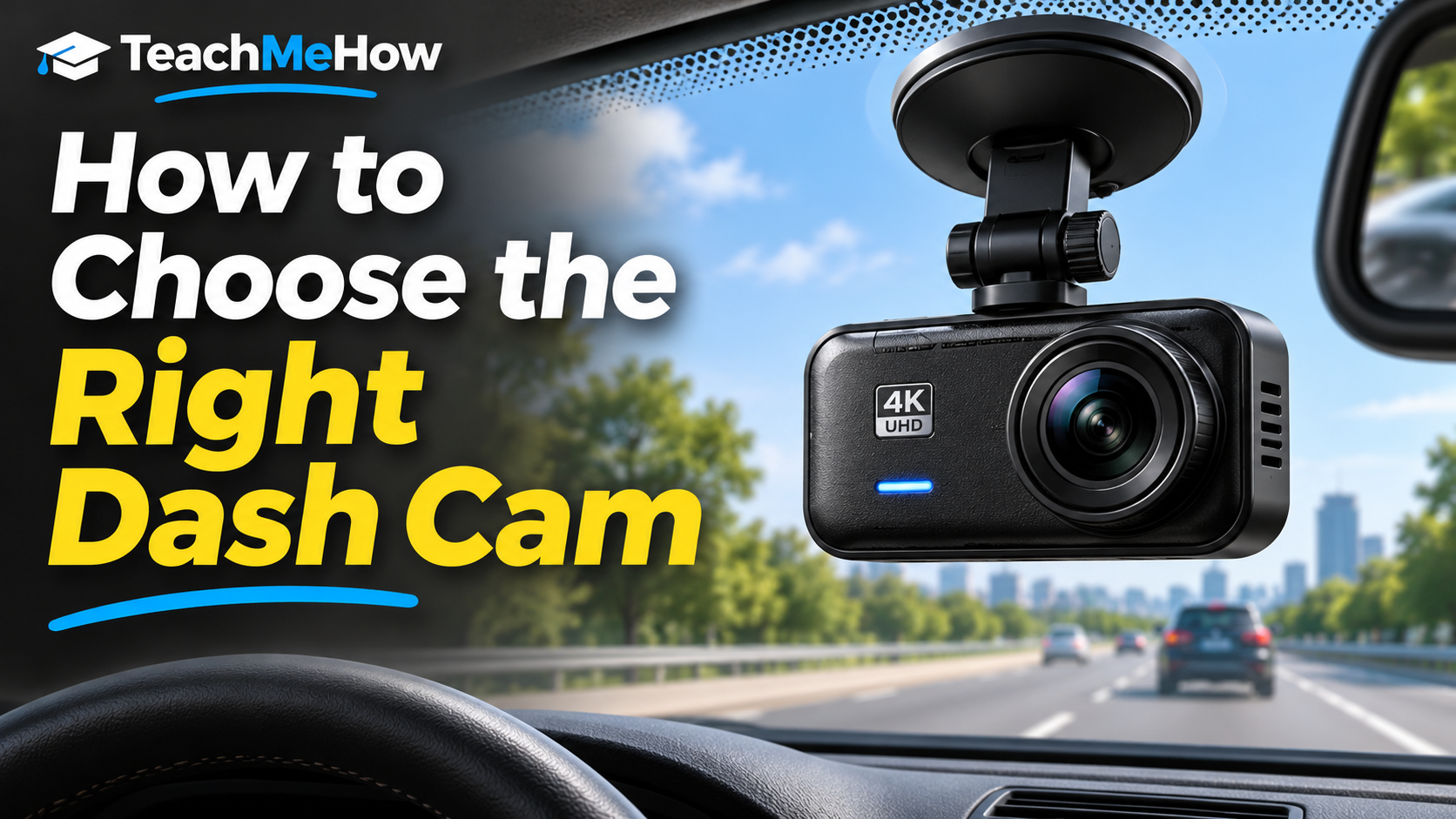
Learn how to choose the right dash cam based on video quality, night performance, front and rear coverage, parking mode, storage, heat resistance, and installation needs.
Follow these steps at your own pace. Check product terms and prices directly with providers before purchasing.
How to Choose the Right Dash Cam
A dash cam can record what happens in front of your vehicle and provide useful video after an accident, traffic incident, or unexpected event. But resolution alone does not determine whether the footage will be useful. Night performance, field of view, storage, parking mode, heat resistance, and installation quality can matter just as much.
The right dash cam should capture clear footage reliably without requiring constant attention.
Front-Only or Front-and-Rear?
A front camera covers the most common direction of travel and is simpler to install. A dual-channel system adds a rear camera, giving you more complete coverage around the vehicle.
If you frequently drive in heavy traffic or want better evidence after rear-end incidents, a front-and-rear setup can be worth the extra cost.
Resolution and Real Image Quality
Higher resolution can help reveal details such as license plates and road signs, but image processing and sensor quality are equally important.
A well-designed 1440p camera can sometimes provide more useful footage than a poorly optimized 4K model.
Night Performance
Low-light performance is one of the most important dash-cam features because accidents do not only happen during daylight.
Look at sample night footage if possible. Good exposure control can make a major difference when headlights, streetlights, and dark areas appear in the same frame.
Field of View
A wider lens captures more of the road, but an extremely wide field of view can make distant objects appear smaller.
A balanced field of view is usually more useful than simply choosing the widest number available.
Parking Mode
Parking mode allows the dash cam to monitor the vehicle while parked. Depending on the model, it may record continuously at low frame rates, save clips after impacts, or detect motion.
True parking mode often requires hardwiring the camera or using a dedicated battery pack.
Storage and Memory Cards
Dash cams usually record continuously and overwrite older footage when the memory card becomes full. Use a high-endurance memory card designed for repeated recording.
Check the maximum supported card capacity if you want longer recording history.
Heat Resistance
A car interior can become extremely hot, especially when parked in direct sunlight. Heat resistance is important for long-term reliability.
Capacitor-based dash cams are often preferred in hot climates because they can tolerate temperature extremes better than some battery-based designs.
Wi-Fi and Mobile Apps
Built-in Wi-Fi can make it easier to transfer clips to a phone without removing the memory card. App quality varies significantly between manufacturers, so it is worth checking reviews.
Common Dash-Cam Buying Mistakes
One mistake is focusing entirely on resolution while ignoring night footage. Another is buying a parking-mode camera without planning how it will receive power when the car is off.
It is also easy to use an ordinary memory card that may wear out quickly under constant recording.
Which Dash Cam Is Right for You?
For basic protection, a reliable front camera with good night performance and a high-endurance memory card may be enough. Drivers who want broader coverage should consider a front-and-rear system with parking mode.
What to Compare Before Buying
- Front-only or dual-camera setup
- Resolution
- Night image quality
- Field of view
- Parking mode
- Storage capacity
- Heat resistance
- Wi-Fi and app quality
- GPS support
- Installation requirements
- Warranty and price
Helpful tools to consider
Dash Cameras — Compare dash cams based on front/rear coverage, resolution, night image quality, field of view, parking mode, storage capacity, heat resistance, GPS, app quality, and price.
Product links will appear after our recommendations have been reviewed and affiliate partnerships are approved.
Disclosure: We may earn a commission from qualifying purchases made through affiliate links, at no additional cost to you. Learn more.
Comments
Comments are reviewed before they become public.
Sign in with Google to leave a comment.
Sign in with GoogleNo approved comments yet. Be the first to start the discussion.