How to Verify a Google Business Profile With a Video Recording
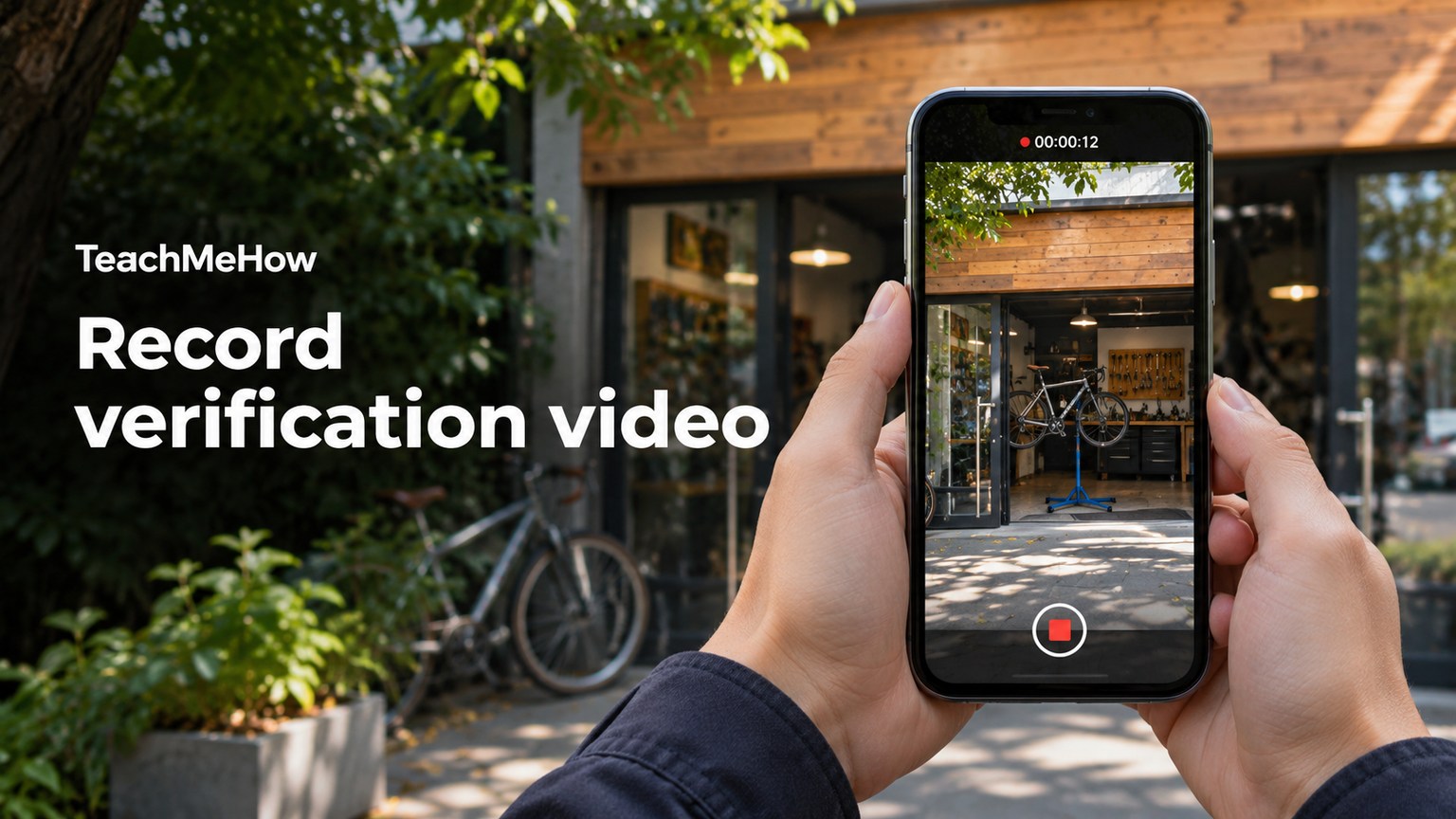
Plan a single verification recording that shows your location, business activity, and authority to manage it. Check what to show and how to upload it.
Follow these steps at your own pace. Check product terms and prices directly with providers before purchasing.
Quick answer
If Google offers Business video, open the profile on your phone and record through its verification flow. Use one continuous, unedited take of at least 30 seconds. Show where the business operates, what it does, and something that demonstrates your authority to run it.
Plan a route you can film in one take
| What Google needs | Storefront example | Service-area example |
|---|---|---|
| Location | Show the street sign or building number near the entrance. | Show a local street sign or other recognizable nearby landmark. |
| Business operation | Show the permanent sign with the business name, then the storefront. | Show the equipment you use to perform the service. |
| Management | Unlock the shop or show an employee-only workspace. | Unlock a branded work vehicle or show access to business-only equipment. |
Walk your route before recording. In a shared building, make the transition from the street number to the specific signed suite easy to follow. For a business that visits customers and does not receive them at its address, review the service-area profile setup. Clear other people’s faces, ID numbers, and client information out of the shot.
Record through the verification screen
- Open your profile on a phone and tap Get verified. Choose Business video if it is offered. Grant the device permissions needed for the recording when prompted.
- Record the route without stopping between scenes. Review the take on the phone. If the sign is unreadable or a document exposes private information, choose Try again and record the whole sequence again.
- Choose Upload video. Google says review can take up to five business days. If the result is unsuccessful, open Review issues and include the missing evidence in a new complete recording.
If you cannot locate management controls for your listing yet, claim the existing Business Profile first. Google’s video verification requirements.
Comments
Comments are reviewed before they become public.
Sign in with Google to leave a comment.
Sign in with GoogleNo approved comments yet. Be the first to start the discussion.