How to Request a Merge of Duplicate Google Business Profiles
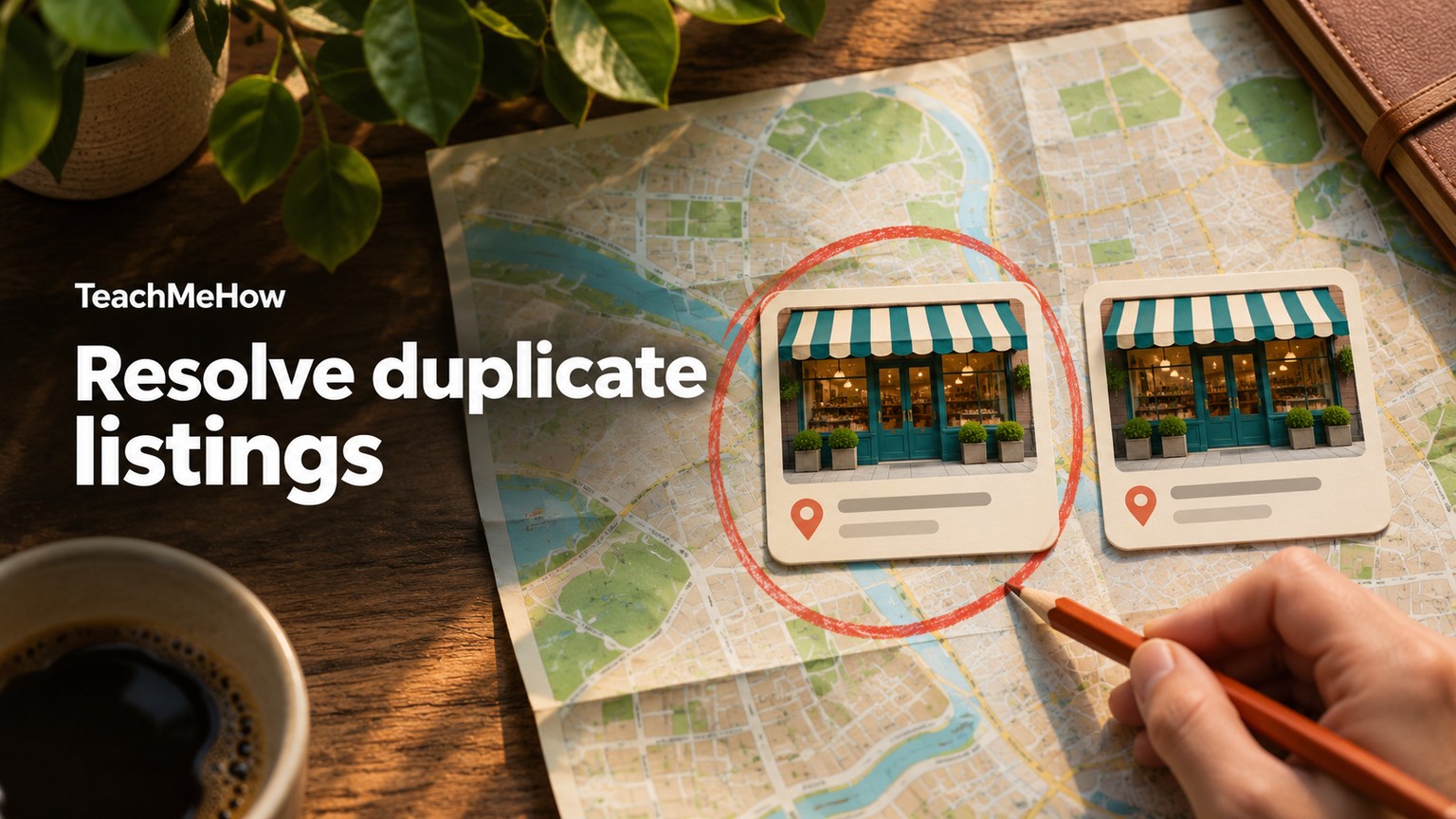
Recognize two listings for the same location, submit a duplicate suggestion in Maps, and understand what can happen to reviews and replies.
Follow these steps at your own pace. Check product terms and prices directly with providers before purchasing.
Quick answer
When two public Maps listings represent the same business at the same location, open the redundant one and choose Suggest an edit → Place closed or not here → Duplicate of another place. Submit the suggestion. Google reviews merge requests before changing the listings.
Compare both listings before reporting
Save the Maps links for both results. Check the business name, address or suite, phone number, and website. Two cafés on different floors can share a street address and still be separate businesses. Compare actual operations and permanent signage. If the main listing is already owned by someone else, request access to that listing first.
| What you found | Best next action |
|---|---|
| Same shop and same location appear twice | Use the Duplicate of another place reason. If Maps asks for a match, select the correct existing place. |
| Two distinct eligible businesses share a building | Keep the listings separate. If Google incorrectly marked one as a duplicate, ask support about an appeal and prepare evidence of the distinct signage. |
| One business offers several services at one location | Use the existing listing and add the services to its service menu. |
Check what survives the merge
Google says it combines reviews when it merges duplicate profiles, but replies to reviews may be lost. Save important reply text for your records before submitting. Verify the address, pin, phone number, and website when the result appears. Search the old listing name too, so you can see which result customers now find.
If only the marker is wrong and there is one correct listing, adjust the map pin on that profile. If you created a second profile in your own account, Google describes a separate removal process. Removing a profile also removes its content and linked managers, so identify the correct profile before choosing it.
Google’s duplicate and merge guidance · Google Maps duplicate reporting steps.
Comments
Comments are reviewed before they become public.
Sign in with Google to leave a comment.
Sign in with GoogleNo approved comments yet. Be the first to start the discussion.