Flexible ID tape
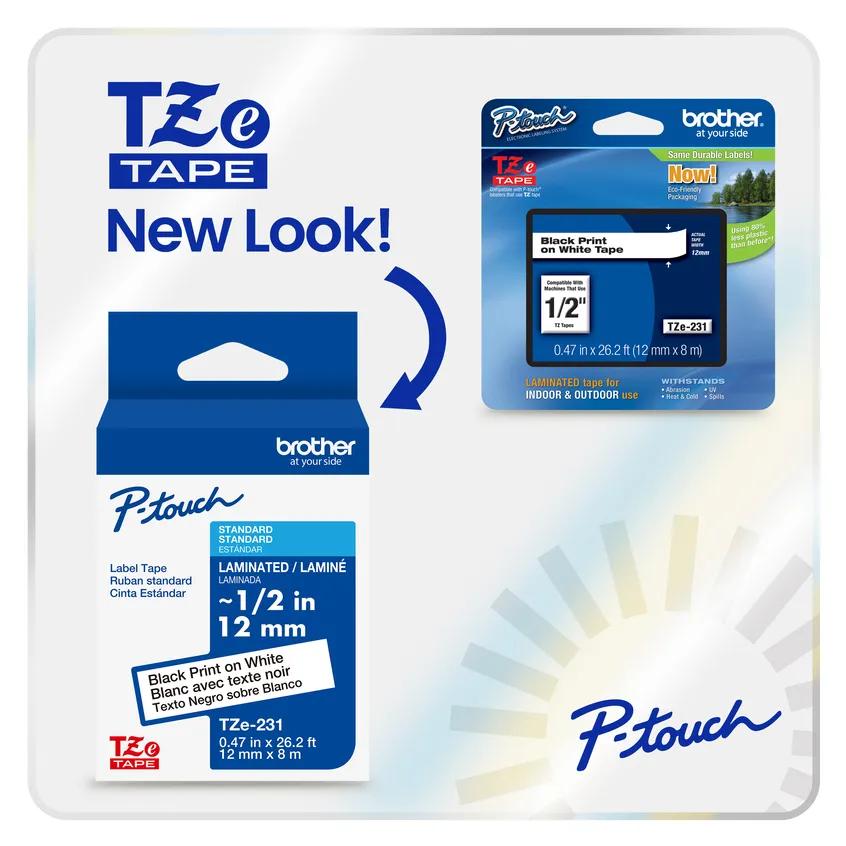
Flexible ID label tape
Brother TZe-FX231 Flexible ID Black on White Label Tape, 12 mm
This 12 mm black-on-white tape is designed for curved surfaces and cable identification.
Check current price
Check current price (paid link) ↗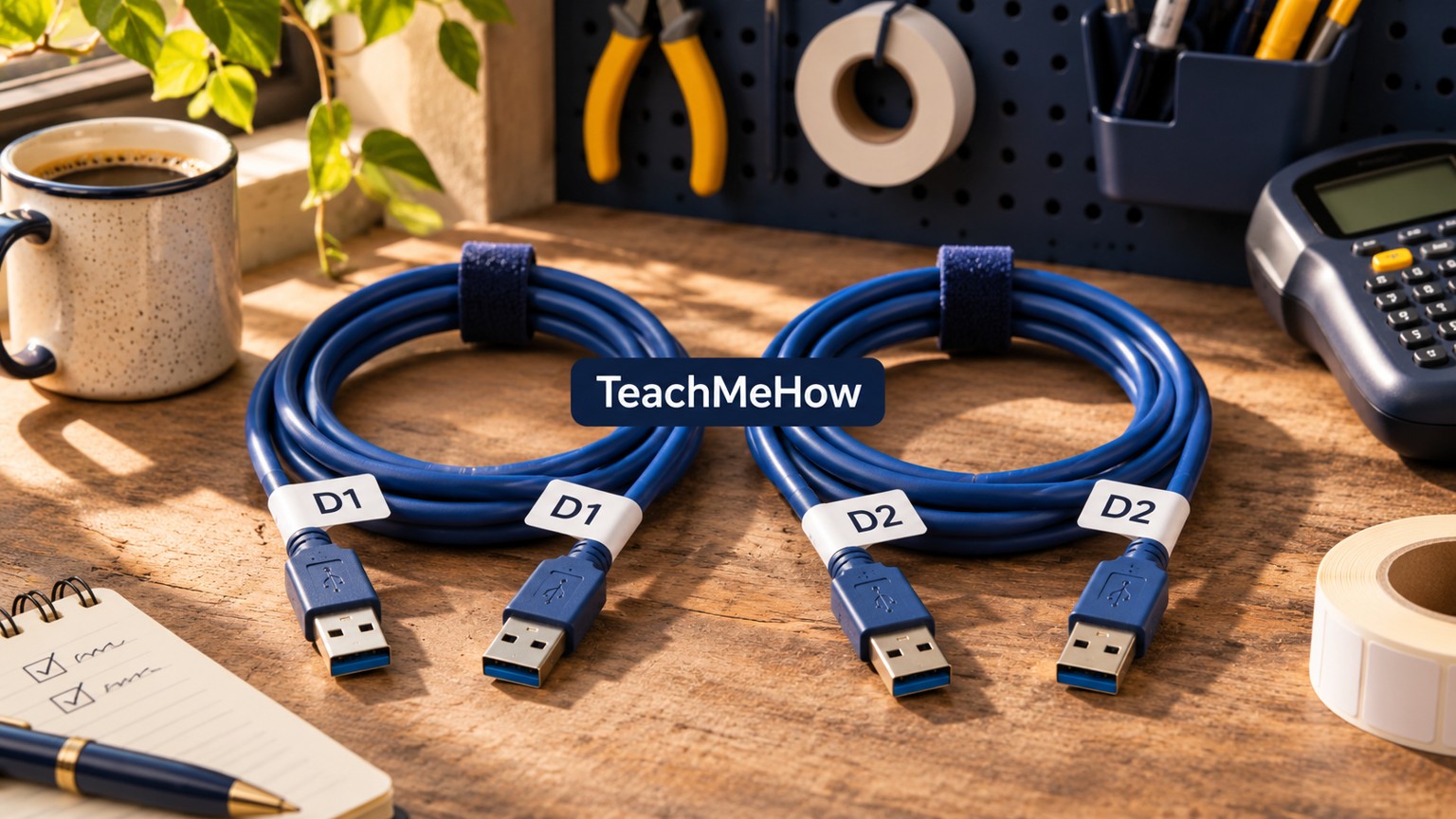
Use the PT-H110 cable templates and flexible ID tape to make matching flags, distinguish look-alike USB leads, and check each pair after routing.
Follow these steps at your own pace. Check product terms and prices directly with providers before purchasing.
Use the PT-H110’s Cable key to make a flag that identifies a USB lead from either side. Choose the matching-text template for one ID on both faces, print two copies, and put one flag near each connector. Flexible ID tape is a better match for the curve than standard tape intended for a flat drawer.
Two identical USB cables can disappear behind a monitor and reappear in a hub. Labeling both ends “USB” adds little. Use a short name that answers the question you will ask later. CAM-1 identifies the camera lead. MIC-1 distinguishes the microphone beside it. If devices move often, use a stable cable number and keep the current device name in a small list.
Trace one lead from end to end before printing. Work with accessible external USB cables and choose a moment when moving a lead will not interrupt a transfer. If you cannot confidently identify the far connector, follow the physical route or wait until you can disconnect and check it. Matching two labels on the wrong cables makes the next diagnosis harder.
Choose a straight stretch of intact cable jacket near each connector. Leave enough space to grip the connector and use its strain relief normally. Keep the USB contacts, release tabs, ports, and any existing identification marks clear.
Load compatible flexible ID tape, such as 12 mm TZe-FX231 black on white. Press Cable on the PT-H110 and use the arrows to select a layout. The first template repeats one entry on both faces. The second lets you supply different text for the two faces.
For a simple pair choose the first layout, enter CAM-1, and confirm. At the Print screen, preview the layout. With the second layout you could enter CAM-1 on one face and DESK HUB on the other. Keep the wording short enough to read after folding.
At Print, confirm, choose two copies, and let the feed finish. Before peeling, put a label beside each end of the same loose cable. Compare both against your list. If the cable is already routed, label it before moving on to a second lead.
Peel the backing, position the midpoint around the jacket, and bring the two adhesive faces together. Press from the bend toward the free edge so the faces line up. Leave the jacket in its natural shape. Turn the flag to confirm that the ID reads clearly when the lead is plugged back in.
If the flag fouls an adjacent port, move it farther down the straight part of the lead or choose a shorter ID. If the two ends do not meet squarely, make a paper mock-up around the same cable and see where the fold should sit. A long text entry can produce a larger flag than a crowded hub has room for.
The cable templates set their own length, and the PT-H110 cannot save these template labels to its ordinary file memory. To leave the template, press Esc or choose Exit from the print screen. Keep a note of the IDs and which template you used. That is especially helpful when replacing just one end.
With two flags applied, route the cable as it will normally sit and look at it from both ends. A flag that was clear on the bench can disappear behind the hub once the cable makes its natural bend. Check that you can grip the plug, read the ID, and pull the desk drawer open without snagging it.
For a shared station, write CAM-1 beside the associated device on a simple connection list. If somebody temporarily borrows the cable, leave the ID with the cable. Update the list if its job changes. Reserve terms like “fast charge” for capabilities you have independently verified for that particular lead.
If a flat drawer label keeps peeling from a storage tote, diagnose the bin surface and adhesive. For the cartridges used by the same handheld printer, compare supported TZe tape widths.
Use flexible ID tape for folded cable flags.
This 12 mm black-on-white tape is designed for curved surfaces and cable identification.
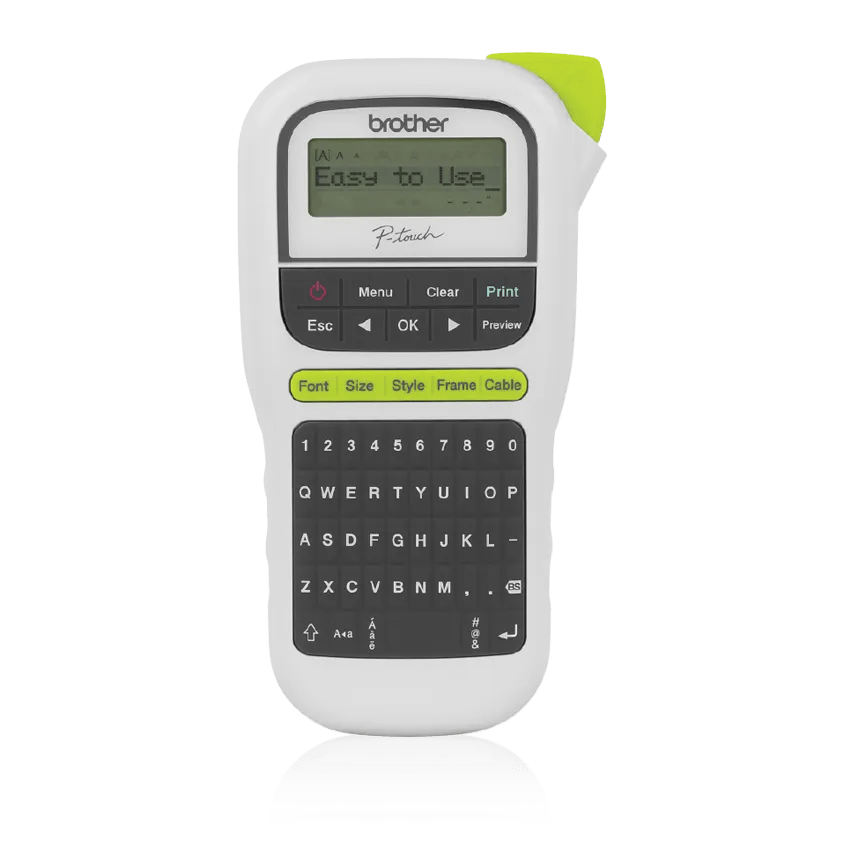
Its two built-in cable layouts let you repeat one ID or give each face different text.
Prices may change. Check the retailer for the current price and availability. We may earn a commission from qualifying purchases at no additional cost to you. Learn more.
Comments
Comments are reviewed before they become public.
Sign in with Google to leave a comment.
Sign in with GoogleNo approved comments yet. Be the first to start the discussion.