How to Choose the Right Standing Desk
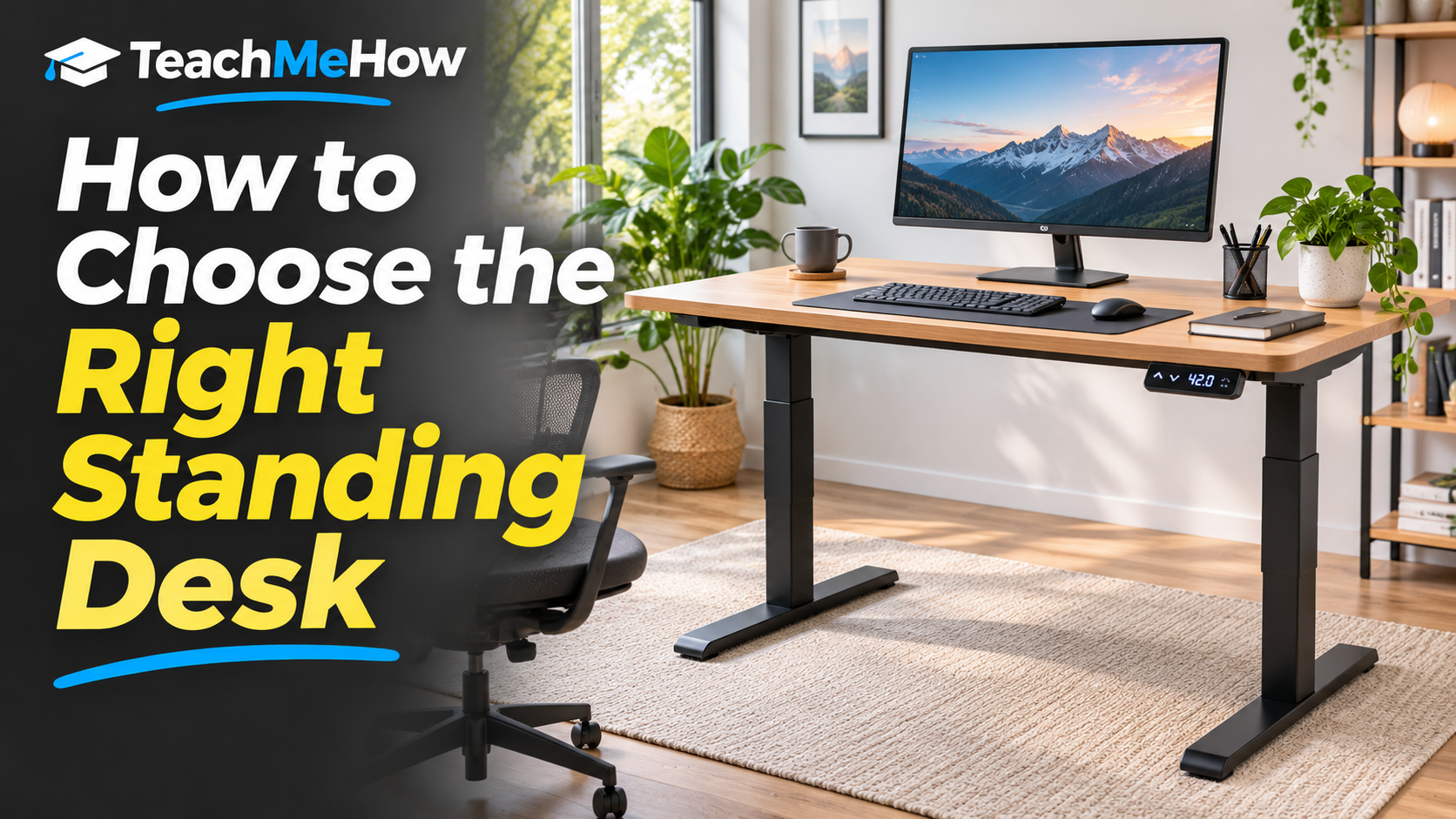
Learn how to choose the right standing desk based on height range, desktop size, stability, weight capacity, motor quality, memory presets, and workspace needs.
Follow these steps at your own pace. Check product terms and prices directly with providers before purchasing.
How to Choose the Right Standing Desk
A standing desk can make a workspace more flexible by letting you alternate between sitting and standing during the day. But choosing one is not just about finding a desk that moves up and down. Stability, height range, desktop size, lifting capacity, controls, noise, and the quality of the frame can all affect how comfortable and useful the desk feels over time.
The best standing desk is one that fits your body, your equipment, and the room where you work. Before comparing models, think about how much space you need, how tall you are, and whether the desk will hold one monitor, multiple monitors, speakers, a desktop computer, or other heavy equipment.
Start With the Height Range
A standing desk needs to work at both your sitting and standing positions. If the minimum height is too high, shorter users may not be able to type comfortably while seated. If the maximum height is too low, taller users may end up leaning forward while standing.
Look at the actual published height range instead of assuming every electric desk will fit everyone. If more than one person will use the desk, a wider adjustment range becomes even more important.
Choose the Right Desktop Size
Desk size should match the equipment you actually use. A compact desktop may be enough for a laptop and one monitor, while dual monitors, speakers, notebooks, and other accessories can quickly make a small surface feel crowded.
Also consider depth. A deeper desktop can give you more comfortable viewing distance from a large monitor and more room for a keyboard, mouse, and documents.
Two-Leg Versus Four-Leg Designs
Most standing desks use two lifting columns. These are practical, affordable, and suitable for many home offices. Larger four-leg designs can provide additional stability, especially with very wide desktops or heavy equipment.
If you use monitor arms, large displays, or frequently lean against the desk, stability should be a major priority.
Motor Quality and Lifting Capacity
Electric desks may use one or two motors depending on the design. Dual-motor systems often provide smoother lifting and greater weight capacity, although the overall frame design matters too.
Add up the approximate weight of your monitors, computer, speakers, and accessories. Choose a desk with enough capacity that it is not operating close to its maximum limit every day.
Stability at Standing Height
A desk can feel solid while seated but become noticeably shakier when raised. This matters if you type aggressively, use a large monitor arm, or work at the highest part of the desk's range.
Independent reviews can be especially useful because stability is difficult to judge from product photos alone.
Memory Presets
Programmable height presets are one of the most useful convenience features. Instead of manually adjusting the desk every time, you can save your preferred sitting and standing heights and switch between them with one button.
If several people share the desk, look for controls with multiple memory positions.
Noise and Adjustment Speed
A standing desk does not need to be silent, but a noisy motor can be distracting in a shared office or during phone calls. Adjustment speed also matters if you switch positions frequently.
Small differences in speed are less important than smooth movement and reliable stopping.
Cable Management
Raising and lowering the desk changes the distance between your equipment and wall outlets. Poor cable management can cause cords to pull, snag, or disconnect.
A cable tray, power strip mounted under the desk, and enough cable slack can make the setup much cleaner and safer.
Desktop Material and Finish
Laminate desktops are affordable and easy to maintain. Solid wood can look beautiful but may cost much more and add significant weight. Bamboo and other materials offer different balances of appearance, weight, and durability.
Consider how easily the surface scratches and whether clamp-style monitor arms will be used.
Common Standing-Desk Buying Mistakes
One common mistake is choosing based only on desktop size while ignoring the height range. Another is buying a very inexpensive frame that becomes unstable when fully raised.
It is also easy to overlook cable management and the amount of floor space the desk feet require.
Which Standing Desk Is Right for You?
For most home offices, a stable dual-motor desk with memory presets, a suitable height range, and enough surface area for your equipment is a strong choice. Taller or shorter users should pay especially close attention to minimum and maximum height.
What to Compare Before Buying
- Height range
- Desktop width and depth
- Weight capacity
- Frame stability
- Single- or dual-motor design
- Memory presets
- Adjustment noise
- Cable-management options
- Desktop material
- Warranty and price
Helpful tools to consider
Standing Desks — Compare standing desks based on height range, desktop size, weight capacity, frame stability, motor type, memory presets, cable management, materials, warranty, and price.
Product links will appear after our recommendations have been reviewed and affiliate partnerships are approved.
Disclosure: We may earn a commission from qualifying purchases made through affiliate links, at no additional cost to you. Learn more.
Comments
Comments are reviewed before they become public.
Sign in with Google to leave a comment.
Sign in with GoogleNo approved comments yet. Be the first to start the discussion.