How to Create a USPS SCAN Form for Multiple Packages in Click-N-Ship
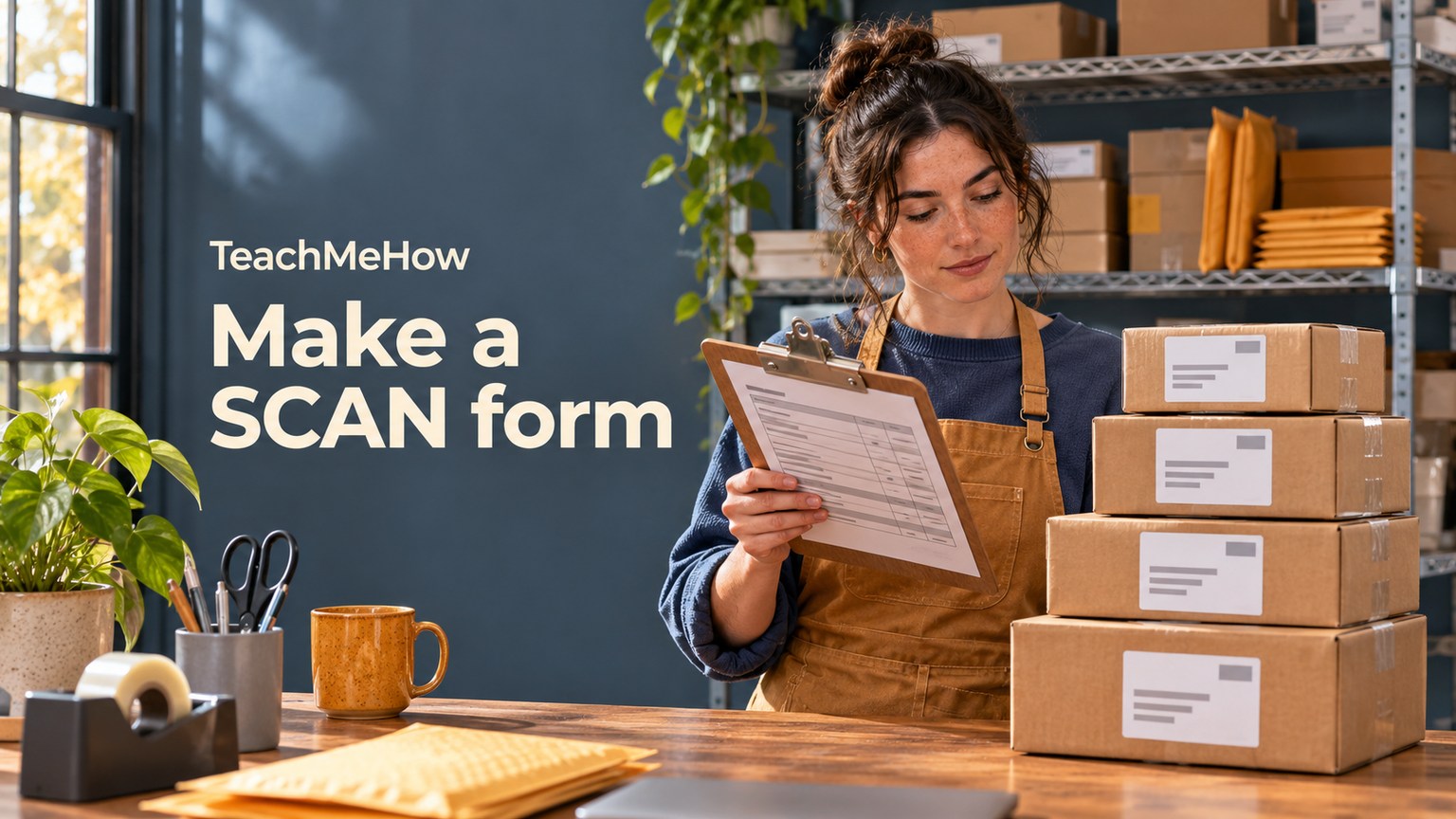
Group eligible labels by ship date and origin ZIP Code, print PS Form 5630, and hand the matching parcels to USPS for a single batch scan.
Follow these steps at your own pace. Check product terms and prices directly with providers before purchasing.
Quick answer
Use SCAN Forms in Click-N-Ship to create PS Form 5630, the Shipment Confirmation Acceptance Notice. The form gives USPS one master barcode for packages you hand over together. Each parcel still needs its own paid shipping label.
Match the list to the packages before printing
Sort ready-to-mail boxes by their ship-from ZIP Code and ship date. Each combination gets its own form. For example, if you bought seven labels today but only six boxes are leaving today, select the six that are physically ready. A label purchase and a packed box are easy to confuse when a printer produces several labels at once.
Create and print the batch barcode
- If you bought multiple labels together, first check the payment confirmation page for a SCAN form. Use it only if the packages match. To build a group from eligible labels, open SCAN Forms from the Click-N-Ship landing page and choose New SCAN Form.
- Choose the origin ZIP Code and ship date. Under the list of available labels, use Add for the shipments in front of you. Use Add All only when every listed label belongs to this handoff.
- Review the included labels against the boxes. Compare recipients and tracking numbers as well as the count. Read the acknowledgment before creating the form. USPS warns that you cannot change it after printing and explains the refund restriction on labels that do not ship with it.
- Select Create SCAN Form. Print the downloaded PDF clearly, keeping its barcode flat and readable. Give it to the clerk or carrier with the matching group. For home collection, schedule your carrier pickup separately.
What the scan tells you
Scanning the master barcode records receipt of the group. A package may show “Shipment Received, Package Acceptance Pending” until it gets an individual scan. Keep each parcel’s tracking number so you can follow it after the handoff.
If the list or printed form is wrong
Check the ship date, origin ZIP Code, and Recent SCAN Forms if a label is missing. Recent SCAN Forms also lets you reprint an eligible form. If a customer cancels before mailing, follow the unused-label refund instructions before presenting the batch barcode.
USPS illustrated SCAN Forms guide (PDF) · USPS explanation of batch acceptance
Comments
Comments are reviewed before they become public.
Sign in with Google to leave a comment.
Sign in with GoogleNo approved comments yet. Be the first to start the discussion.