How to Assign a Service to Specific Staff in Square Appointments
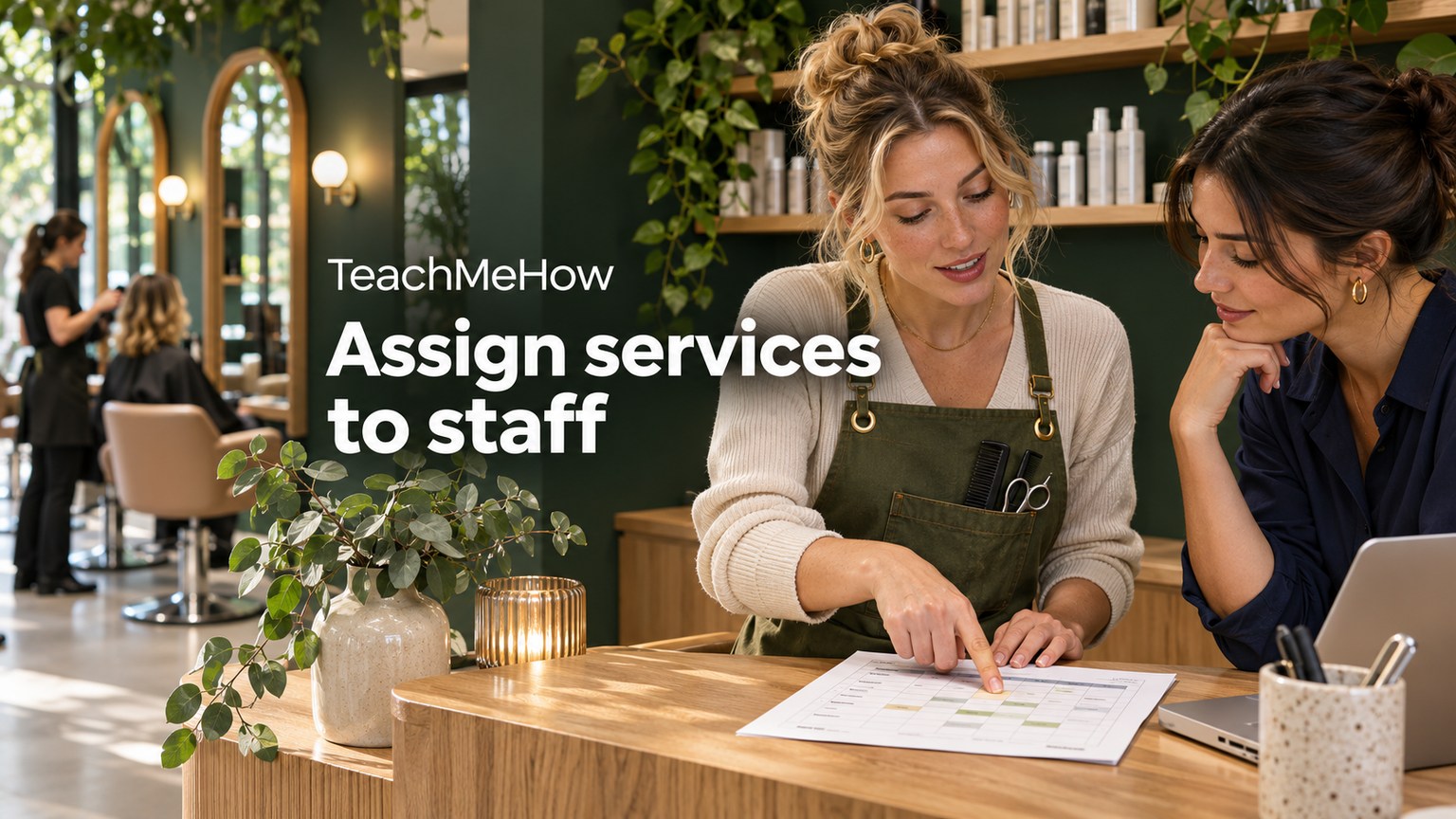
Make one service bookable with the right employees. Check staff eligibility, location, availability, and the public booking page.
Follow these steps at your own pace. Check product terms and prices directly with providers before purchasing.
Quick answer
In Square Dashboard, go to Staff → Team, select the employee, and open their Appointments tab. Enable Bookable by customers online and use Edit to choose their offered services. For a service with multiple variations, review the team assignments for the specific variation too.
Set up one booking rule at a time
- Open the person’s team profile. If they have never accepted bookings, use Add to appointments in their Appointments tab and complete their booking information. Confirm the location and hours where they actually work.
- Choose their offered services. For example, give Jordan and Lee the standard haircut, but assign the color consultation only to Jordan. Review the other staff profiles if the consultation was previously offered by everyone.
- If the catalog uses variations, go to the Service library and open the relevant variation. Under Online booking, check whether clients can book it and which team members are assigned. Save the service.
Test it the way a client books
Open the public booking link for the correct location and select the color consultation. If the booking flow offers named staff, confirm that Jordan is an option and Lee is not. Then choose the standard haircut and confirm that both are eligible. Test a day when both normally work. Stop before booking.
| What you see | What to check |
|---|---|
| The employee is never listed | Check their online-bookable toggle, working location, and hours. |
| The employee appears for one option but not another | Check the variation’s assignments and online booking setting. |
| The afternoon appears but lunchtime is missing | Check the person’s calendar for a recurring lunch block or other busy time. |
If the choices differ by price or duration, create service variations with names customers can distinguish. Square’s bookable team member instructions.
Comments
Comments are reviewed before they become public.
Sign in with Google to leave a comment.
Sign in with GoogleNo approved comments yet. Be the first to start the discussion.